

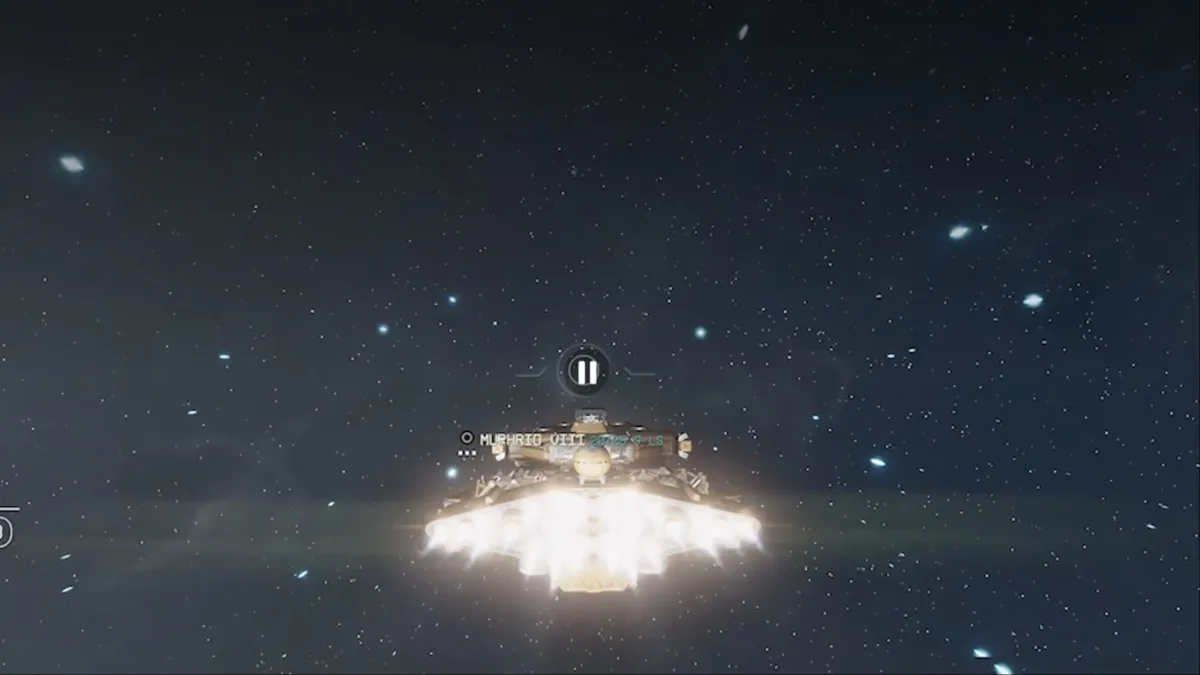
The Free Lanes update is now available on all platforms, and Starfield players can now fly through space and travel between different planets, unlike the instant jump mechanism that was previously in place.
At its heart lies the new Cruise mode that makes all of it possible.
How to use the Cruise Mode in Starfield
As usual, you’ll need to be on your ship. Once it’s in space, you’ll now be able to activate the Cruise Mode. You’ll need to wait for a prompt to appear that allows you to press the L1/LB button to activate the mode.
Once activated, you’ll now be able to expand your viewing area and decide the direction in which the ship will travel. Press the L3/LS button to accelerate and cover distances more quickly. When you’re traveling in Cruise mode, a marker can sometimes appear on the screen. They will usually hint at any item of interest that might pop up in the space. You can select the item and press R1/RB to engage the autopilot mode to travel in a definite direction.
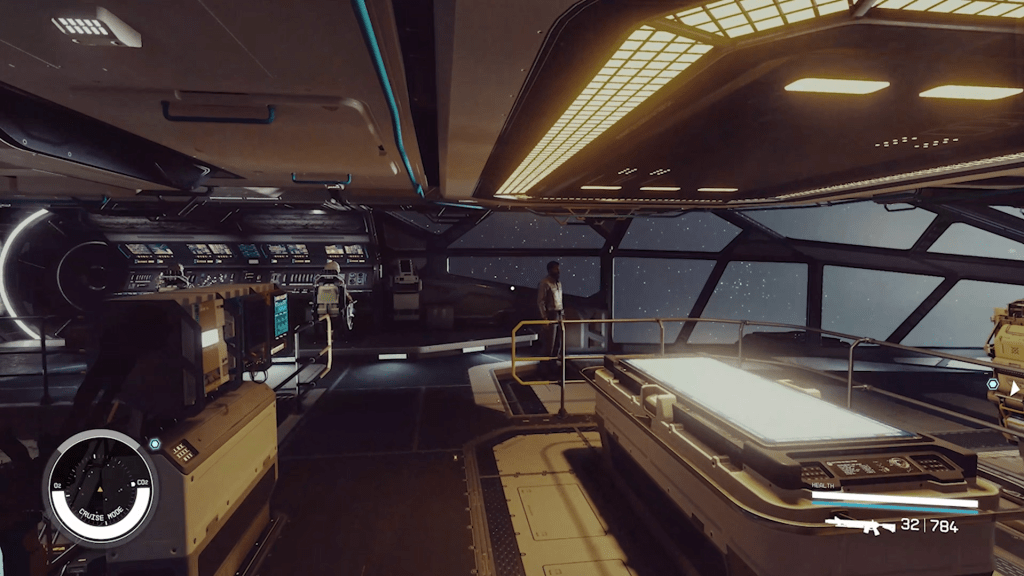
That way, you can reach a target location without having to fly all the way manually. Once your ship reaches the location, it will automatically slow down for your convenience. During the Cruise mode, you can also exit your cockpit by pressing the Circle/B button. You can then explore the insides of your ship, interact with your crew, and more.
Starfield Free Lanes encounters explained
When you’re flying your ship in Cruise mode, Free Lanes encounters can show up randomly. These are random points of interest that can show up in the space when you travel. Sometimes, they will allow you to enjoy additional interactions with NPCs. Some of those will be beneficial for your adventures. Others might just be entertaining tales that you’ll be able to enjoy.
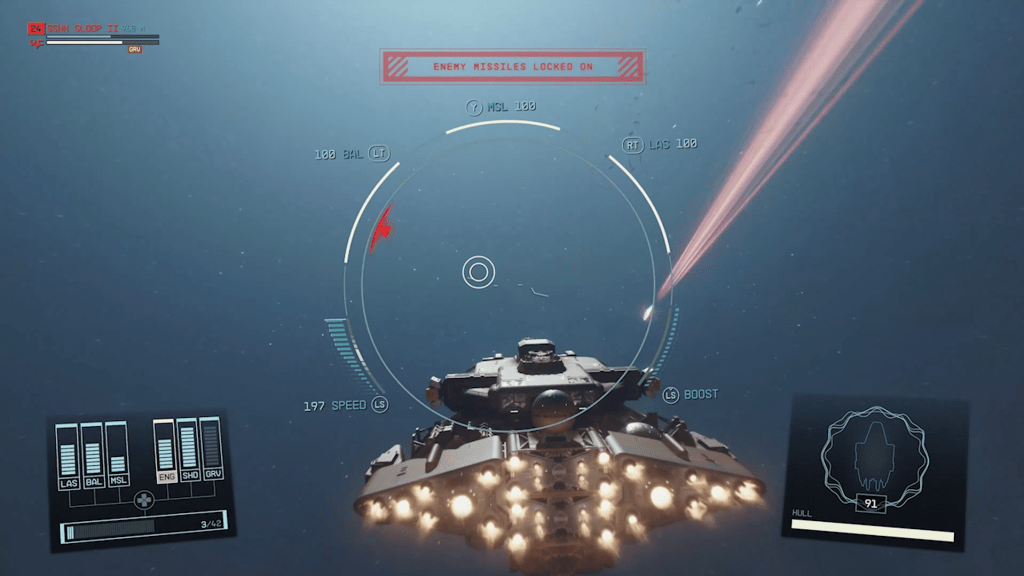
Overall, if you have time to play the game at a slower pace, the Cruise mode and the Free Lanes encounters are a really fun addition that truly brings the joys of space exploration to the front.


