


The Division 2‘s server maintenance on April 23 is now over, but if you’re hit with a login queue, you’re not alone. Players trying to gain access to the servers immediately after the maintenance have been put into the queue, where they need to wait for a chance.
This guide will briefly explain why you might be seeing their queue and how you can avoid it.
The Division 2 login queue explained
The login queue in The Division 2 is in place to ensure that the server load remains smooth. When the game has been down for a few hours, chances are that many players might try to log in at the same time. The game is available on both PC and consoles, which also raises the number of players who try to start their session.
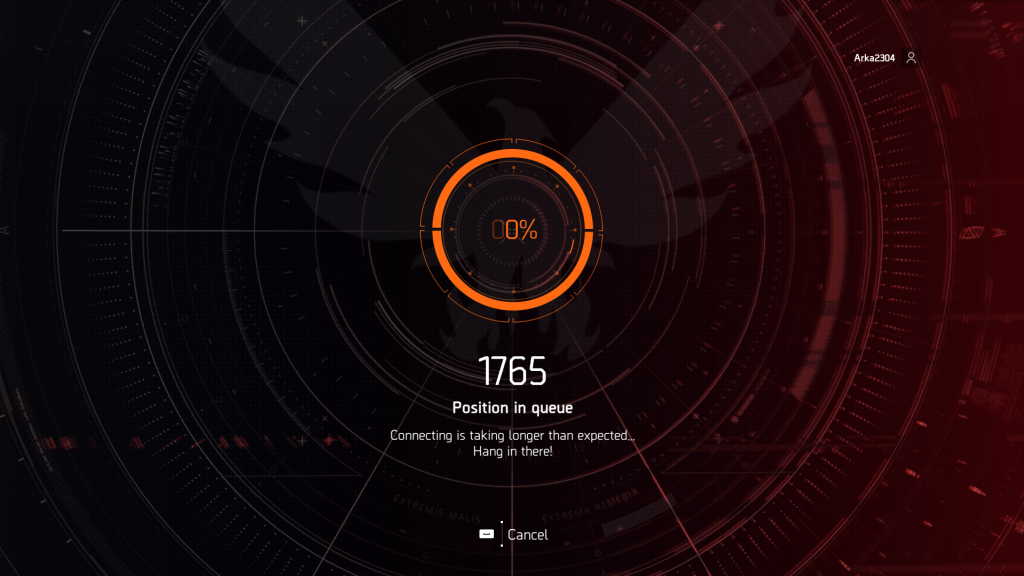
The login queue ensures that players enter the servers systematically, which also reduces the chances of an outage. This queue applies to players on both PC and consoles. However, the queue deactivates automatically when the logins have subsided. I have never experienced the queue when there hasn’t been any maintenance involved.
If you want to play immediately post-maintenance, there’s no way to avoid the queue. You should also refrain from quitting the game, as it will put you on a fresh virtual line of players. The only option is to wait for your turn patiently until you can start the game and access your save.
If waiting in the queue irritates you for some reason, the ideal solution is to simply wait. Once an hour or two has passed, the queue should disappear on its own. You should be able to log in directly without any extra seconds or minutes of waiting.


