


NBA 2K27‘s MyCareer mode allows you to become a certified superstar over multiple seasons, and it’s not necessary for you to stick to just one team. Whether you’re unhappy at your current franchise or just want to try something new, you can easily switch with the help of a transfer.
Let’s find out how you can make a move in MyCareer mode.
Table of contents
Can you switch teams in NBA 2K27 MyCareer mode
Just like last year, it’s easy to switch your teams. Moving to a different team entirely depends on you and when you want to make the switch. You cannot immediately change your side after beginning a new career save. Let’s now find out the point where you get your switch.
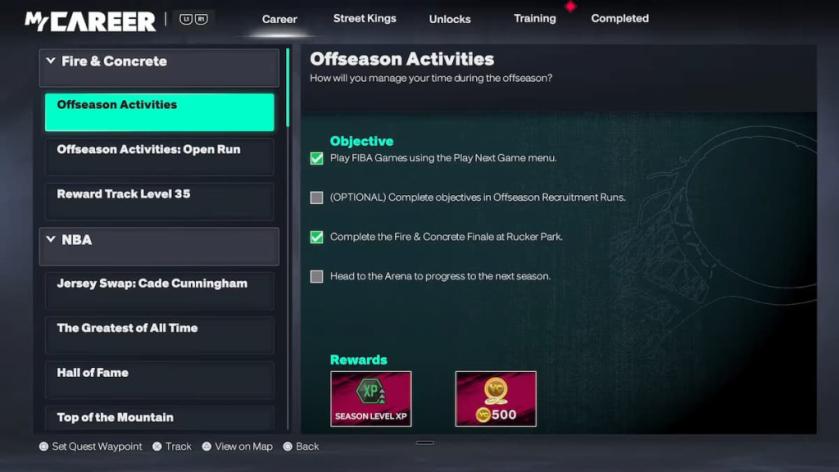
How to request a trade in NBA 2K27 MyCareer mode
To request a trade, you have to fulfil two conditions.
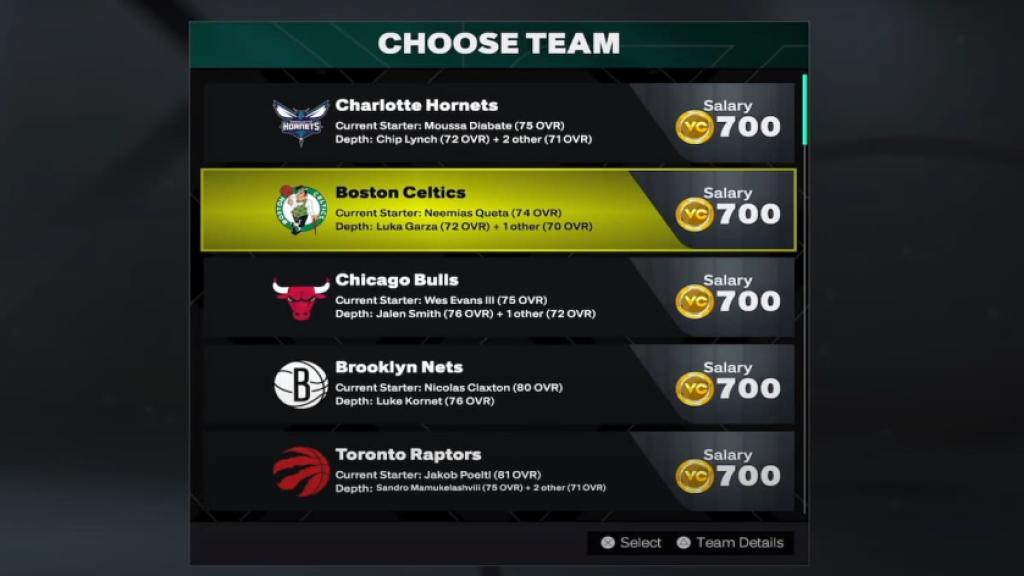
- Complete the first season in your starter NBA team: The first season must be over for the next requirement. This will take a bit of time, but you can quicken the process by simming your matches. I don’t recommend that because it will deeply affect your in-game ratings and potential growth.
- Finish the offseason: The offseason has plenty of in-game activities that you can complete. However, it also marks the start of the free agency, which is when you get to make the switch. You have to sim until the All-Star game to get to the point.
Before completing the switch, you can browse all the teams that are interested in signing you up. While the amount of VC you get is a key factor, it’s also important to consider the squad depth. If a team already has other options in your position, you’ll have limited minutes until you establish yourself.


