

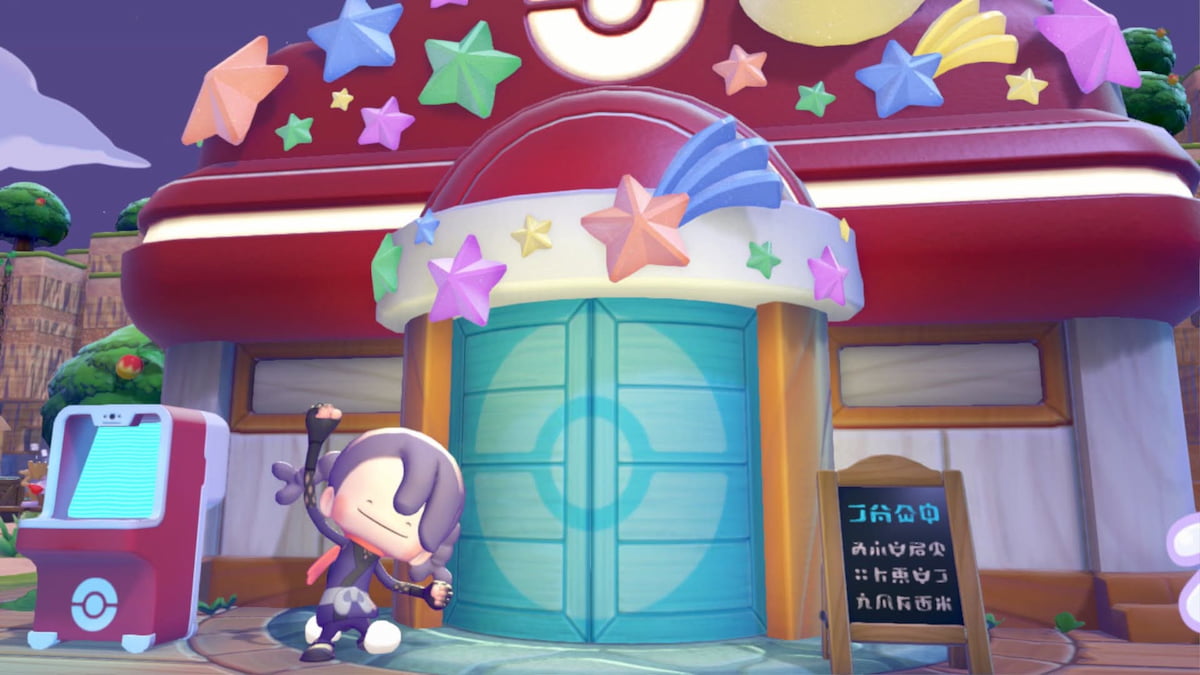
Jirachi has arrived in town, and they’ve brought with them an exciting event packed with all kinds of epic prizes you can earn in Pokopia. It’s a limited-time occurrence, so you’ll want to ensure you complete everything the Wish Upon a Jirachi event has to offer before it ends.
Each event is quite unique in Pokopia, which means it can be tricky to figure out how they work and what needs to be done for each one. If any part of this one has you stumped, here’s how to complete the Wish Upon a Jirachi event in Pokopia.
Table of contents
How to start the Wish Upon a Jirachi event in Pokopia
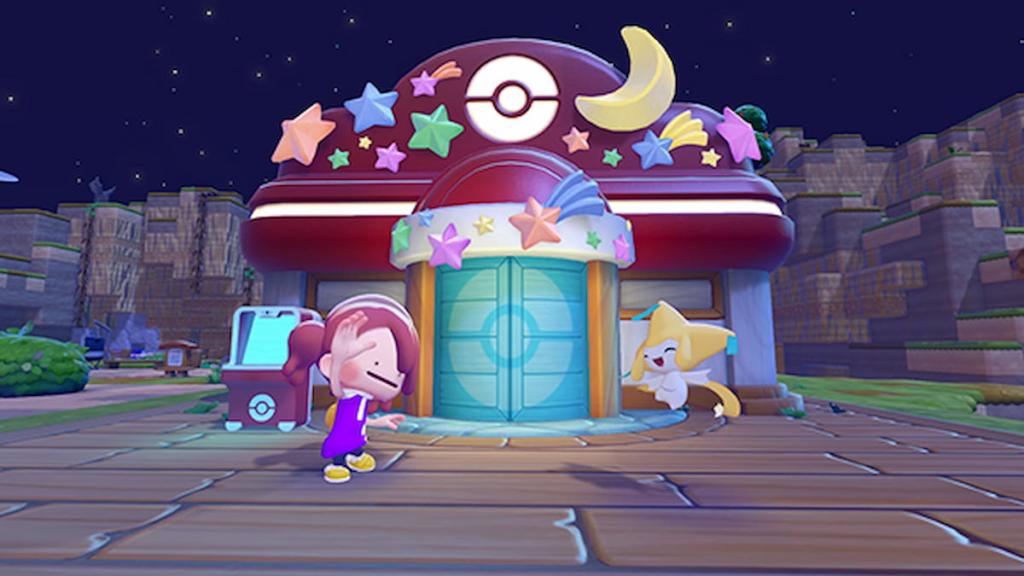
You can start the Wish Upon a Jirachi event by talking to Jirachi at any rebuilt Pokémon Center. If you don’t see them there, you may not have met some of the requirements to begin this event, so focus on checking those off first.
How to get and use wish notes in Pokopia
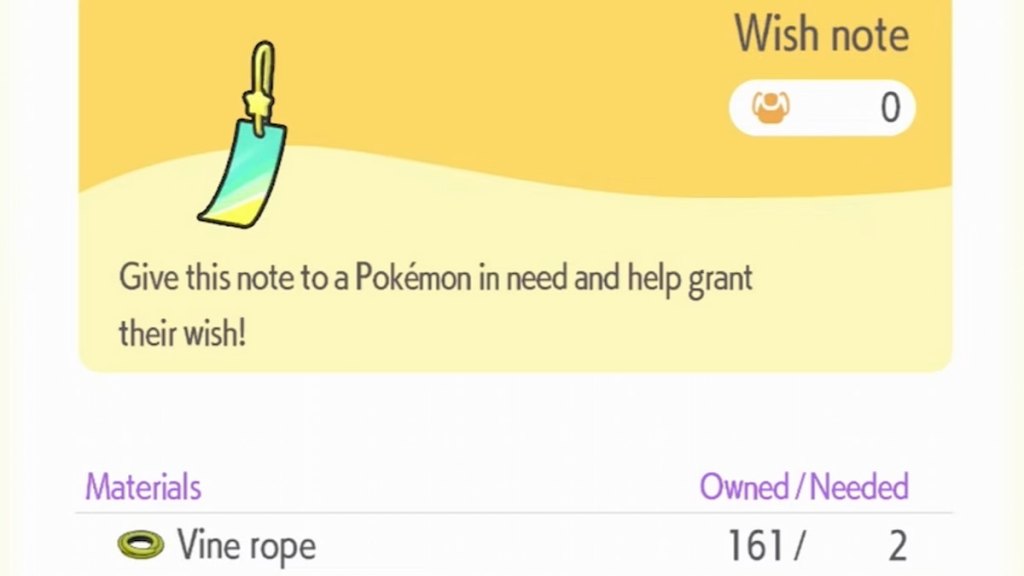
The recipe for wish notes is given to you by Jirachi the first time you chat with them during this event. Once you’ve got it unlocked, you can then head to any workbench to find this recipe under the Other category. You need two Vine Ropes to craft each wish note.
After acquiring a wish note, search around town for a Pokémon in need. You can tell which villagers need help by looking for text above their heads, which typically says something along the lines of “What am I gonna do…” or other similar distressed dialogue.
Interact with the Pokémon in need and agree to help them when asked. Once you do, you’ll then be able to give them one of the wish notes you made. Then, complete whatever task they ask of you to transform your regular wish note into a shining wish note.
How to get and use shining wish notes in Pokopia
You can acquire shining wish notes by giving Pokémon in need a regular wish note and completing their requests. As soon as you fulfill the request of any Pokémon you gave a wish note to, it’ll automatically turn into a shining wish note. You can then use this item to redeem event-exclusive rewards from Jirach inside any Pokémon Center.
All Wish Upon a Jirachi event rewards in Pokopia
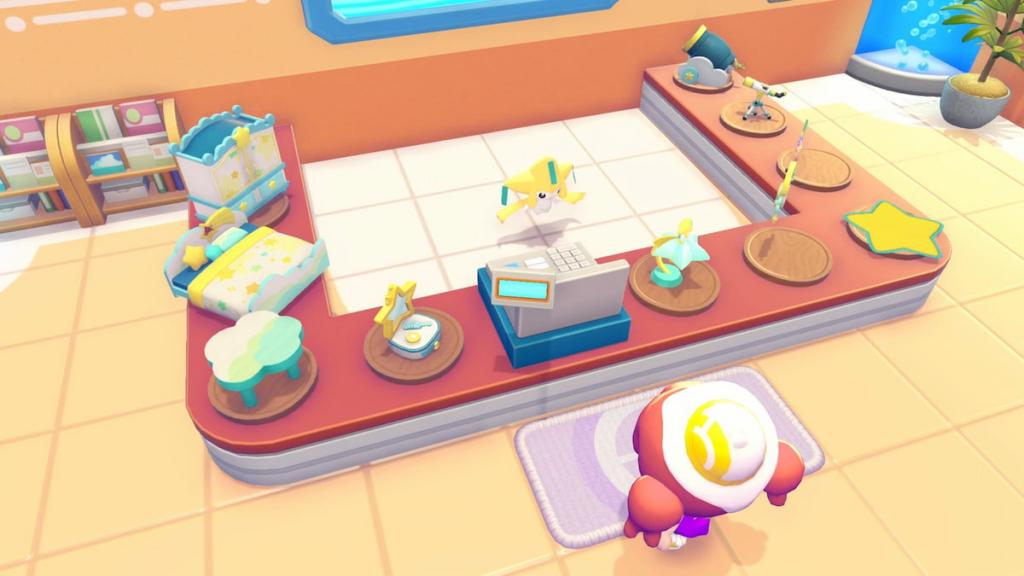
There are 10 event rewards featured in the Wish Upon a Jirachi event. All of these items are exclusive, which means participating in the festivities is the only way to earn them. Here are all of the prizes Jirachi offers.
| Name | Requirement |
|---|---|
| Star Closet | One shining wish note |
| Starry-Sky Bed | One shining wish note |
| Cloud Table | One shining wish note |
| Star-Shaped Dresser | One shining wish note |
| Moon Clock | One shining wish note |
| Jirachi Lamp | One shining wish note |
| Star Mat | One shining wish note |
| Telescope | One shining wish note |
| Cloud Cannon | One shining wish note |
| Star Wall Decoration | One shining wish note |
How to make Jirachi’s habitat in Pokopia
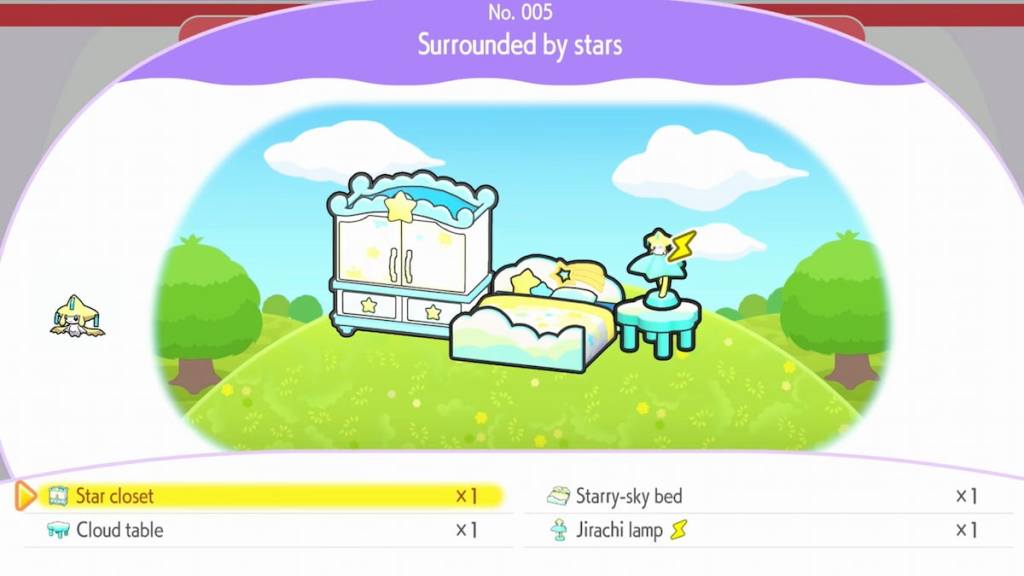
There are four items you need to make Jirachi’s habitat, all of which can be obtained from Jirachi as rewards in this event. Here’s what you need to set up a home for them.
- One Star Closet
- One Cloud Table
- One Starry-Sky Bed
- One Jirachi Lamp
You only need to earn four shining wish notes to unlock everything you need to make Jirachi a home, so it’s not too tough to make once you get into the groove of how this event functions. To get this habitat fully up and running for Jirachi, make sure you light up the Jirachi Lamp you place with some electricity, and it won’t be complete until you do.


