


The Guilds system in Arise Crossover is one of the most in-depth game mechanics. Currently, you can get various buffs just by being a part of a Guild. As the Guild grows larger, these buffs get even better. To answer the questions of how to create, join, and leave a Guild, as well as all others you may have, we prepared the following Arise Crossover Guild guide.
Table of Contents
What are Guilds in Arise Crossover
Guilds in Arise Crossover let you organize with other players into groups and more easily party up to grind various types of content. As a Guild levels up, it can unlock specific permanent passive bonuses. For example, you can get increased Shadow damage and attack range, more Shadow equip slots, etc.
How to Create, Join, and Leave a Guild in Arise Crossover
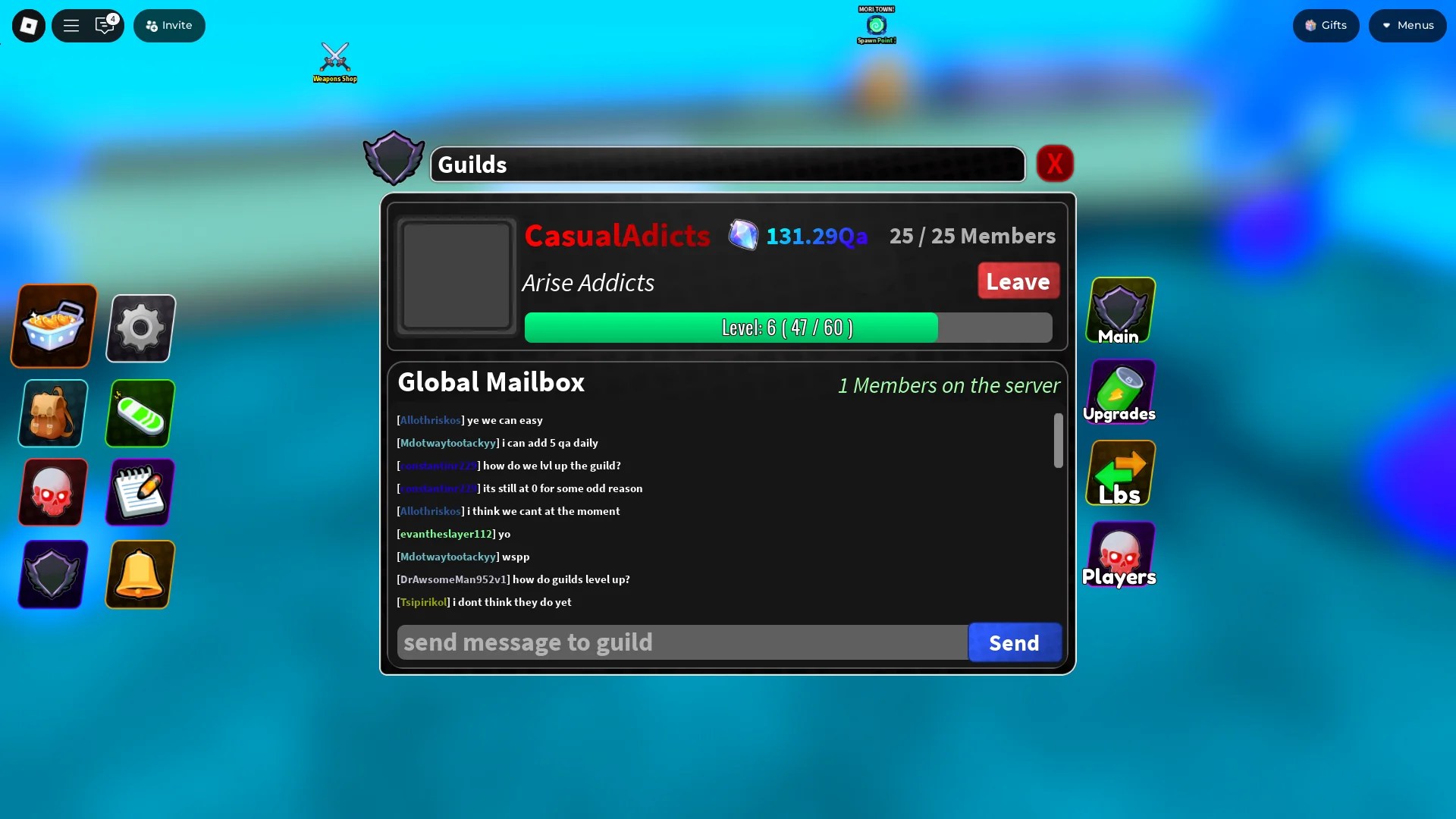
Creating a Guild in Arise Crossover is very simple; all you need is 10 Guild Tickets, which you can buy at the Exchange Shop NPC in Solo City. If you want to join a Guild, someone has to invite you to it, as there is no option to apply for a Guild in Arise Crossover at the moment. You can find Guilds and apply for them in the #guilds channel on the official Arise Crossover Discord server. Finally, if you ever decide that you want to leave a Guild, you can do that in the “Main” section of the Guilds menu.
How to Get Guild Tickets
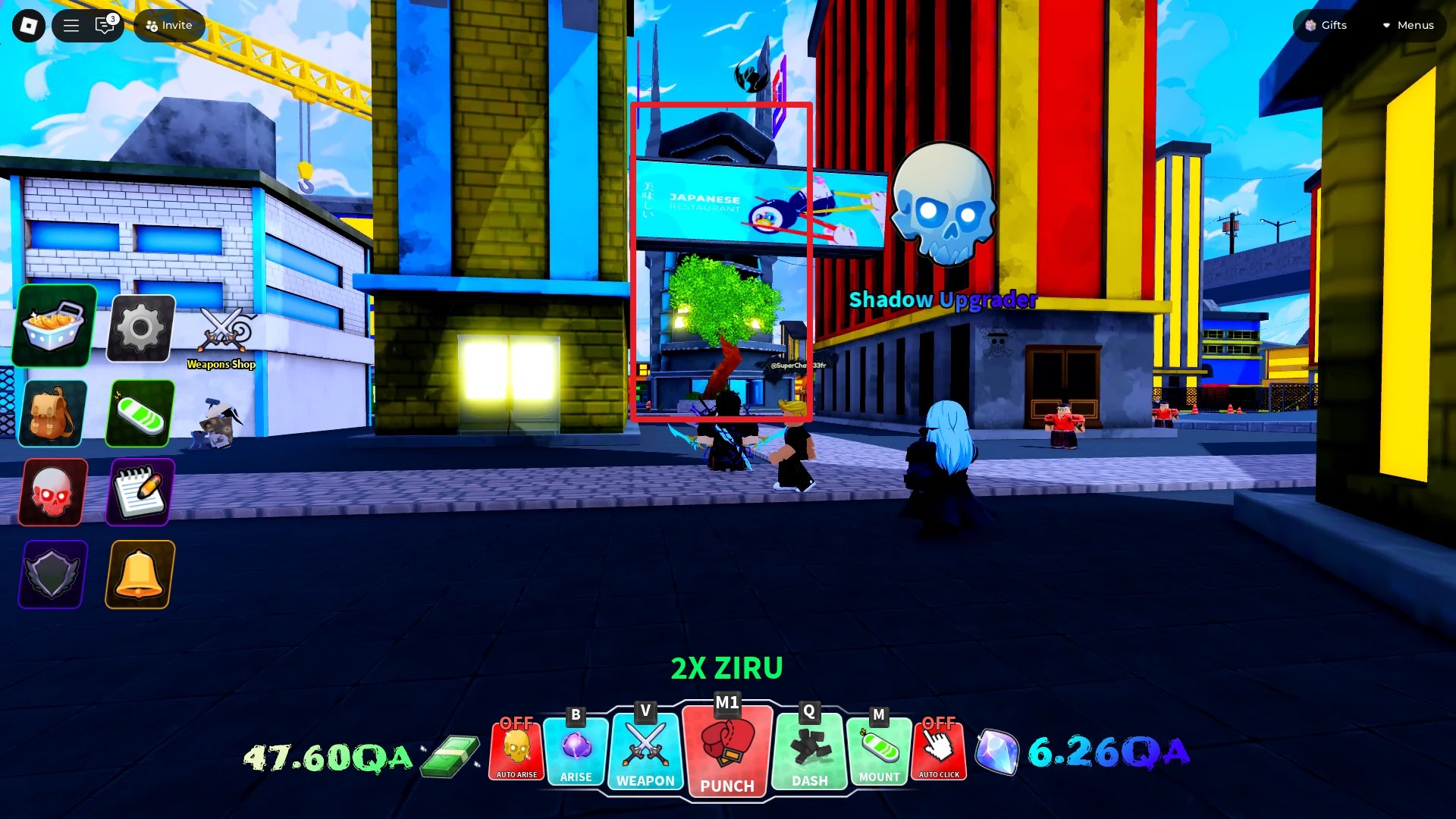
The Guild building is close to the spawn area of the Solo City, the first island you spawn on. 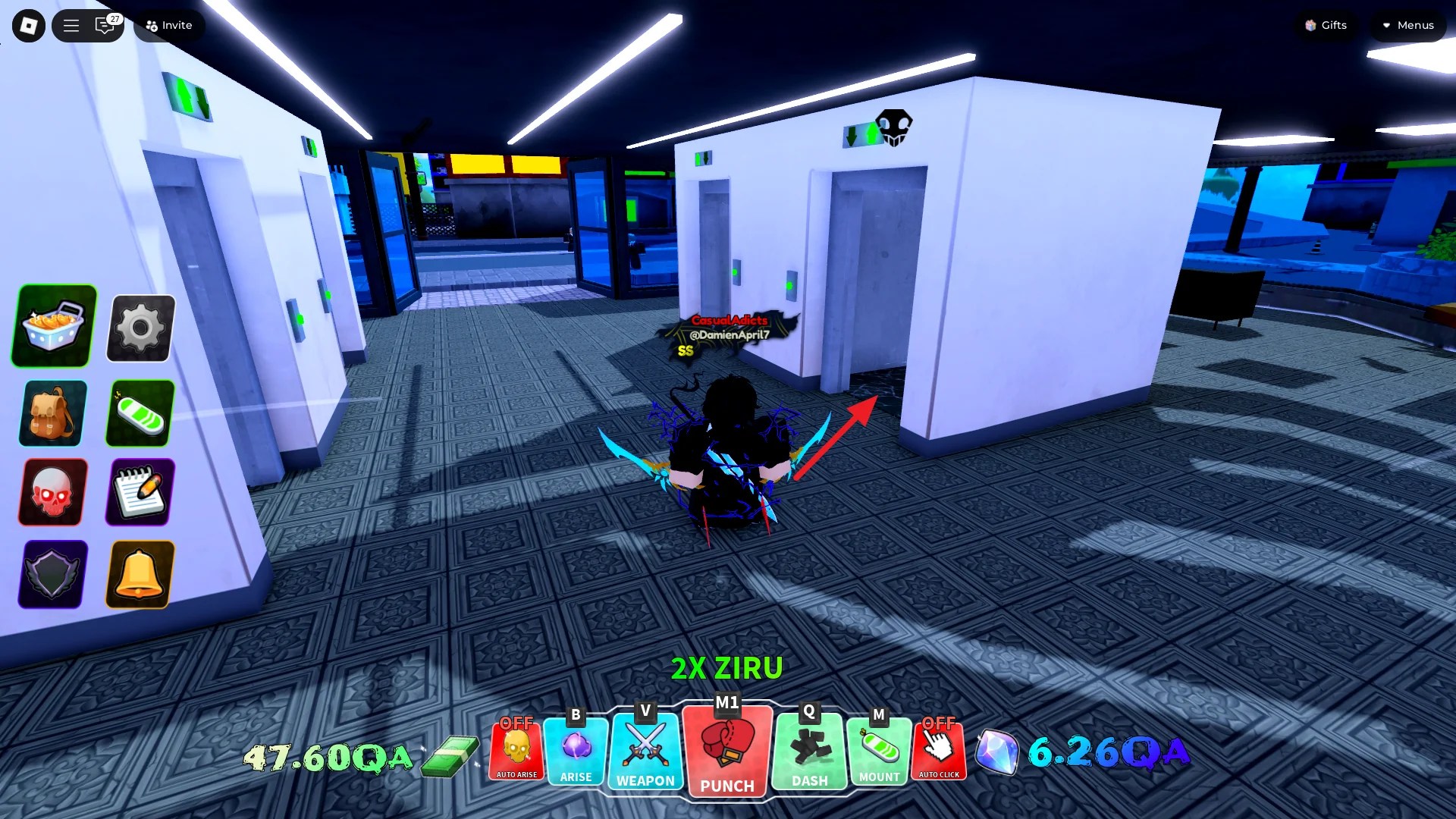
After you enter the Guild building, take the escalator to access the upper floor. 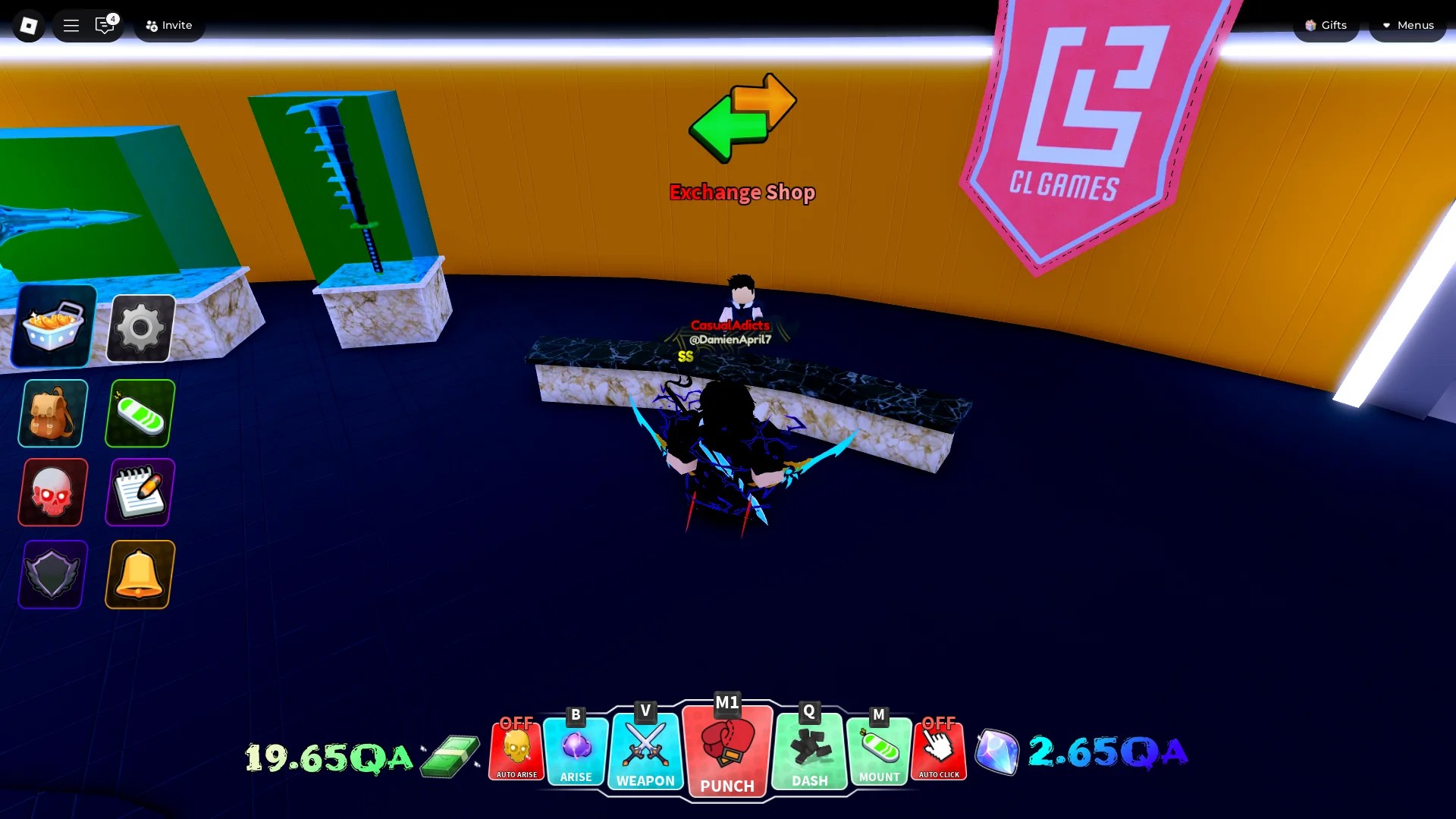
Exchange Shop is located on the upper floor of the Guild building in Solo City. 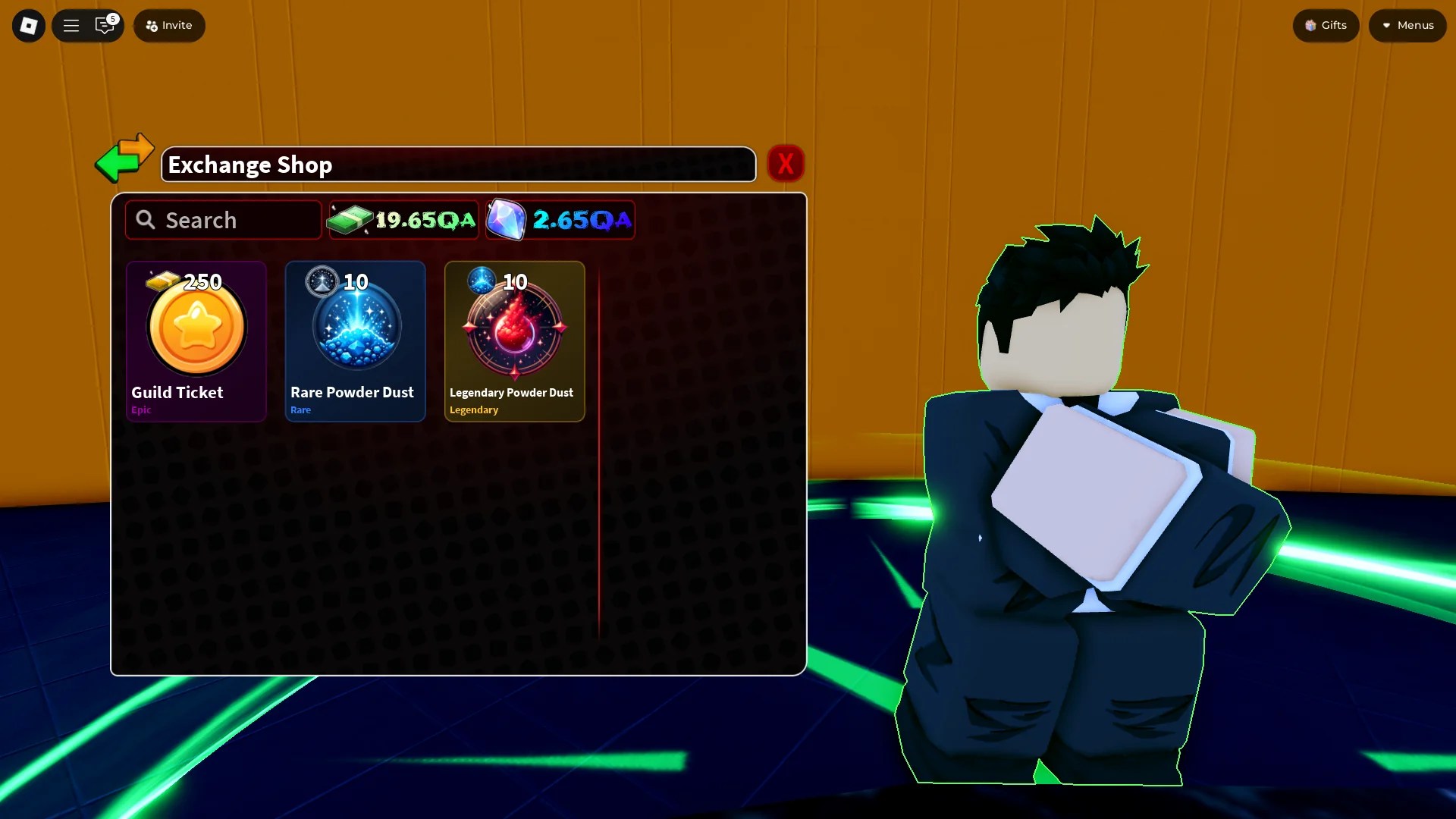
At the Exchange Shop, you can buy Guild Tickets and convert Powder Dust.
To get the Guild Tickets needed to create a Guild in Arise Crossover, you have to go to the Guild building in Solo City. This building is very close to the Spawn area of the island. There, you will find the Exchange Shop NPC that sells Guild Tickets for 250 Tickets  .
.
In total, you need 2,500 Tickets to create a Guild in Arise Crossover. Getting that many of them isn’t an easy task. To farm Tickets efficiently, clear S and SS-rank Dungeons, and defeat bosses in the Infernal Castle. You can also get some by chilling in the AC AFK Rewards lobby. Lastly, you can buy Tickets using Robux.
Donating Gems and Upgrading a Guild in Arise Crossover
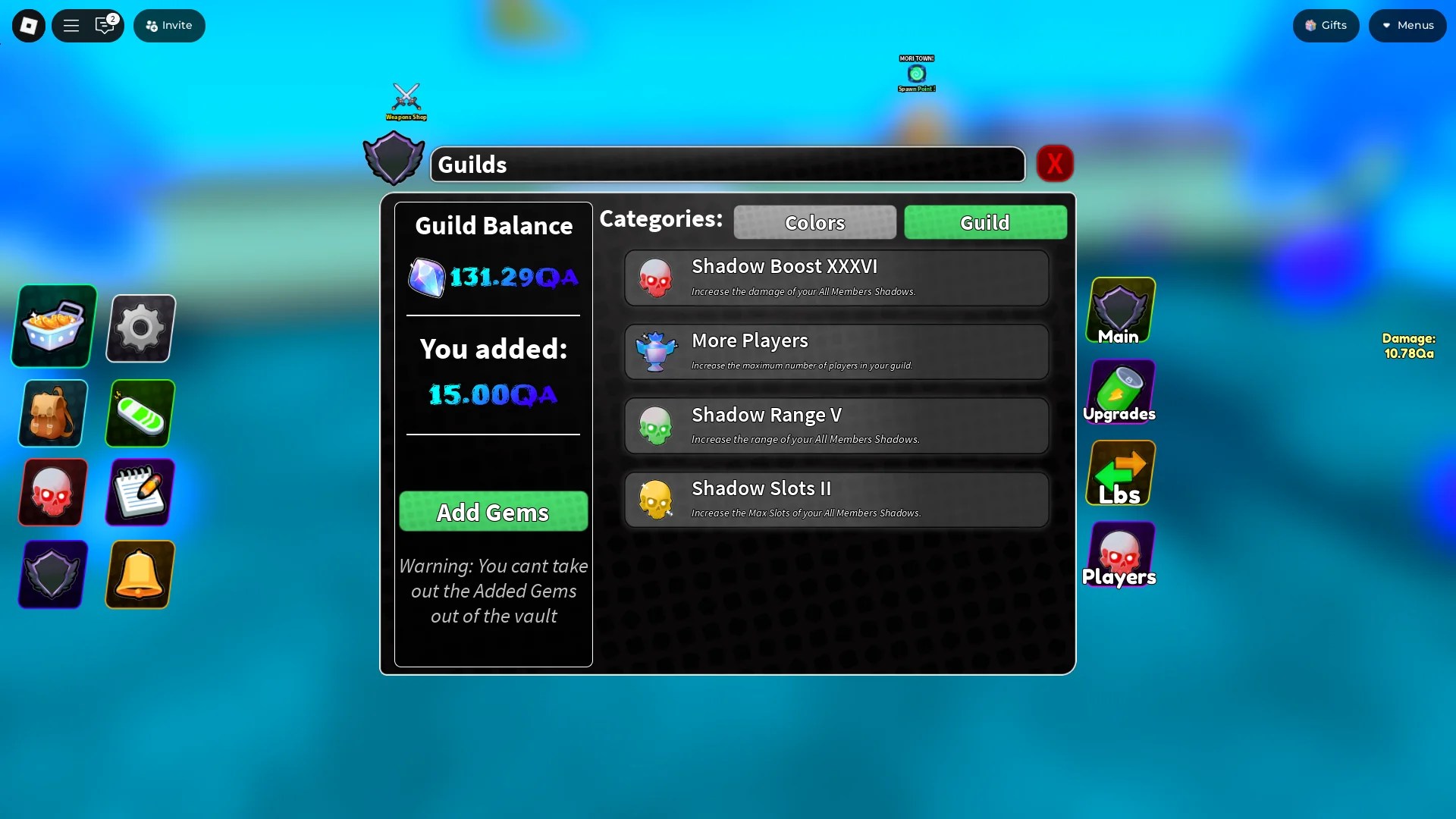
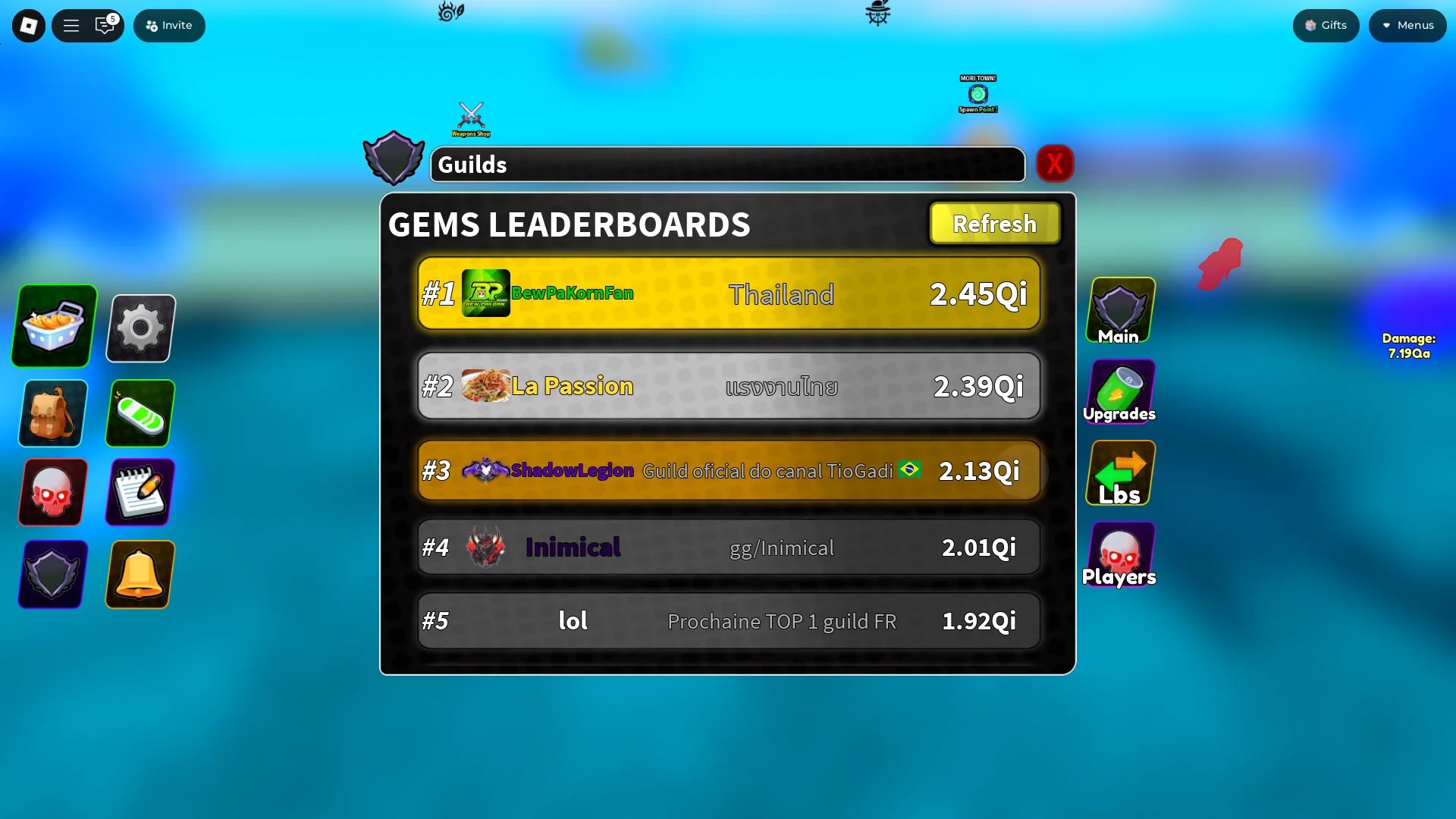
To upgrade a Guild in Arise Crossover, everyone in it should donate as many Gems  as they can spare. The more Gems you have in the Guild, the more you can upgrade the buffs that Guilds offer. Also, if everyone donates enough Gems , you might get into the top 100 on the Guild leaderboard. This information is still unconfirmed, but we expect this leaderboard to reset at some point. Then, the members of the top-ranking Arise Crossover Guilds will get some exclusive rewards.
How to Set Up a Guild Logo in Arise Crossover
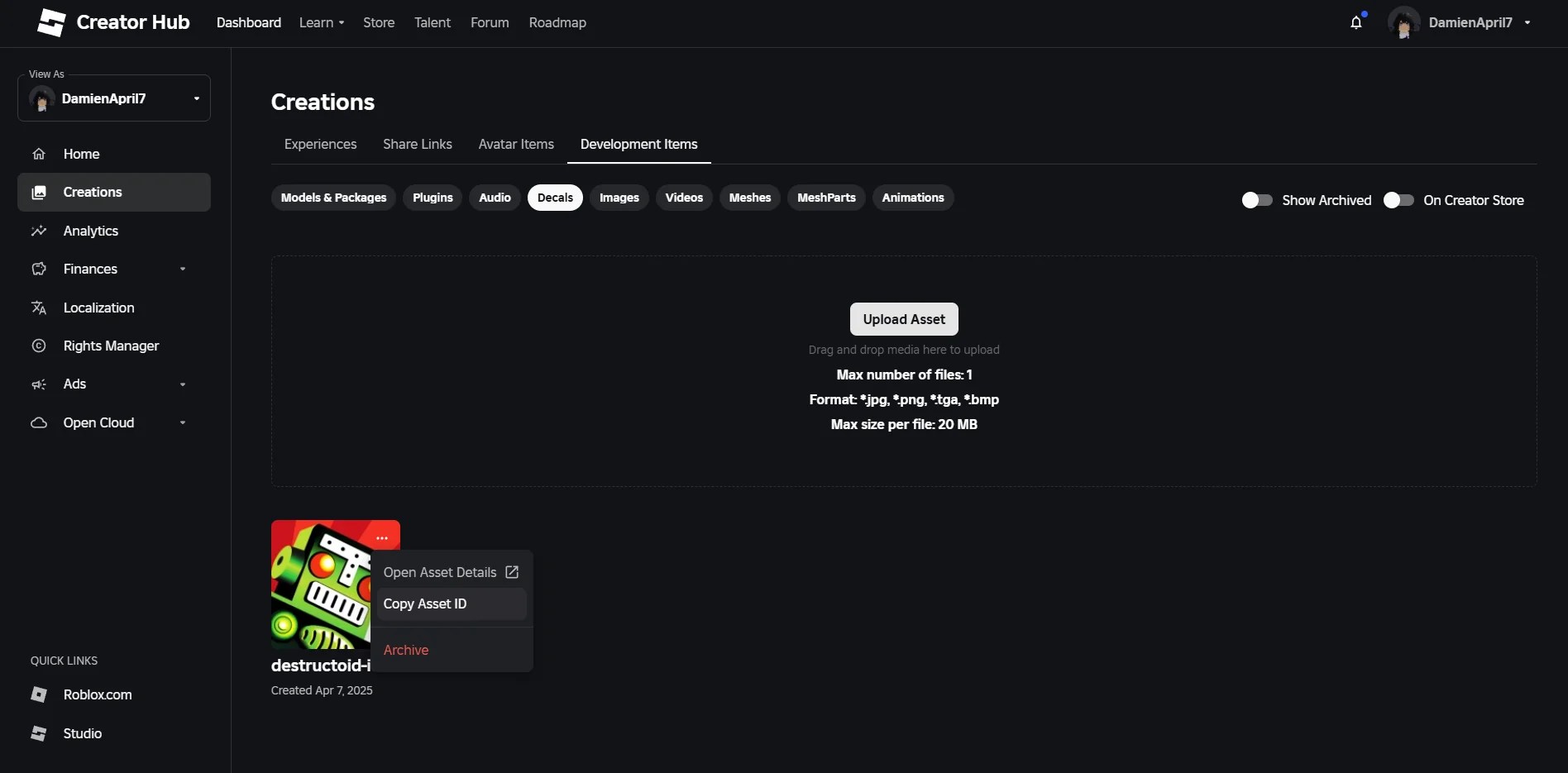
If you want to add an image as a logo of your Guild, you can do that either when creating a Guild or later on. Firstly, upload the image you want to use to the Creator Hub on Roblox (Creations ➜ Development Items ➜ Decals ➜ Upload Asset). Then, hover over the Decal you added, click on the “…” in the upper right corner, and then copy its Asset ID. Go back to Arise Crossover, type in “rbxassetid://” and then paste the Asset ID you copied to apply the image to your Guild.
That does it for our guide on how to create, join, and leave a Guild in Arise Crossover. If you want to find out how to approach Dungeons in a more calculated manner, check out our Arise Crossover Runes guide.


