


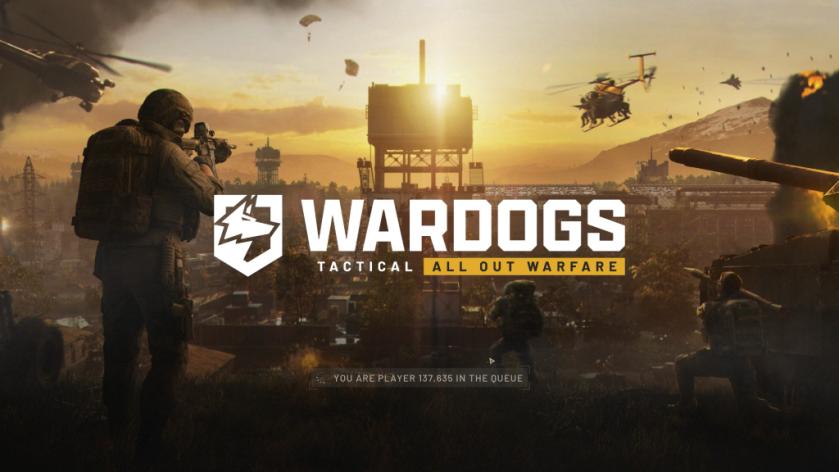
If you’re trying to play WARDOGS and instead find yourself stuck in a virtual queue, then you’re not alone. This seems to be a regular occurrence, and everyone has been a part of it when they tried to play the game.
If you’re wondering what it is and how to tackle the problem, you have come to the correct place.
WARDOGS ‘waiting in queue’ message explained
The waiting in queue message appears once the initial set of shaders have completed compiling, and you’re on the home screen. Typically, you should be able to start playing immediately. However, being placed in the queue will prevent you from doing so.
This is perfectly normal, and the system has been put in place to protect the servers. WARDOGS has had a massive launch, and it’s about to cross 300,000 concurrent players on Steam. While this is great news for the developers, it also means plenty of players playing simultaneously on the servers.
This can cause plenty of issues on the server end. At worst, it can even crash a server completely, causing disruption and bigger issues. The queue ensures that players enter the game sequentially.
If you’re in the queue, the best choice is to patiently wait for your turn. Doing so will allow you to play normally once it’s your turn. Don’t try to close the game because you might get placed even higher in the queue, which means you’ll need to wait longer.


