


Roblox Voyagers is all about exploring the seas and various islands solo or with friends to find epic loot, secrets and enemies. From exploring temples to fighting the Kraken, there’s plenty to do, find and see in the game. Luckily, the Voyagers Wiki, Trello and Discord so that you can stay informed on everything.
Voyagers Wiki, Trello and Discord Guide
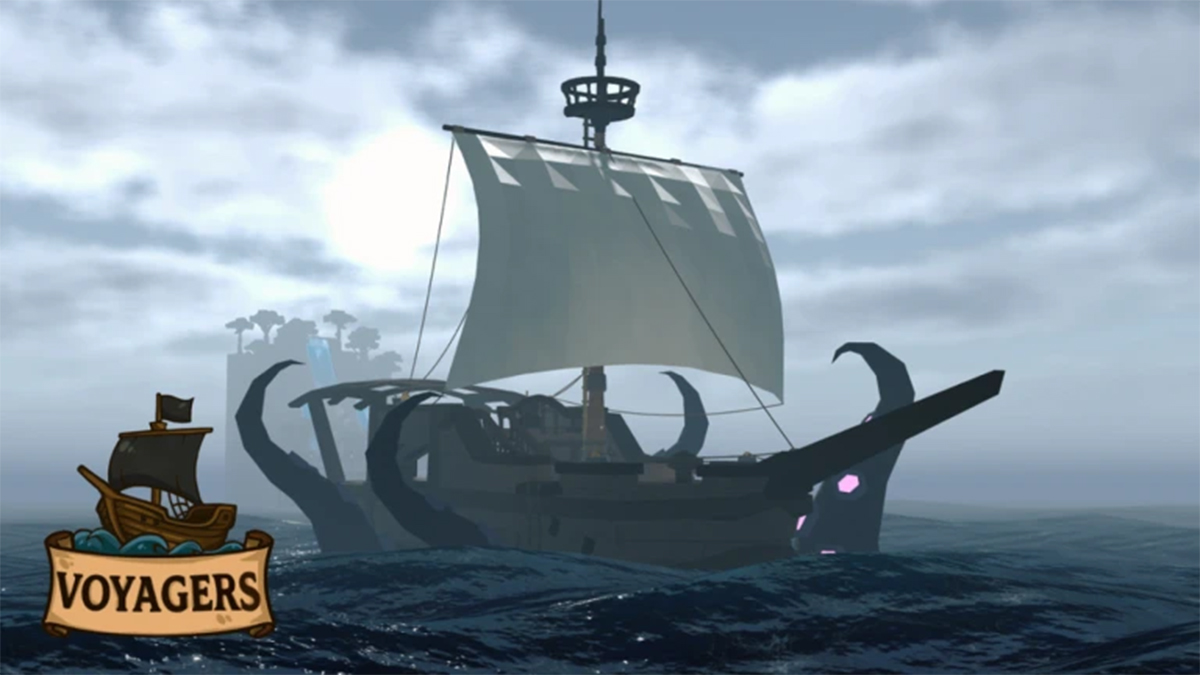
Here’s a bunch of useful links for staying informed on Voyagers as you explore:
- Voyagers Wiki – Made and hosted by our team at BloxInformer
- Voyagers Discord Wiki Server
- Official Voyagers Discord Server
- Voyagers Game Page
- V Roblox Community Page
- Fandom Voyagers Wiki (Fan-made Work In Progress)
I recommend our BloxInformer Wiki since our team is working hard to record everything in the game. They’re playing through the game over and over so you can have a head start with all the info we’ve found. You’ll be able to read about:
- All customization options
- A quick beginner’s guide on the home page
- All Islands
- All Resources
- All Tools
- All Weapons
In addition to that we’ve prepared a full Kraken guide on how to find the boss and defeat it. We also have some tips for fighting the ghost enemies. With all of this combine you can have an informed start and progression path to make exploration easier.
That said, I would also check out the official Discord server. It’ll have info on the latest updates and announcements. This is a great way to track new content but also changes to previous additions like reworks, buffs and nerfs. There’s always something being added.
Last but not least the Discord is great because of the Questions and Looking-to-Pair channels. The first is also a sort of specific question Wiki for you to explore popular inquiries. The Pair channel is for finding a buddy or entire groups to play with. Scouring the seas is much easier and more fun with friends.
That’s it for my guide on the Voyagers Wiki page, Trello board and Discord server. Stay tuned to our Roblox hub for more guides.


