


Call of Duty: Black Ops 7 is, unsurprisingly, a direct sequel to Black Ops 6, so there are many similarities.
The omnimovement system introduced in BO6 has had some changes and improvements in BO7, however, so your controller settings may need to be tweaked to better enhance your movement when it comes to things like Wall Jumping or Active Rolling.
Here’s our selection of the best settings to use for your controller in BO7.
Table of contents
Best controller settings for BO7 beta
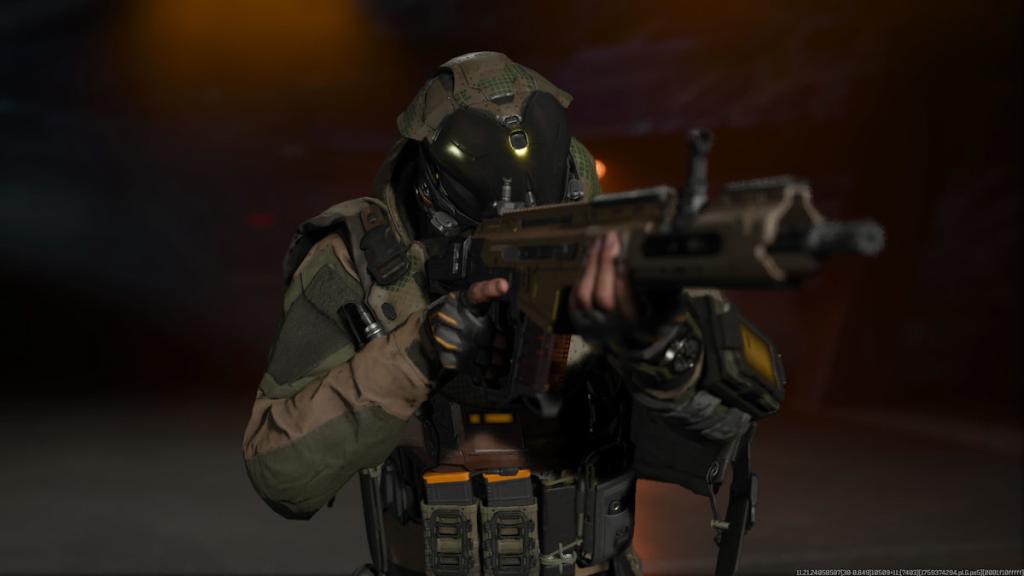
Controller
- Button Layout: Tactical
- Stick Layout Preset: Default
- Horizontal Stick Sensitivity: 1.65
- Vertical Stick Sensitivity: 1.65
- Simplified Controls Preeset: Off
- Low Motor Strain Preset: Off
- L1 Button Ping: Off
- Swap L1/R1 with L2/R2: Off
- Controller Vibration: Off
- Trigger Effect: Off
Aiming
- Sensitivity Multiplier
- Everything 1.00
- Look Inversion (On Foot): Standard
- Aiming Advanced Settings
- ADS Sensitivity Transition Timing: Instant
- 3rd Person ADS Correction Type: Assist
- Aim Response Curve Type: Dynamic
- Custom Sensitivity Per Zoom: Off
- Target Aim Assist: On
- Motor Sensor Function Behavior: Off
Movement
- Sprint Assist: Tactical Sprint Assist
- Mantle Assist: Off
- Crouch Assist: Off
- Corner Slice: Off
Tactical Sprint is no longer forced in BO7, but it can be used with a perk. Use this setting however you please.
- Wall Jump Assist: Sideways Only
- Active Roll Assist: Partial
These two settings are specific to BO7, and new to the franchise. Wall Jump is best used when running parallel to a wall, jumping right up alongside it, and continuing looking forward.
- Slide/Dive Behavior: Tap to Slide
- Automatic Airborne Mantle: On
- Sprint Restore: On
- Slide Maintains Sprint: On
- Wingsuit Activation: Manual
- Wall Jump Activation: Press
- Slide/Active Roll Behavior: Tap to Slide
- Active Roll Camera: 1st Person
- Movement Advanced Settings
- Sprint/Tactical Sprint Behavior: Toggle
- Auto Move Forward: Off
- Auto Door Peek: Off
- Tactical Sprint Activation: Single Tap Sprint
- Plunging Underwater: Trigger
- Sprinting Door Bash: On
Combat
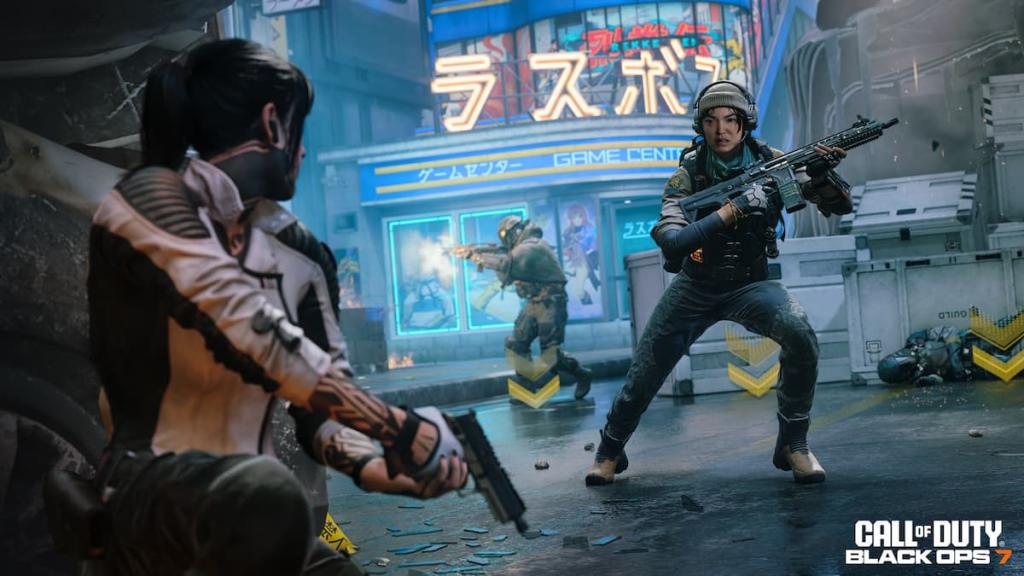
- Aim Down Sight Behavior: Hold
- Weapon Mount Activation: ADS +Melee
- Dedicated Melee Weapon Activation: Hold Melee
- Body Shield/Finishing Move Behavior: Prioritize Body Shield
- Armor Plate Behavior: Apply All
- C4 Detonation Activation: All At Once
- Equipment Behavior: Hold
- Manual Fire Behavior: Press
- Combat Advanced Settings
- Change Up Directional Button Behavior: Ping
- Change Zoom Activation: Sprint/Tactical Sprint/Focus
- Weapon Mount Exit: Instant
- Interact/Reload Behavior: Tap to Reload
- Mantle Cancels Reload: On
- Sprint Cancels Reload: On
- Akimbo Behavior: Independent
- ADS Stick Swap: Off
- Depleted Ammo Weapon Switch: On
- Weapon Mount Movement: On
- Weapon Mount Return: Off
Like our content? Set Destructoid as a Preferred Source on Google in just one step to ensure you see us more frequently in your Google searches!


