


Having too many passengers in a specific terminal can be problematic in Transport Fever 3. When this happens, your affected terminal will not work properly since it’s overcrowded. This can send your entire transport network into a disaster. Thankfully, there is an easy solution to this problem that you can utilize.
How to move passenger from one terminal to another in Transport Fever 3
While the issue is not very common, it can happen from time to time. When this happens, you will notice that the affected terminal has too many passengers waiting.
Technically, you might think that this issue should get resolved on its own. After all, the passengers can always get on a vehicle, and the number should decrease. However, it doesn’t exactly work like that inside the game, and that’s where the problem begins.
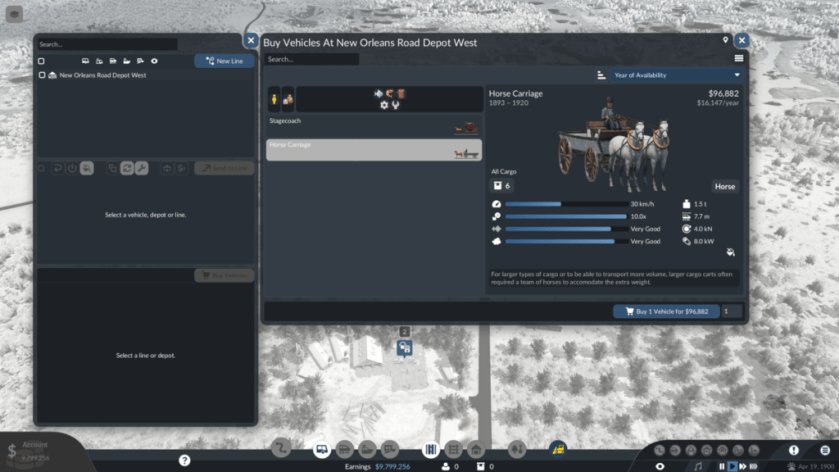
To solve the problem, you will have to manually send some of these passengers to another terminal.
- Open the line manager that keeps a tab of all your existing routes.
- Click the line that’s part of the affected overcrowded terminal.
- Select Stop for the terminal. In the Stop Loading settings, uncheck the Passengers.
When this happens, you tell the passengers that they can no longer board a vehicle from the terminal. Naturally, they will look for another terminal within the same station. To make this work, you must have at least one more functioning terminal within the same station where the passengers will move to and wait for the vehicle.
This is the careful part, since you cannot actually remove the passengers. If someone is waiting to board a vehicle, they will be there. To reduce crowding, you are just providing them with another terminal to use.
In essence, this works because the passengers are not waiting to board a vehicle from that specific terminal. Instead, they are waiting to board the vehicle from any available terminal. When you open up a free one, that’s why they would move over there and board whichever vehicle is available.


