


Week one bugs are not uncommon, and in FC 27, you might have come up against the Flick Up/Lob glitch that appears to be quite common. Whether you’re on PC or a console, chances are that you have either suffered from the bug yourself or seen it happen to an opponent.
While we wait for a permanent fix, there’s a temporary workaround that can solve this issue.
How to solve the Flick Up/Lob glitch in FC 27
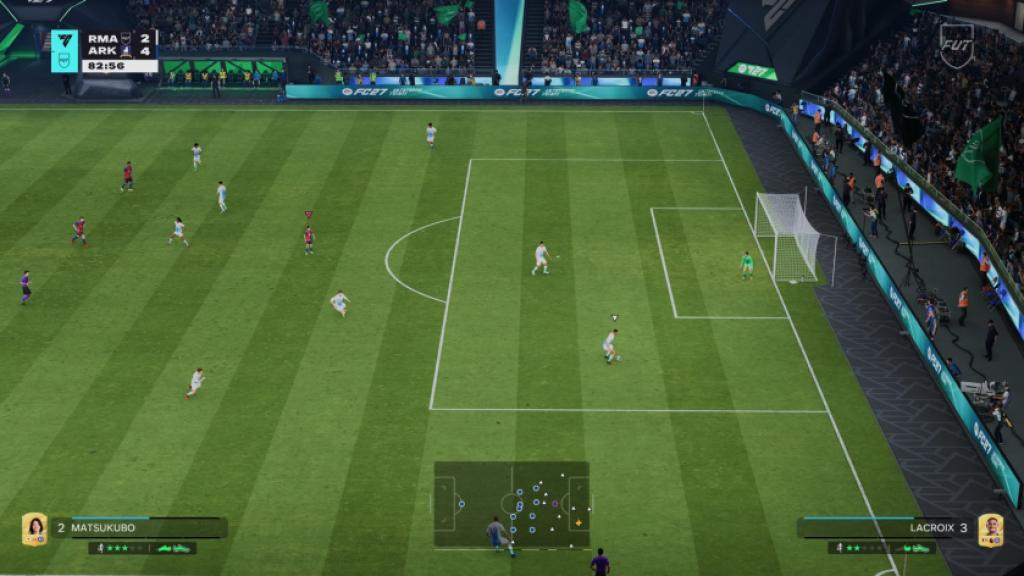
The Flick Up/Lob glitch takes place when you’re trying to pass the ball. When it happens, you’ll notice that your pass receiver is juggling the ball across the field.
So, how do you stop the glitch? First, exit the mode you were playing, and head to the Controls from the main menu. Irrespective of your input method, switch to Classic and save it over.
Once done, exit and open the Controls once again. Make the changes you want in the Classic layout, and save them. The changed layout will be saved as a custom option.
Before you exit, make sure to save your profile (with the changed inputs). Next, close the game completely. Restart FC 27 and load the modified profile settings. If you now test out the changes you made, the glitch should cease to exist.
If the glitch is still there, you’ll have to redo the method once again. I am hopeful that the bug will be taken care of quickly before the full release next week.


