


Zombies might threaten your existence in Graveyard Keeper 2, but you can take the war to them with your own undead army. Once you have cleared the initial bit of in-game content, you can create your own zombies to automate your base.
Let’s find out how to create your zombies before looking into how to make them work.
Table of contents
How to create zombies in Graveyard Keeper 2
To make your own batch if undead, you’ll have to play through the main story. I missed the exact point, but you’ll get an option to break down the blocked room in the Morgue. If you’re just starting out, you don’t need your own zombies. Once you clear the blockage, it will reveal the Resurrection Lab.
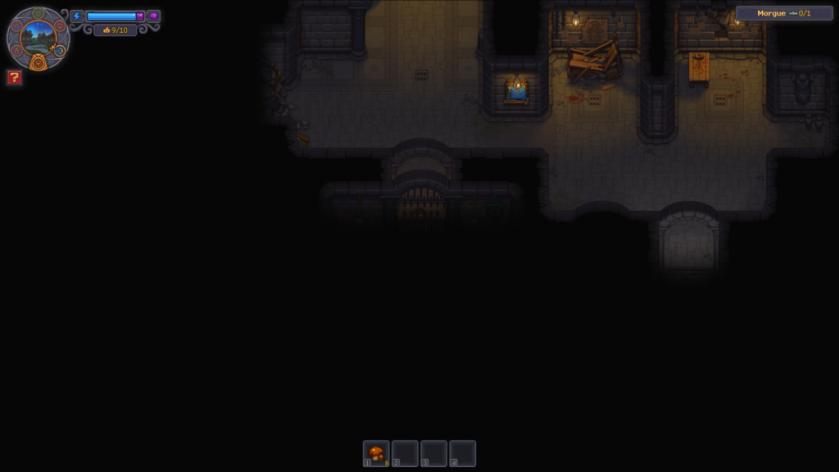
To make a zombie, we require a body. I have only tried this with a fresh body as the method is easier. First, we will put the body on the autopsy table. This allows us to inspect the body and remove parts for resources like Fat and Flesh for other resources.
We will also want to use a bad corpse that has lot of Red Skulls. While bad corpses are not good for burial, it’s different when they become a zombie. The more Red Skulls a corpse has, the more Perks it will get when it resurrects as your zombie assistant.
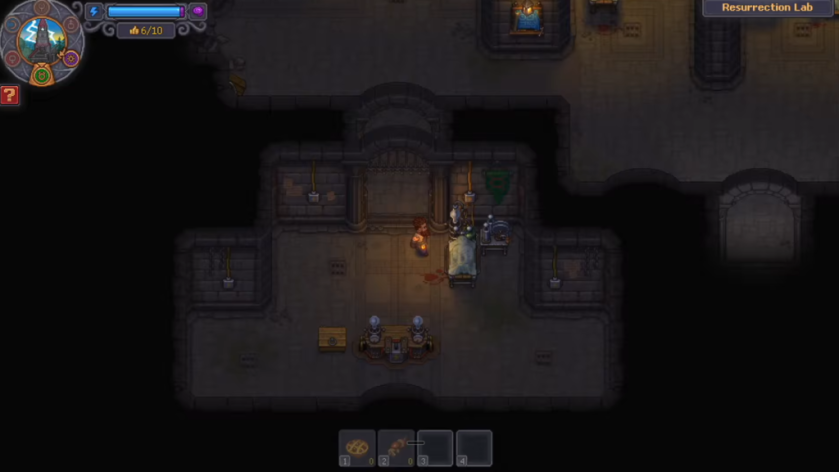
While a zombie might be undead, but it will still need the following organs to function: Brain, Guts, Heart, Bones, Skin, and Skull. If a body misses any (or more) of these organs, you can’t resurrect them. While you can always transplant an organ, I haven’t tried that method myself.
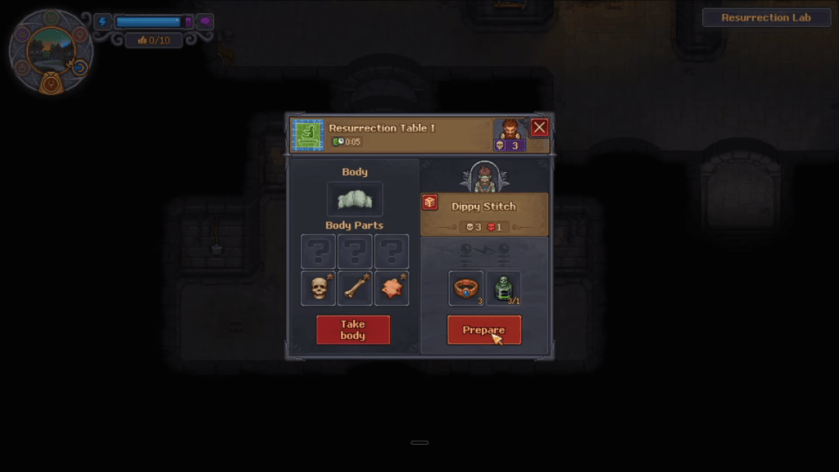
Once you’re done, place the body on the Resurrection Table and wait for the Abandoned Tower to be struck by lightning. Essentially, you’ll need to wait for thunder and lightning to revive the undead. Once the revival is complete, add Reanimation Liquid and Zombie Collar before using Faith to Resurrect your new zombie assistant.
How to assign work to zombie in Graveyard Keeper 2
First, we have to assign equipment to the zombie. The equipment depends on what kind of work you want them to do.
- Crafting & Woodcutting: Axe
- Metallurgy: Hammer
- Farming: Shovel
- Mining: Pickaxe
- Fishing: Fishing Rod
Next, we have to assign the zombie to a workstation. To do so, we have to physically carry them and put them there. Here are all the applicable workstations where you can have a zombie assistant.
- Formulation Bench
- Gardener Stand
- Porter Station
- Vine Press
- Brewing Stand
- Potter’s Wheel
- Sluice Box
- Spinning Wheel
- Weaving Loom
- Sewing Table
- Writing Desk
- Printing Press
- Jewelry Table
- Kitchen Table
- Kitchen Millstone
- Zombie Supplier Station
- Stonemason’s Workbench
- Woodworking Workbench
- Sawhorse
- Chopping Spot
- Circular Saw
- Anvil
To make your production chain work, you will have to supply the zombie workers with resources. For the short run, it’s best to do so manually. For the long run, you will want to create a zombie supplier station and place a zombie there. Doing so will allow you to focus on your other goals while the supply station keeps providing the rest of the workstations with the correct resources.


