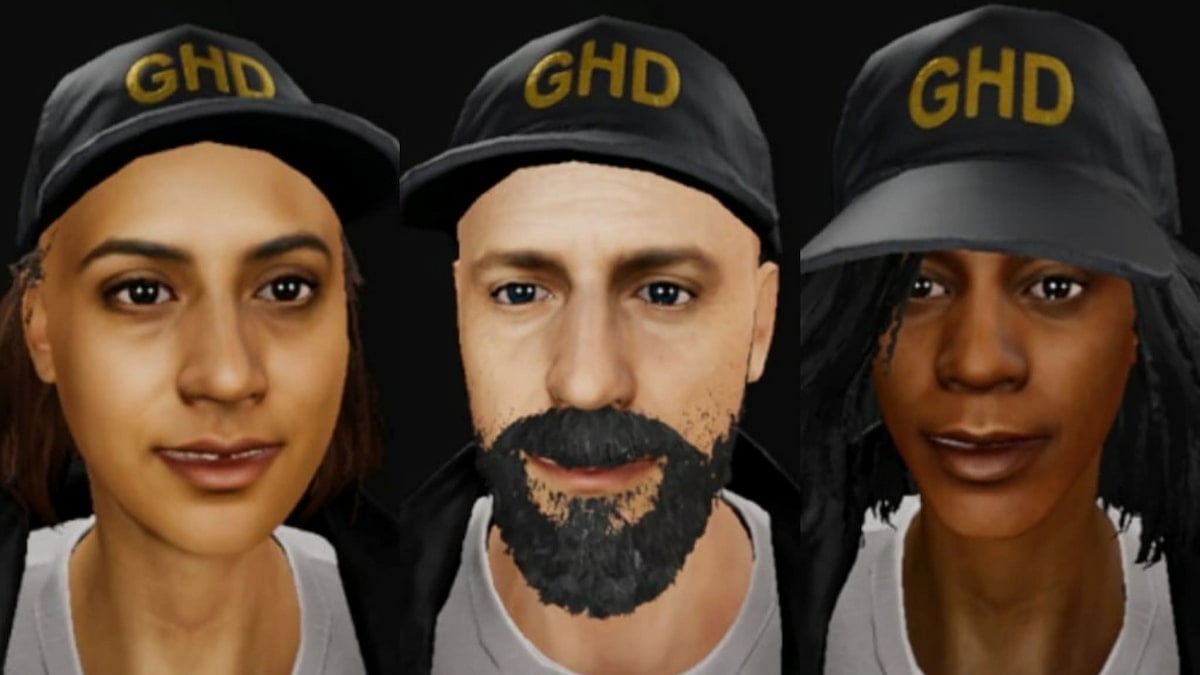
Terrified residents need your help in Phasmophobia, but before you hit the road and get going with your investigations, you need to look the part. This includes changing up your character, as you may not like the model you currently have equipped.
The process for switching up your selected character has changed over time, so figuring out how it works can be a bit tricky if you’re trying to complete this task using an older method that has been removed. If you’re hoping for a change but unsure how to make it happen, here’s how to change your character in Phasmophobia.
How to change character in Phasmophobia
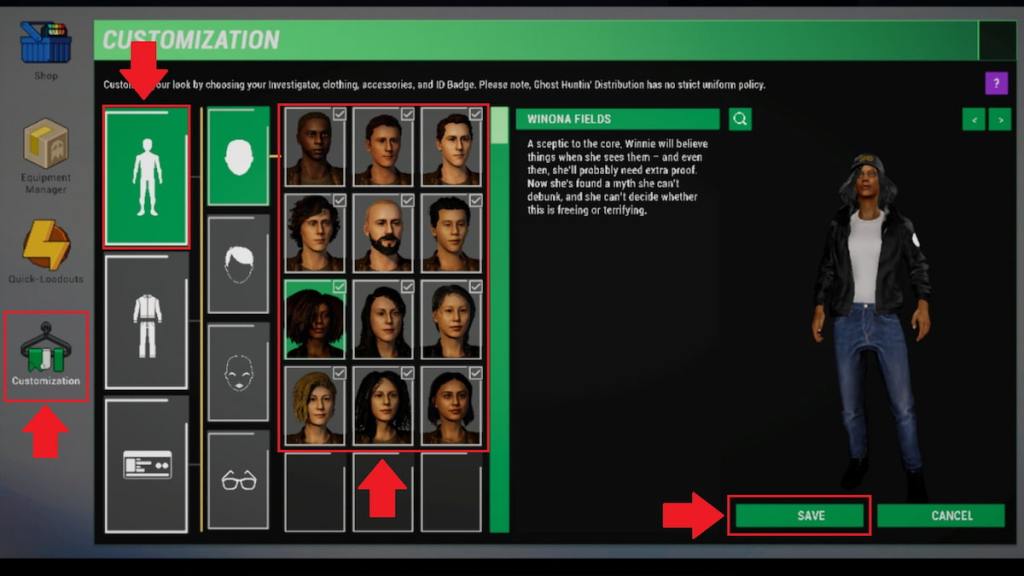
You can change your character by interacting with the Customization tab in the shop in Phasmophobia. Prior to the player character update, your avatar could only be switched from the main contract board. Following this update, though, the ability to switch between different models moved to an entirely new location, and you can no longer swap from the main board at all. Here’s how to find and use this feature.
- Open up the shop. The store can be accessed from the main lobby by interacting with the screen that says “GH//OS.T.OS3” on the right side of the main contract board.
- Switch to the Customization tab. This section is marked with a hanger and clothes icon. You can find the icon for it near the bottom left corner of the screen.
- Select the body icon. The first tab under this section is marked with a body icon. Click on it to find all 12 character models.
- Choose your character. Click through the available options until you decide who you want to be.
- Select the “Save” option. Once you decide who you wish to be, choose the “Save” option to lock in your choice. This option can be found near the bottom right corner of the screen.
There are quite a few buttons you have to click through to find and finalize this process, so it can take a bit to get used to. You can return to this page at any point to change to another avatar, so if you don’t end up liking the one you pick, it’s easy to switch things up later.
How to customize character in Phasmophobia
You can customize your avatar in Phasmophobia by clicking through the many options present under the Customization tab in the shop. By default, you have access to a small number of already unlocked items, but you can also work on checking off certain tasks to unlock more character cosmetics.
Whenever you select a new customization option from this page, be sure to follow it up with the “Save” option, which is located near the bottom right corner. It’s easy to overlook this option, but none of your edits will be equipped to your chosen avatar unless you save them, so it’s crucial that you do so.
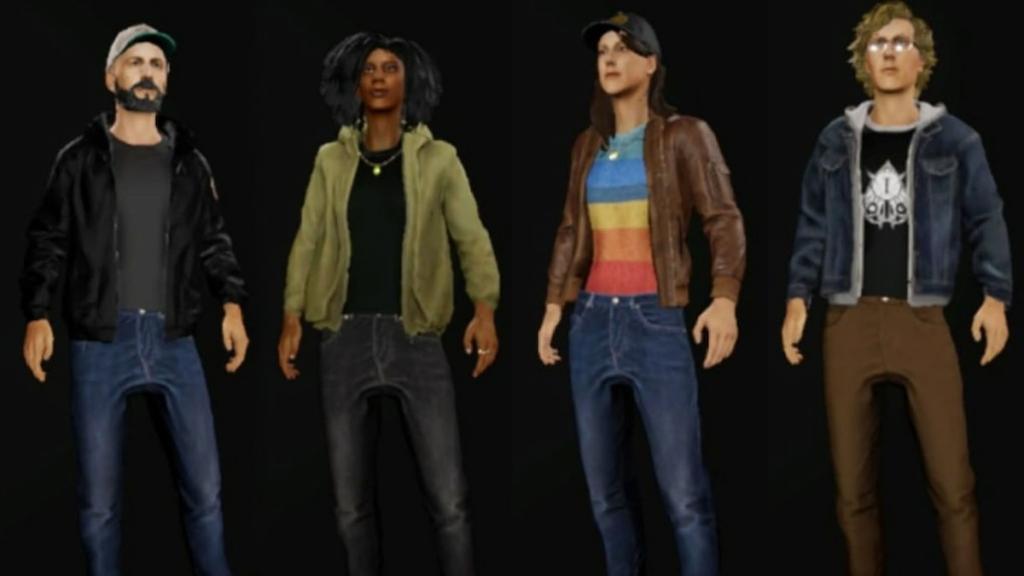
Now that you know how to freely swap between avatars, you’re ready to get hunting. While you’re out and about working on catching those pesky ghosts, you may also want to learn how to use the watch, how to get all hidden achievements, how to complete the weekly challenge, and how to capture unique evidence.