

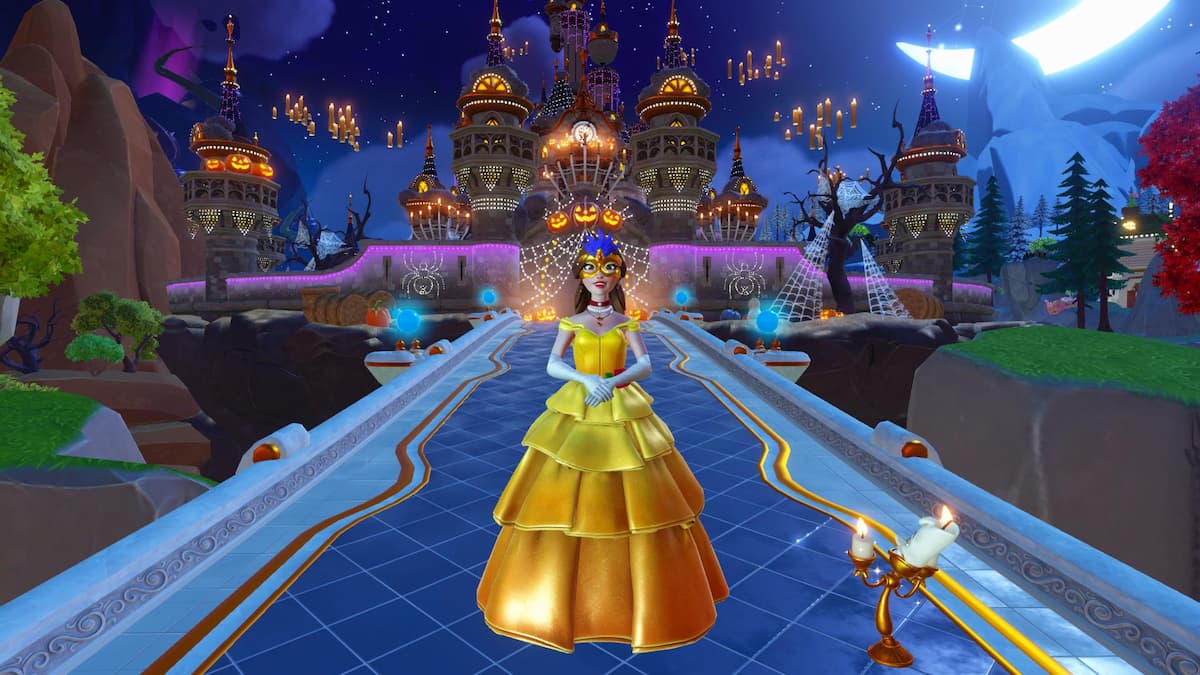
The Dream Castle is the focal point of the main village in Disney Dreamlight Valley, and as of the Return to Beast’s Castle update, you can now give it a new look using Dream Castle skins. It’s a bit of a tricky feature to use, though.
When you acquire a new style for your castle, you’re not told how to equip it, which makes using it a bit difficult. If you’re eager to give your valley a new look, here’s how to change the Dream Castle skin in Disney Dreamlight Valley.
Table of contents
How to change Dream Castle in Disney Dreamlight Valley
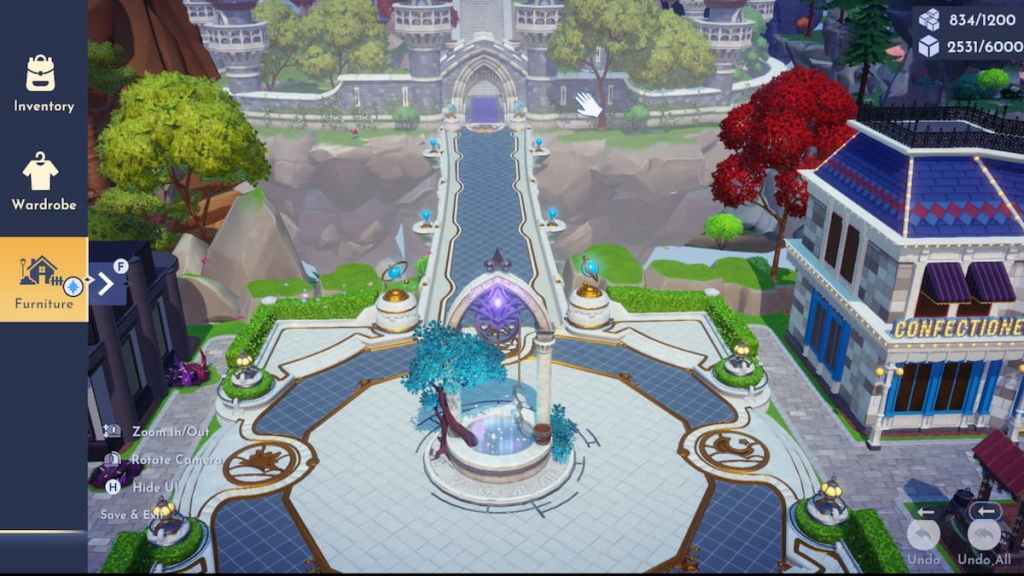
You can change the Dream Castle skin by selecting the “Replace” option while hovering over this building in Furniture Mode. This is a bit of a tough option to get, as precision is necessary to make it appear. Here’s a full step-by-step breakdown of how to tackle this endeavor.
- Unlock a new Dream Castle skin. The option to change it only appears if you have at least one additional style unlocked.
- Load Furniture Mode. The Dream Castle can only be modified from this menu.
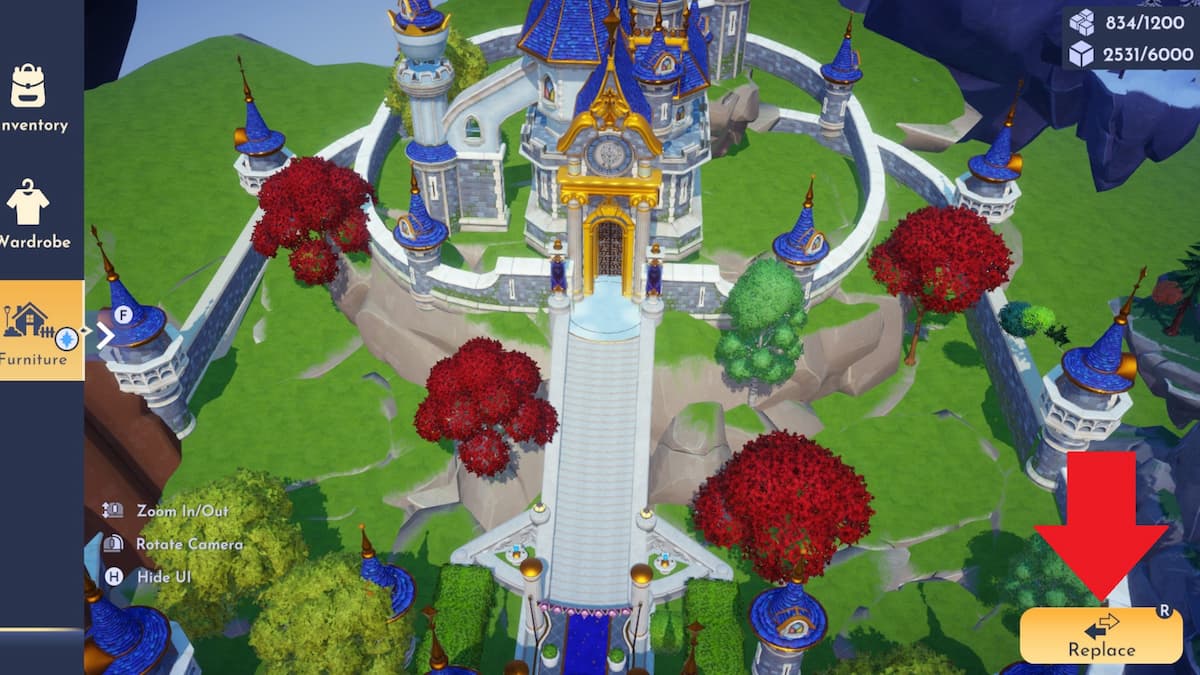
- Move your cursor to hover over the Dream Castle. You’ll likely need to tilt the camera up a lot to perform this action, as the camera is quite finicky and you cannot hover over the Dream Castle from the default angle. Make sure you hover over the castle, not the central Plaza area with the wishing well, as you can click on this area too. It’s attached to the castle, but appears to be available to decorate separately. There aren’t any options to replace it yet, but it seems like there will be in the future.
- Select the “Replace” option. Once you’re hovering over the Dream Castle, this option will appear in the bottom right corner.
- Choose the skin you want to apply. All of the available looks for the castle will pop up, so you can choose whichever one you like. You can freely change the appearance at any point, so don’t worry too much if you want to switch it up later.
How to get Dream Castle skins in Disney Dreamlight Valley
As of the Return to Beast’s Castle update, the only way to unlock new Dream Castle skins is by purchasing them from the Premium Shop with Moonstones. This might change in future updates, and if it does, we’ll add additional details here.
All Dream Castle skins in Disney Dreamlight Valley
There are two Dream Castle skins you can use at the time of writing. For now, your options are limited, but more will likely arrive in future updates, so as they do, we’ll add them to the list.
- Default Village Castle – The base appearance of the castle, which is free and automatically applied to it by default.
- Halloween Castle – A spooky, festive, Halloween variant of the Dream Castle that can be purchased from the Premium Shop for 3,500 Moonstones.
After you’re done changing up the look of your Dream Castle, there are plenty of other quests to tackle. Next, you might work on unlocking Lumiere and Cogsworth, placing stalls in DLC worlds, and completing A Guide to Better Castle-Keeping.
Like our content? Set Destructoid as a Preferred Source on Google in just one step to ensure you see us more frequently in your Google searches!


