

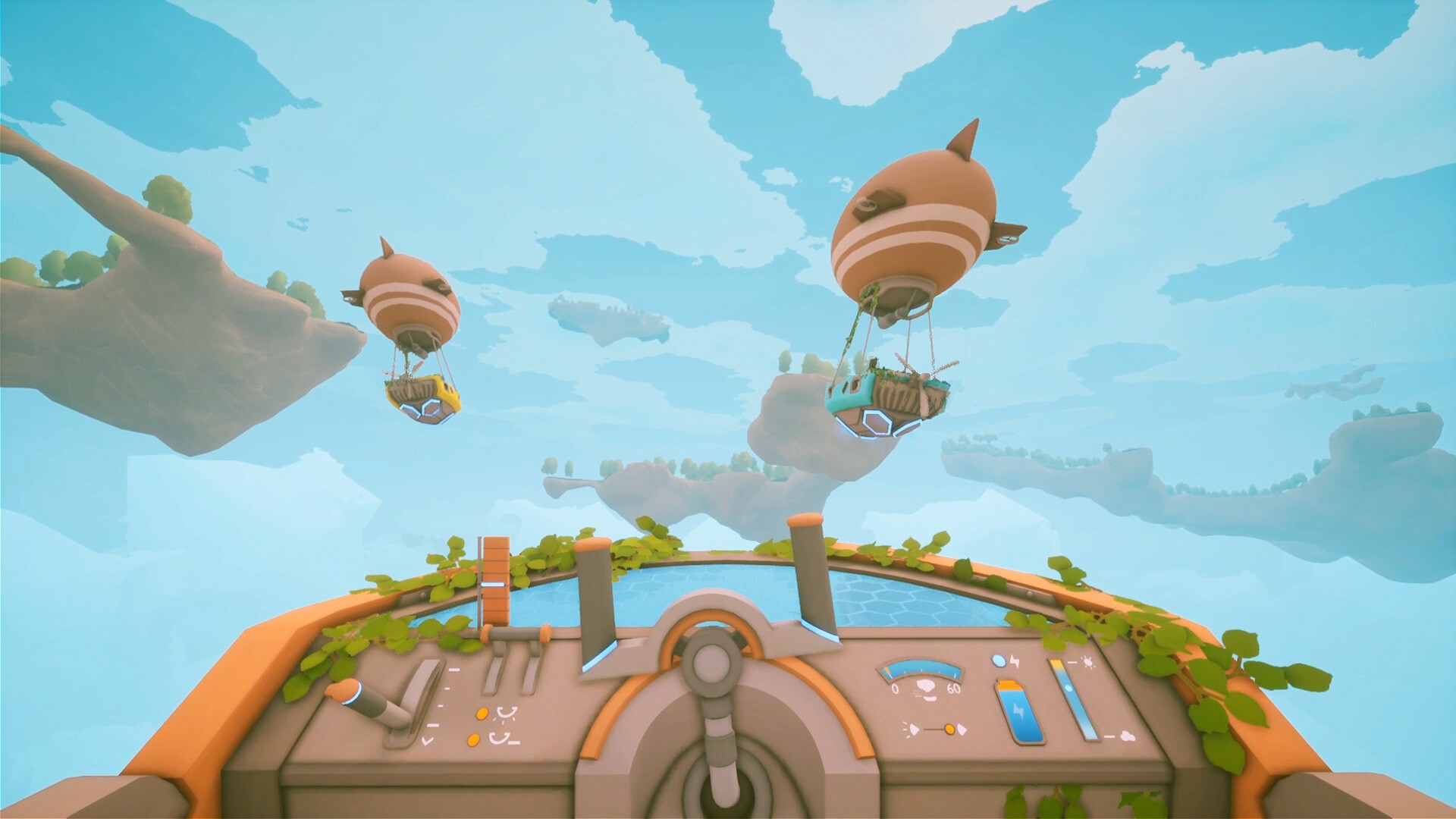
Survival title Solarpunk is now available in version 1.0, and while there aren’t tons of settings to tweak, you can still get the most out of it if you’re on PC. It’s not a graphically intensive game, but almost every new launch has some optimization issues.
This guide will help you ensure that you’re running Solarpunk at maximum frames and without any lag.
Best Solarpunk graphics settings
Before I deep dive into the best settings, here’s a summary of my current setup.
- 32 GB of DDR4 RAM
- AMD Ryzen 7 5700X
- AMD Radeon RT 9060 XT
My system is comfortably above the recommended settings, but yours might not be. Nevertheless, the following list of settings will help you run Solarpunk without any lag or stutters.

- Quality: Medium (This seems like the sweet spot if your PC is older. While you can go lower and get better performance, Medium shouldn’t create much of a problem. Unfortunately, only presets are currently available).
- Display: Borderless (I did encounter a stutter or two when it started to rain, and the display was on Fullscreen. Going Borderless seems like the better option).
- Vsync: It’s best to keep this off if you aren’t having lag. If you are, enable it. While Vsync will limit the frames you get, it results in smoother gameplay.
- FOV: 80 (This is the lowest you can go, and it’s fine if you want to avoid lag. Having a higher FOV is a luxury since this isn’t Call of Duty, where we will want to detect the enemy from as far as we can).
Overall, Solarpunk goes easy on all modern systems due to its low requirements. The performance also appears to be better compared to the earlier demo, which is a positive.


