

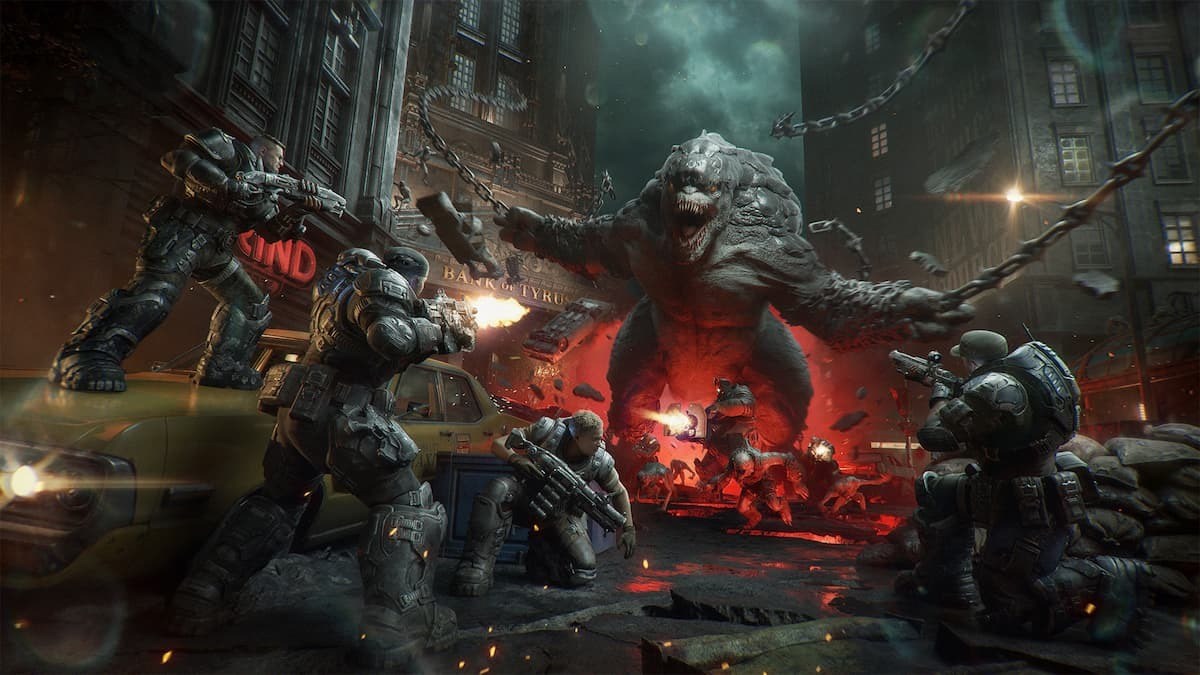
Gears of War: E-Day is now out in advanced access, and the full launch is only a few days away. If you’re playing on PC, your first task is to change the graphics settings to get the best possible performance. Graphically, this is an intensive game, so you should reduce some parameters to prevent any lag/stutter.
In this guide, I will explain the best graphics settings to use on your PC.
Best Gears of War: E-Day graphics settings
Before explaining how to optimize the game’s settings, here’s a rundown of my system specs.
- AMD Radeon 9060 XT 16 GB
- AMD Ryzen 7 5700X
- 32 GB of DDR4 RAM
Read what’s behind the latest news in gaming (with a bit of snark) by subscribing to the Destructoid Checkpoint newsletter!
While my system easily satisfies the Recommended settings, I still made a few changes. For this guide, I have focused on devices that are closer to the Minimum requirements. If your device matches the Recommended requirements, chances are that you won’t need to make too many changes.
- Display Mode: Personal preference
- Resolution: This should match the native resolution of your monitor.
- VSync: If you’re ending up with lag, turn this on. If you don’t have stutters or just playing the story, this can be turned off.
- Cinematic Ultrawide Support: Only for those with an Ultrawide.
- Idle Timeout: 5 minutes
- Upscaling Method: Ideally, I don’t turn on Upscalers. However, the advanced access is all about multiplayer, and I put this on (FSR for me) to Performance.
- Target FPS: 90 for me. If your device is on the lower end in terms of performance, this should be reduced to 60 FPS.
- Max FPS: This should ideally match the Target FPS value.
- Effects: Medium (if you have a good CPU)/Low.
- Textures: Low
- Geometry: Low
- Post-processing: Medium
- Motion Blur: Off
- Depth of Field: Medium
- Global Illumination: Low
- Reflections: Low
- Ray Tracing Geometry: Low
- Hair Strands: Off
- Detail Objects: n
- Volumetric Fog: Medium
- Ray Traced Shadows: Low
- Sunlight Shadows: Low
- Subsurface Scattering: Low
- Variable Rate Shading: On
- Chromatic Aberration: Off
- Animation Quality: Low
If you have a better device, you can run most things on High. While my PC didn’t have heating issues at Ultra, I did get occasional lag when there were too many enemies/too much gore. This could improve when Gears of War: E-Day gets a full release on Oct. 6.


