

It’s not drag and drop though
Recommended Videos
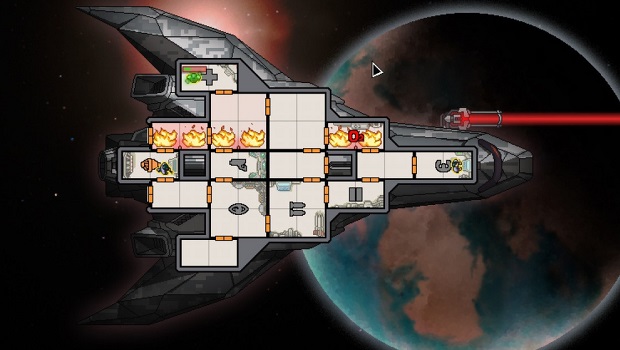
FTL: Faster Than Light is a pretty great game, so it’s no wonder that people are playing it on both PC and iOS. While there’s no built-in cloud save option that lets you seamlessly transfer your save across the two platforms, there’s apparently a workaround that makes it possible, compliments of the Stack Exchange Q&A forum.
You can read the full instructions here, but you basically locate your raw save file, then download an iOS uploader, locate the file (making sure to account for Game Center ID differences), and move it over to the PC.
It’s easier than it sounds, there are just a few extra steps involved to make sure you locate the right save.
FTL: Faster Than Light [Stack Exchange]


