

VV: Ultimatum is a vast Bleach RPG on Roblox promising to innovate on what we know and love like Type Soul, Paradox, etc. You can play as your favorite faction like in any Roblox Bleach RPG but VV puts its own twist on it. Luckily you can browse the VV: Ultimatum Trello, Wiki and Discord for all the details you need.
VV: Ultimatum Trello, Wiki and Discord
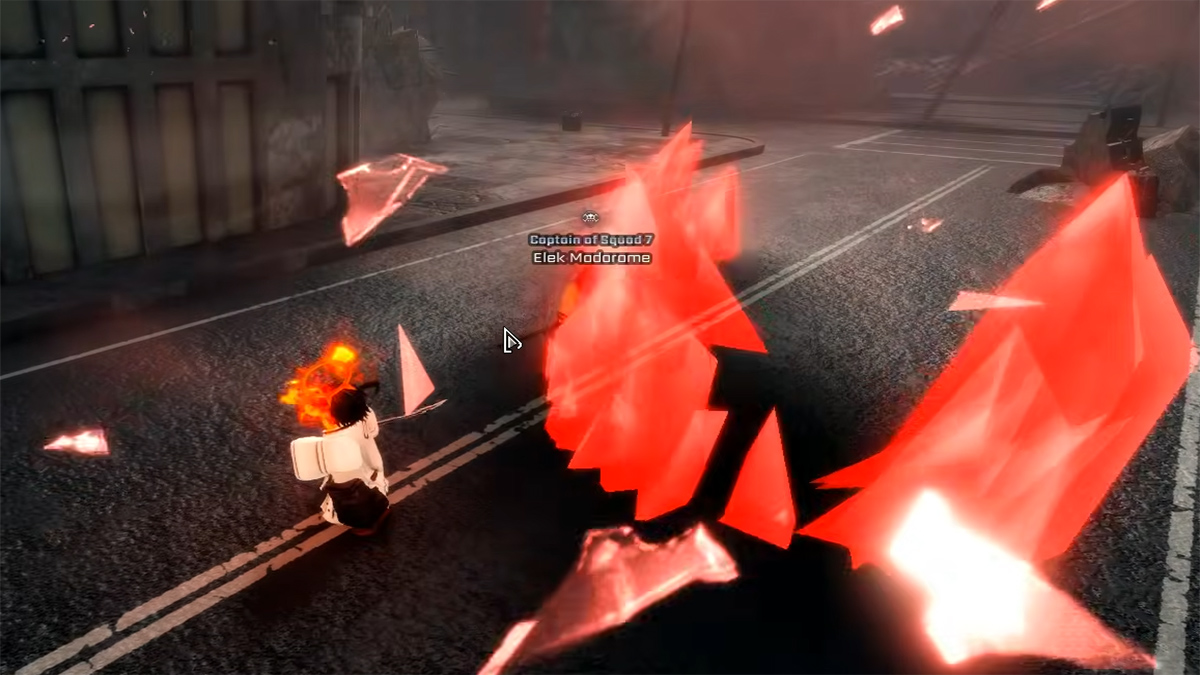
Here’s a bunch of useful links to stay informed on and play VV: Ultimatum:
- VV: Ultimatum Trello Board (Community)
- VV: Ultimatum Wiki (Community)
- VV: Ultimatum Official Discord
- VV: Ultimatum Info Discord (Community)
- VV: Ultimatum Game Page
- VV: Ultimatum Roblox Group
- VV: Ultimatum YouTube Channel
The VVU Trello is the best place to start if you’re playing right now since it’ll give you a Wiki-like overview of everything in the game. There’s detailed categorization for each faction so you can browse by faction or check out info for general items and other mechanics and features. The Trello has info on:
- Basic Mechanics and Controls
- Arrancar/Hollow Progression
- All Hollow Clans
- All Partials Res
- Shinigami/Soul Reaper Progression
- All Shinigami Clans
- All Shikai
- Quincy Progression
- All Quincy Clans
- All Quincy Powers
- All Skill Trees
- All Locations, Bosses and Enemies
- All Items
You can use the Trello to either decide what faction you want to play or check out the details of various moves from factions or skill trees. I would also recommend joining the Discord for the game since it’s the best place for community interaction. It’ll give you an overview of what the devs are planning like future updates, announcements or giveaways. It pays to keep track of patch notes in RPG games like this since there are so many movesets.
That’s it for my walkthrough for the VV: Ultimatum Trello board and Discord server links. Check out our VV: Ultimatum codes for a bunch of free goodies to speed up progression.


