


Zenless Zone Zero will release version 1.7 very soon. Before the new update goes live, there will be a short maintenance period during which the servers will be down and you won’t be able to log into the game.
You can find the complete ZZZ 1.7 maintenance schedule in this article.
ZZZ 1.7 maintenance and server downtime schedule
The update maintenance for Zenless Zone Zero 1.7 will begin on April 22 at 5pm CT, and is expected to last 5 hours. Thus, the maintenance should end by 10pm CT. The exact timing will vary depending on your location.
So, here’s a list of maintenance starting and ending timings for version 1.7 in different time zones.
| Time zone | Maintenance timings |
| Pacific Time | April 22 from 3pm to 8pm |
| Eastern Time | April 22 at 6pm to 11pm |
| British Summer Time | April 22 from 11 pm to April 23 4am |
| Central European Summer Time | April 23 from 12am to 5am |
| India Standard Time | April 23 from 3:30am to 8:30am |
| Japan Standard Time | April 23 from 7am to 1pm |
| Australian Eastern Standard Time | April 23 from 8am to 12pm |
| New Zealand Standard Time | April 23 from 10am to 3pm |
As mentioned, the servers will be down during the maintenance, and you won’t be able to log into the game. Therefore, I recommend completing any unfinished tasks beforehand. Once the maintenance is over, you can open your in-game mailbox to collect 600 Polychromes as compensation from the developers.
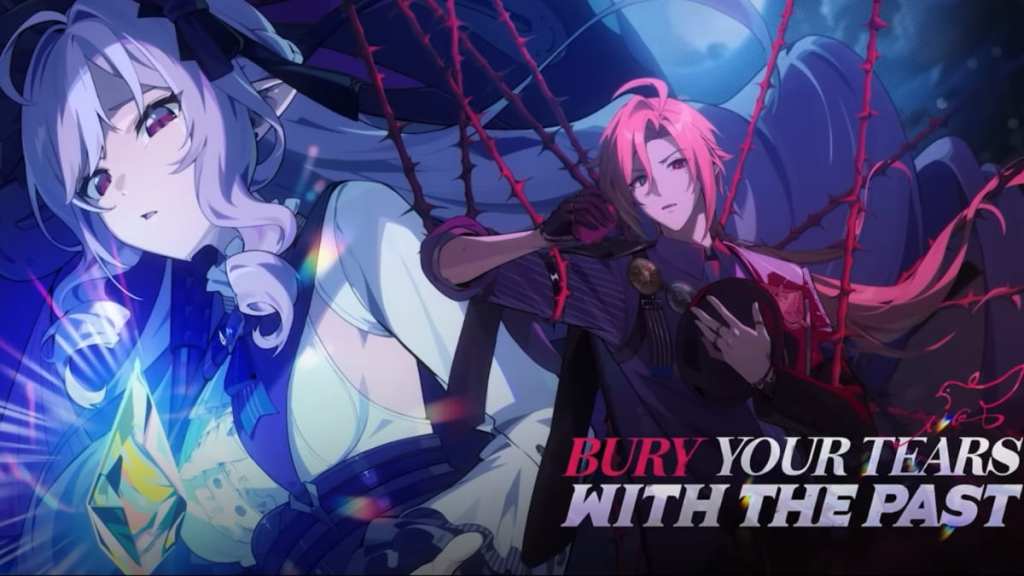
ZZZ 1.7 pre-download function is now available
HoYoverse has also released the pre-download feature for the upcoming ZZZ 1.7 update. The download size on each device is:
- PC – Around 6 GB
- Android and iOS – Around 3 GB
- PS5™ or PS5™ Pro – Around 26 GB
The size may also vary depending on the installed voice packs.
How to pre-download ZZZ 1.7
Here’s how you can start the pre-download on your devices:
- PC:
- Open the HoYoPlay Launcher and click on the “Pre-Download” icon next to the “Start Game” button.
- Mobile (Android and iOS):
- Launch the game and tap the “Pre-Download Resources” icon in the bottom-right corner of the screen to start downloading.
- PS5™ or PS5™ Pro:
- Launching Zenless Zone Zero will automatically begin the 1.7 pre-download if you have sufficient storage space.
Pre-downloading the resources is highly advised as it will speed up the update process and let you enjoy the new content faster.


