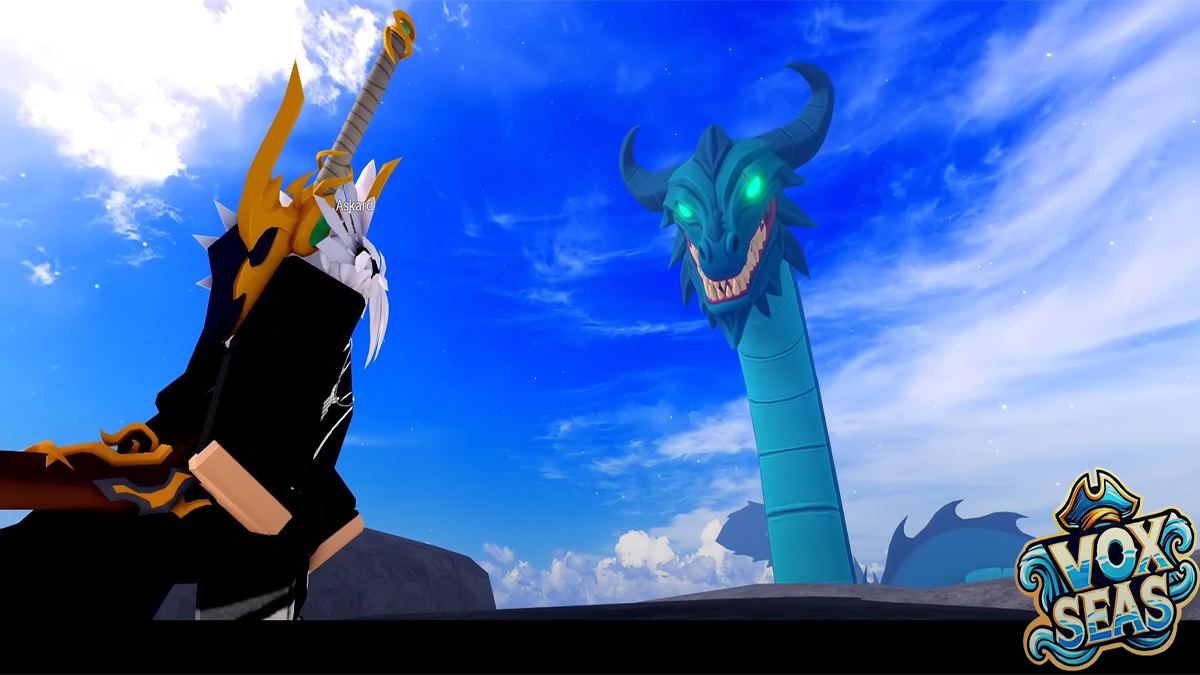
In an era of Blox Fruits, King Legacy and Rell Seas can Vox Seas rise to the occasion as another great Roblox One Piece RPG? It’s got tons of content and luckily a Trello to keep track of everything which serves as a wiki for the game. Here’s the official Vox Seas Trello board, Wiki and Discord server.
Vox Seas Trello, Wiki and Discord Guide
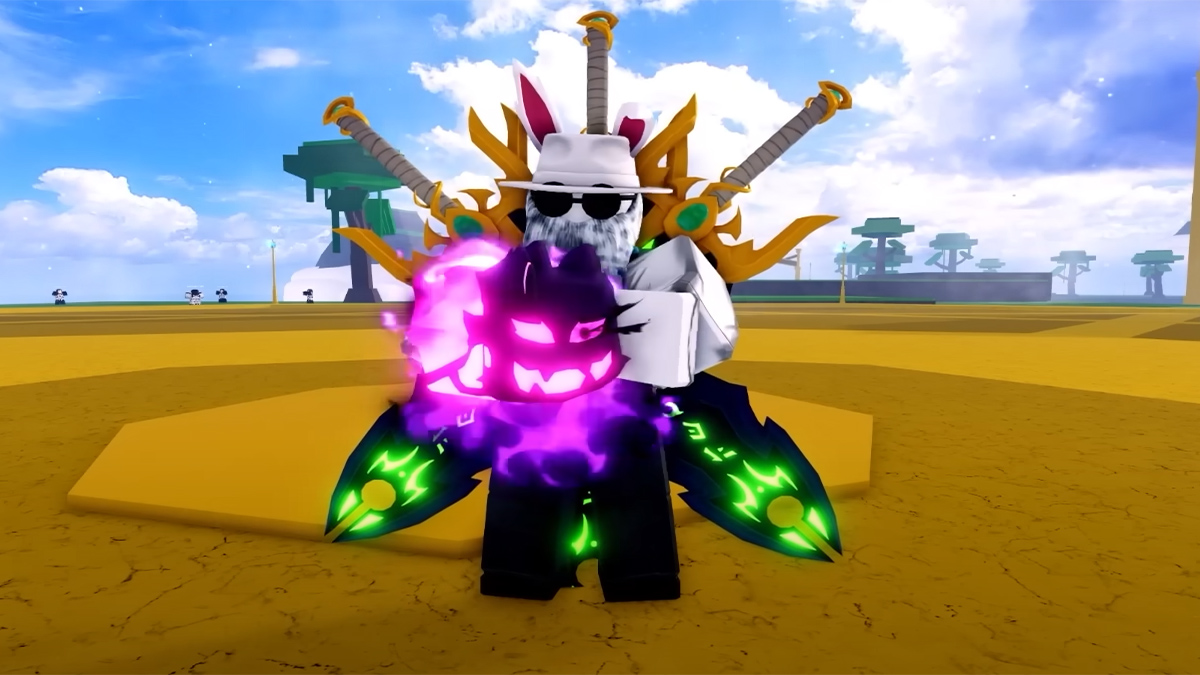
Here are all the community info links you need to get started and play Vox Seas:
- Vox Seas Trello Board
- Vox Seas Wiki (BloxInformer)
- Official Vox Seas Discord
- VS Game Page
- VS Roblox Community
- Vox Seas Codes for free goodies
As soon as the Trello and Wiki come out we will update this article. That said, judging from the playtest experience the Trello and Wiki will contain data for all the in-game features for progression and customization. You’ll be able to find info on:
- All Fruits and individual powers and movesets
- All Islands, Areas and NPCs
- All RPG customization features
- All melee and ranged weapons and movesets
- All Enemies and Bosses
- All Dungeons and Challenges
In addition to the Vox Seas Trello and Wiki I would also join the Discord since it’s got a bunch of info the latter don’t. For example that’s the best place to find all the sneak peaks, announcements and update logs for the game. With so many fruits and weapons tracking buffs, nerfs and reworks is important as with any RPG.
There’s also the Polls channel and Suggestions to contribute to the game as well as the chats. In chats you can ask the playtest players on launch about the best starting options and builds and we’ll be cooking up some guides of our own soon.
That’s it for my guide on the official Vox Seas Trello board, Wiki page and Discord server. Be sure to check out our Vox Seas Codes article above for free goodies and our Roblox section for more guides.