


Looking for information on anything Paradox-related? Chances are that you’ll find what you need on the Paradox Roblox Trello board. Finding it using Google can be difficult, though, so we prepared the link to it and other useful Paradox resources in the list below.
Roblox Paradox Trello & Other Useful Links
Here is a list of all the essential Paradox social and wiki links, including the link to the updated Paradox Trello board:
- Official Paradox Trello Board
- Paradox Wiki (Unofficial)
- Official Paradox Discord Server
- Paradox Roblox Game Page
- Paradox Roblox Group
What is the Roblox Paradox Trello?
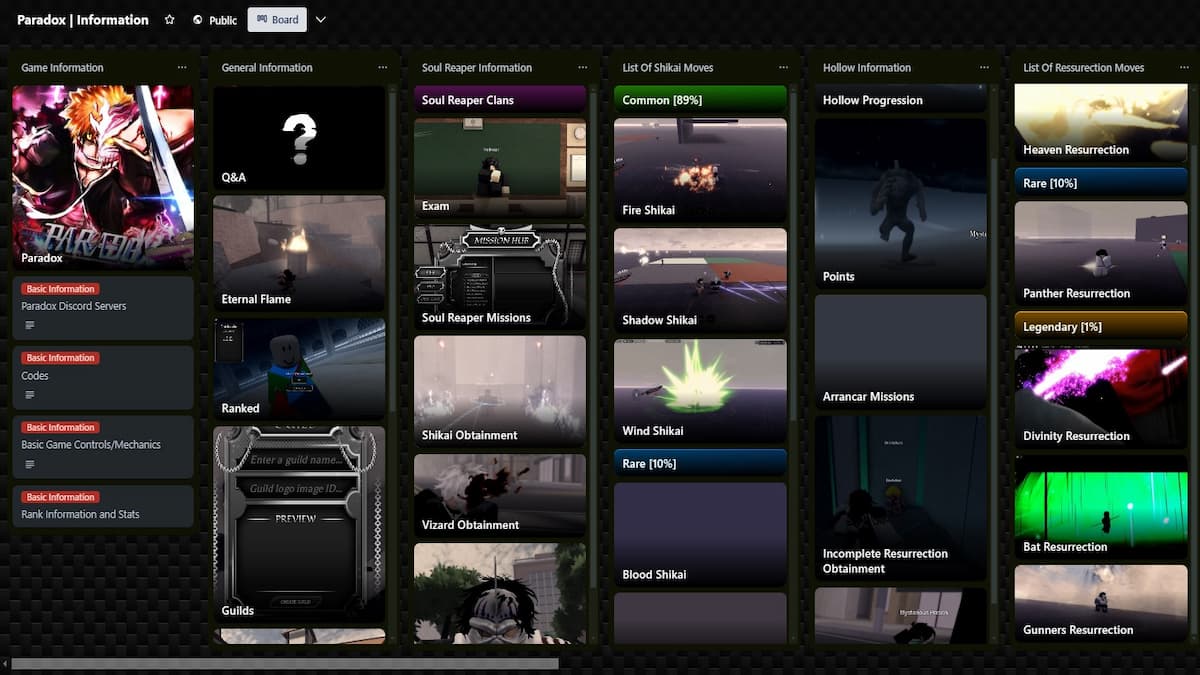
The Paradox Trello board contains information on almost everything that is in Paradox. That includes all the information on how to progress with your character and unlock different moves, where to farm specific items, NPC locations, bosses, etc. Use the “F” key on your keyboard or click the Filters button in the top-right to filter cards and find what you need.
Note that the Trello board is still a work in progress, and some specific information hasn’t been posted yet. For example, boss loot tables, area layouts, and move stats are still missing. If you can’t find something on Trello, check out the Paradox section here on Destructoid or the Paradox Discord server for more information. Bookmark this page, as we’ll update it as soon as the Trello board content is updated.
How to Find Info Quickly on the Paradox Discord Server
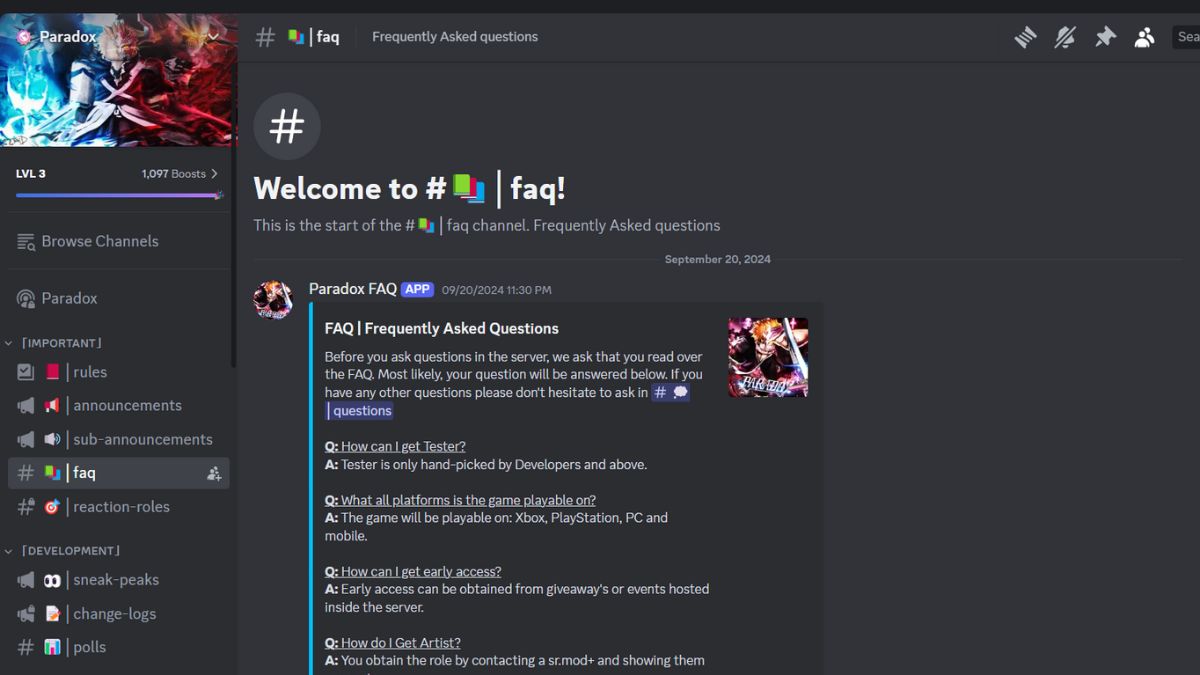
Even though the Paradox community is helpful, sometimes your questions won’t get any replies on Discord. Therefore, using the search function to look for previously posted answers is crucial. Here are a few tips on how to quickly search through Discord messages:
- Use “Ctrl + F” or click on the Search box in the top right to start searching.
- Use “from: [username]” to search for comments of a specific user.
- Use “has: [link, embed, file, video, image, sound, sticker]” to search for comments that contain a certain type of media.
- Use “in: [channel]” to search for comments from a specific channel.
- Use “during/before/after: [date]” to filter comments by date.
Now that you have the Paradox Trello link, check out Paradox codes for extra freebies. If you need help with anything not mentioned on Trello, feel free to leave a comment below.
Roblox Paradox FAQs
Paradox releases on April 10th, 2026, with major content updates.
It is likely because a lot of new content has been added to the game, and the Trello staff hasn’t had a chance to update it yet. The new information should be added to the Trello in the near future.


