

After your first few games in LockOver, you will already have a lot of questions about basically everything in the game. What do different weapons and playstyles do? What accessories can I unlock? You can find the answers to these and all of your other questions in one place: the official LockOver Trello board!
LockOver Trello and Other Socials
With so much content from the get-go in LockOver, you will first need to get familiar with all the mechanics. So, here are all the essential LockOver socials that you will want to visit to get up to speed:
What is The LockOver Trello?
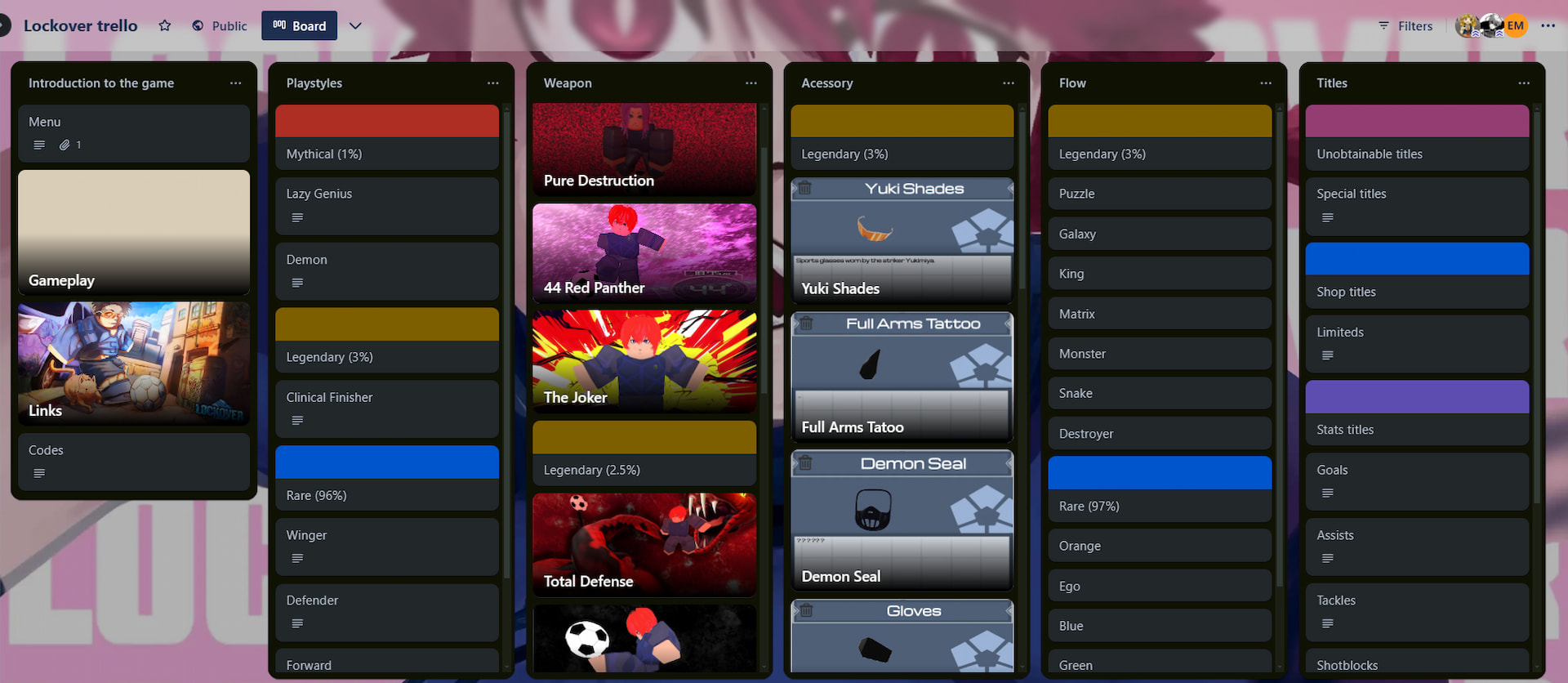
Like many other Roblox titles, LockOver has a Trello board, which serves as a wiki page for it. However, unlike a wiki, it’s organized into columns. Each column consists of multiple cards that cover different subjects within certain topics. Among other things, you can find the following information on it:
- Playstyles and weapons, and a detailed description of each of them.
- Complete list of available accessories.
- All flows and titles, along with the chances of getting them when rolling for them.
What is The LockOver Discord?
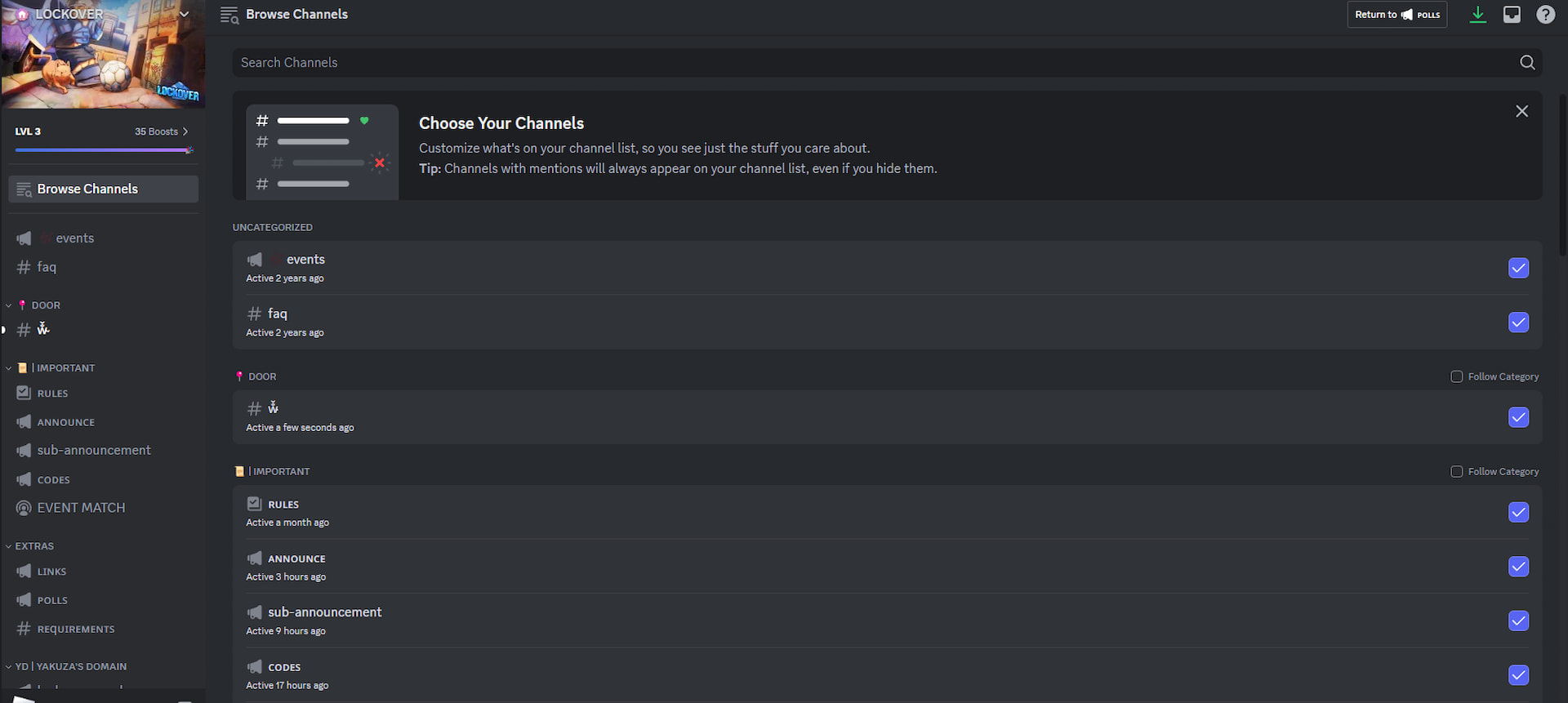
If you can’t find some information on the Trello board, you can always visit the LockOver Discord server. It serves as the main community hub for all LockOver enjoyers. On it, you can #team up with others, provide #suggestions, and even organize #scrims. Also, make sure to stay up to date with all new #announcements and #updates by following those channels.
How to Best Search The LockOver Trello and Discord?
With so much information on the LockOver Trello and Discord, you might find them difficult to navigate. So, feel free to use the Filter button on the Trello in the upper-right corner to search for specific keywords. In the case of Discord, here are some prefixes that you can use to narrow your search:
| Prefix | Use | Prefix | Use |
|---|---|---|---|
| in: channel-name | Use to search specific channels like the #questions one (in: questions). | before: date | Look for messages that were sent before a specific date. |
| from: username | Search for messages from a specific user. | after: date | Use to find messages that were sent after a certain date. |
| has: image | Find all the messages that contain images. | pinned: true | Find all messages that are pinned on the server. |
And that sums up our LockOver Trello guide. I hope you are ready to become a true egoist with the info above. If you want to read more of our guides, check out the Roblox guides section here on Destructoid.


