


Schedule 1‘s v0.4.3 update brings metallic Storage Closets for you to buy and use to expand your business empire.
The closets are essentially better versions of the storage chests that we already had in-game. These closets offer more space for you to utilise in your base of operations. Let’s look at how to get these metallic closets and set them up.
Table of contents
How to get the Storage Closet in Schedule 1
You can buy the Storage Closet from Dan’s hardware store in Schedule 1. However, it will be locked for you when you’re just starting out. You’ll need to reach Bagman 1 rank at a minimum before the metallic items become available in the store.
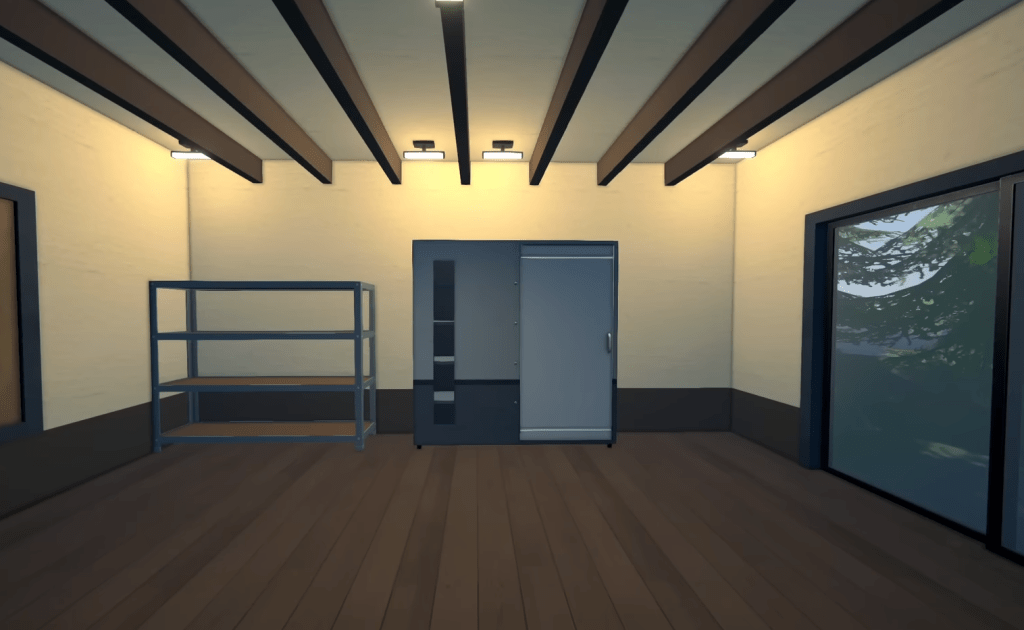
Once unlocked, you’ll find four different options in the store.
- Small: $150
- Medium: $225
- Large: $300
- Huge: $500
How to use the Storage Closet in Schedule 1
The first step is to purchase it from the store. You can buy as many as you want. Once you purchase a closet, it will be added to your inventory slot. Go to your base of operations and select where you want to place the closet.
Select it from the inventory and place it on the spot. While the Small and Medium variants don’t take up much space, the Large and Huge ones are massive in size. Here’s the amount of inventory space each one offers.
- Small: Six slots
- Medium: Eight slots
- Large: Twelve slots
- Huge: Twenty slots
The Huge Storage Closet offers the best bang for the buck, but it’s expensive and needs plenty of space on your base. Incidentally, this is the only new item in the update, as the rest of the changes are tweaks to existing gameplay elements.


