


College Football 27 is out in early access on PC and consoles, and you can use the Team Builder to use fantasy creations for your Dynasty mode. The Team Builder website allows you to create teams of your own imagination. Whether you want to stick to realism or go the fantasy route, you have utmost freedom.
This guide will help you understand how to create and then share your creations with other players.
How to create a team with Team Builder in College Football 27
The Team Builder is available as an external website. If you have yet to start your journey, you can still make your fantasy team.
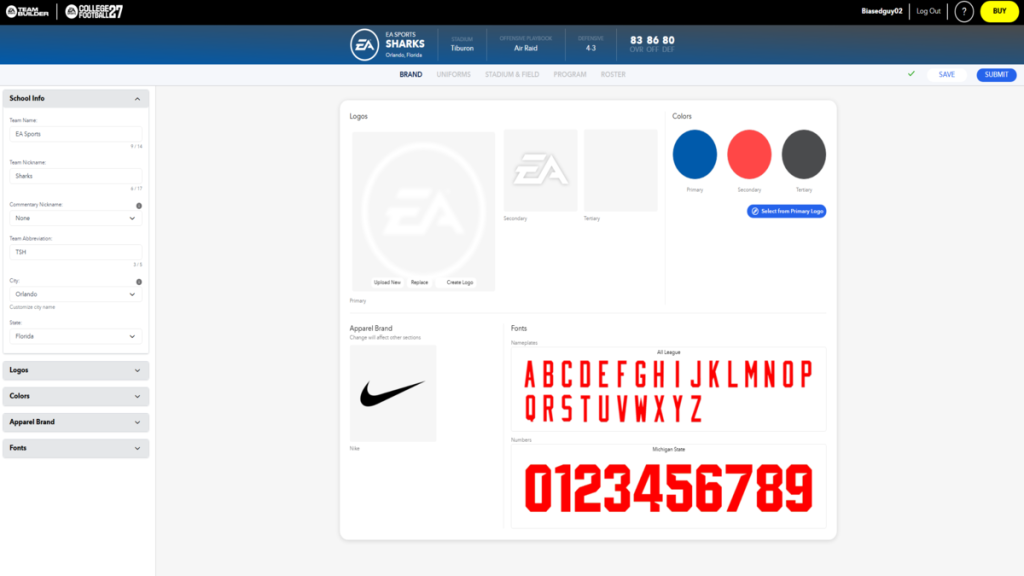
- Click on Create on the home page to begin the process.
- First, choose your preferred apparel brand.
- For logos, you need to pick your primary, secondary, and tertiary logos. You can add an image of your own, or pick one from the existing catalog. You can also use Adobe Express to create an image.
- Select Apparel brand from three options: Adidas, Nike, and Under Armour.
- Finally, pick the letter and alphabet fonts.
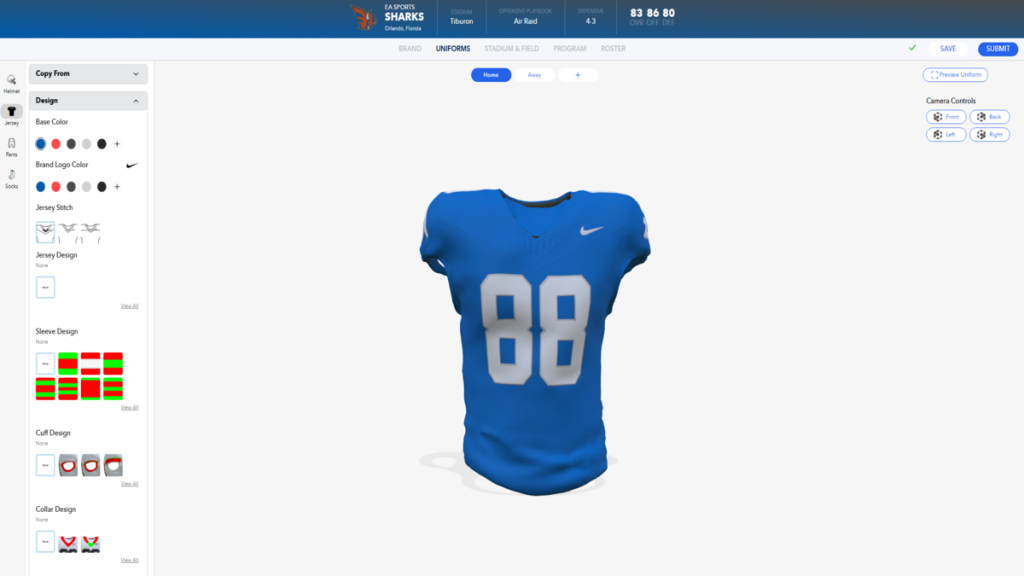
- Next, we create the jerseys. You can try out the presets available for each key part.
- You can also go for full customization for each part. Select the uniform part you want to customize, and then let your imagination run free.
- In the image above, I have selected a simple and solid color. However, you can mix and match between different shades. You can also tweak them further by changing the jersey, sleeve, cuff, and collar design. Similar features are also available for other parts of the uniform.
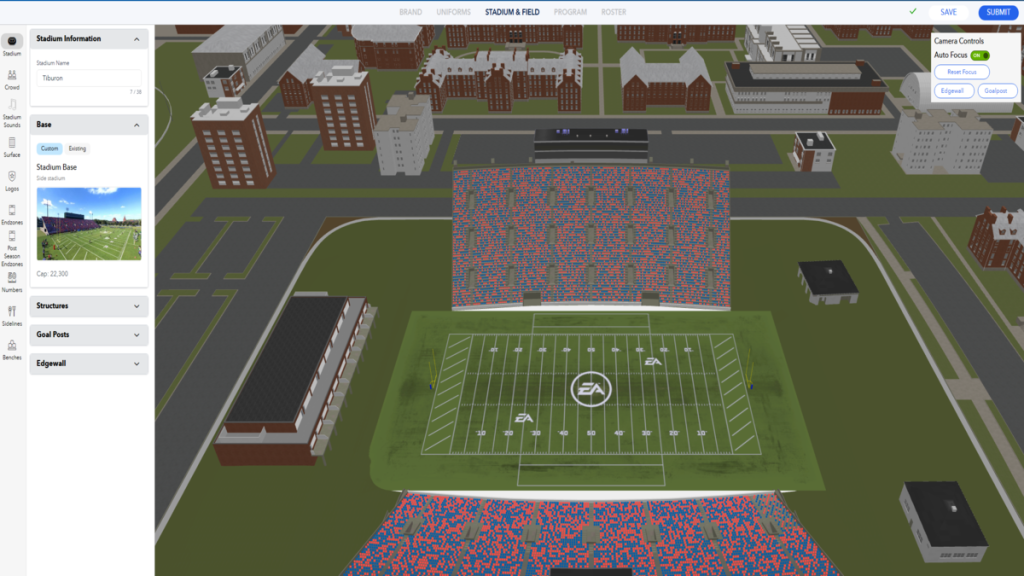
- Next, we hover over to the stadium. On your left, you’ll find different parts of your home field. You can edit the modular parts of the stadium to personalize it according to your tastes. However, you can also load the stadium of a real-life school and then edit it (go with this option if this is your first time using the Team Builder).
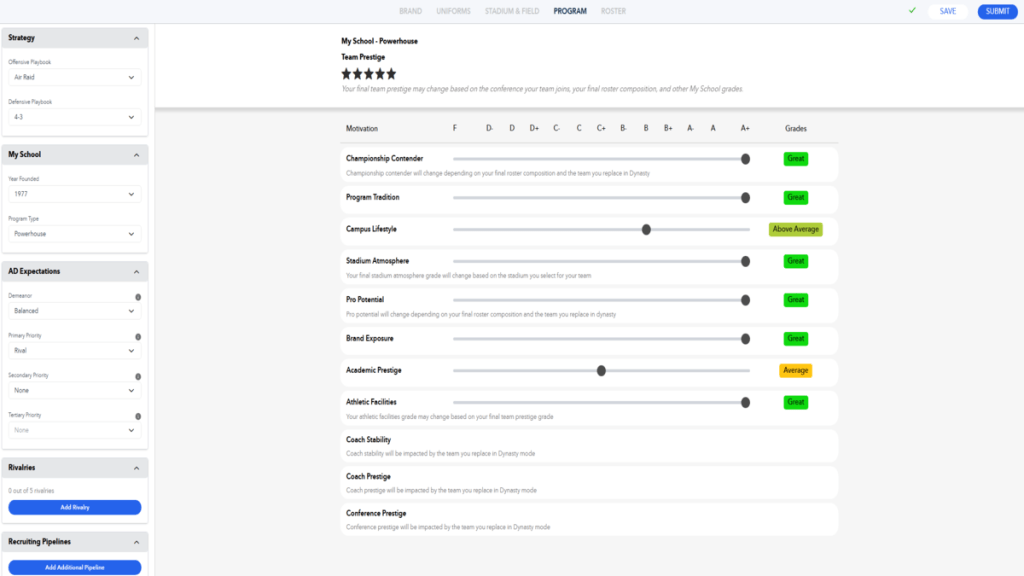
- Next, we head to the Program tab. This is where the fun begins.
- For starters, you can set the default strategy for your lineup, and add details about your school. This involves choosing the founding year, your rivals, and more.
- You can also add different grades for subdivisions of your school’s program. A key piece of advice: don’t go with A+ grades in every department because that will completely kill the realism.
Finally, head to the roster tab. You’ll find a list of athletes generated by the website. If you are happy with what the AI has created, you can go with the default squad. However, you can also tweak the details of every member in your roster. You are welcome to add abilities as you deem fit.
Once done, go to the Download Center in College Football 27. If you submitted and saved your creation, you’ll find it available for download. You’ll also find custom creations of other players; simply download and add them to the league to run a Dynasty mode save with these schools.


