

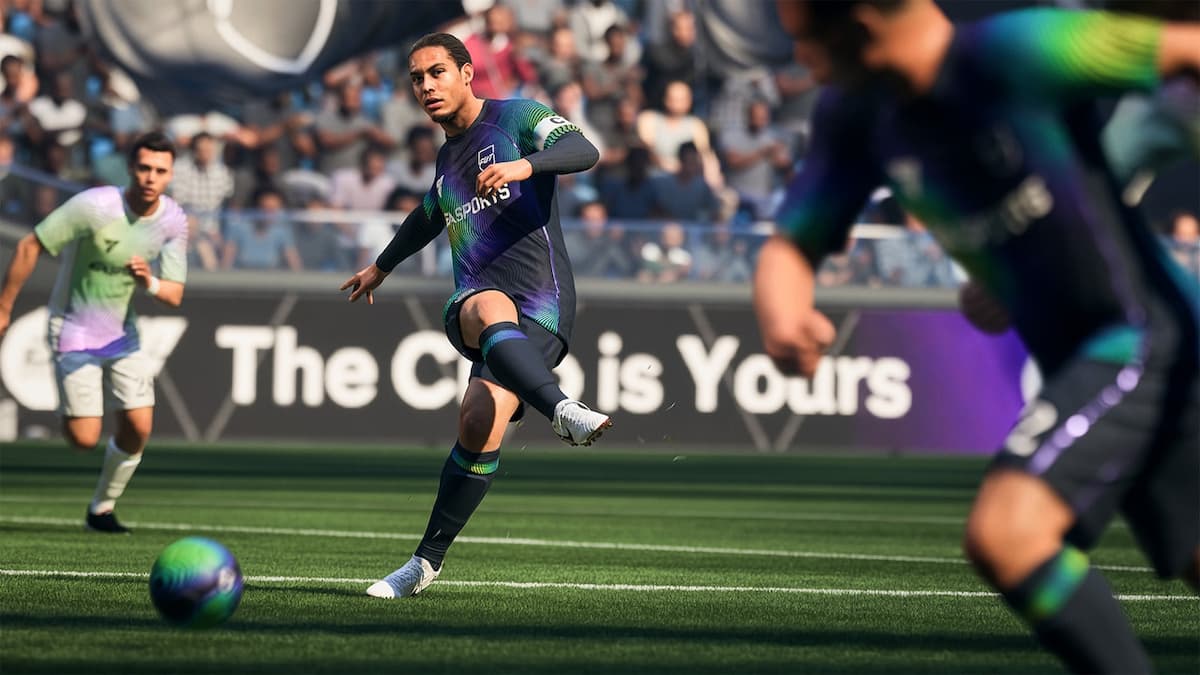
FC 26 goes live on Sept. 19 across PC and consoles for those with early access, and you can save time and get playing faster by pre-loading the game.
Pre-loads are available on both PC and console, and can be a huge lifesaver. This guide will help you pre-load the game on your platform and share details about the file size.
Table of contents
How to pre-load FC 26?
The exact method to pre-load varies slightly based on your platform. As of writing this guide, the pre-load isn’t available for PlayStation yet, but you can also ease that process.
- Xbox users can go to their console library/FC 26‘s store page and select their edition (skip this if you have already purchased your copy).
- The store will then allow you to pre-load your files to begin the downloads.
- If you’re on PlayStation, pre-loads will be available on Sept. 17. Select your game version (as shown in the screenshot) and enable auto-download. This will automatically download all the required files for running FC 26 when the game goes live on Sept. 19.

The process of pre-loading the game on PC is essentially the same, although Steam users will have to wait as of this writing. However, you can download the required files from the EA app and prepare to jump in on Sept. 18. PC has a different launch schedule, and our countdown will help you stay updated.
FC 26 file size
The game’s file size for PlayStation consoles isn’t available as of writing. I will update the size as soon as pre-loads go live for the platform. On PC, the file size is 53.1 GB, although this could vary slightly if you’re on Steam (this figure is from the EA app).
On Xbox, you’ll have to download 52.03 GB of data for the game (this applies to the current-gen version, but figures should be similar for the old-gen). The game file size on PlayStation should be somewhat comparable as well. This will eventually change as we keep getting post-launch updates.
Like our content? Set Destructoid as a Preferred Source on Google in just one step to ensure you see us more frequently in your Google searches!


