

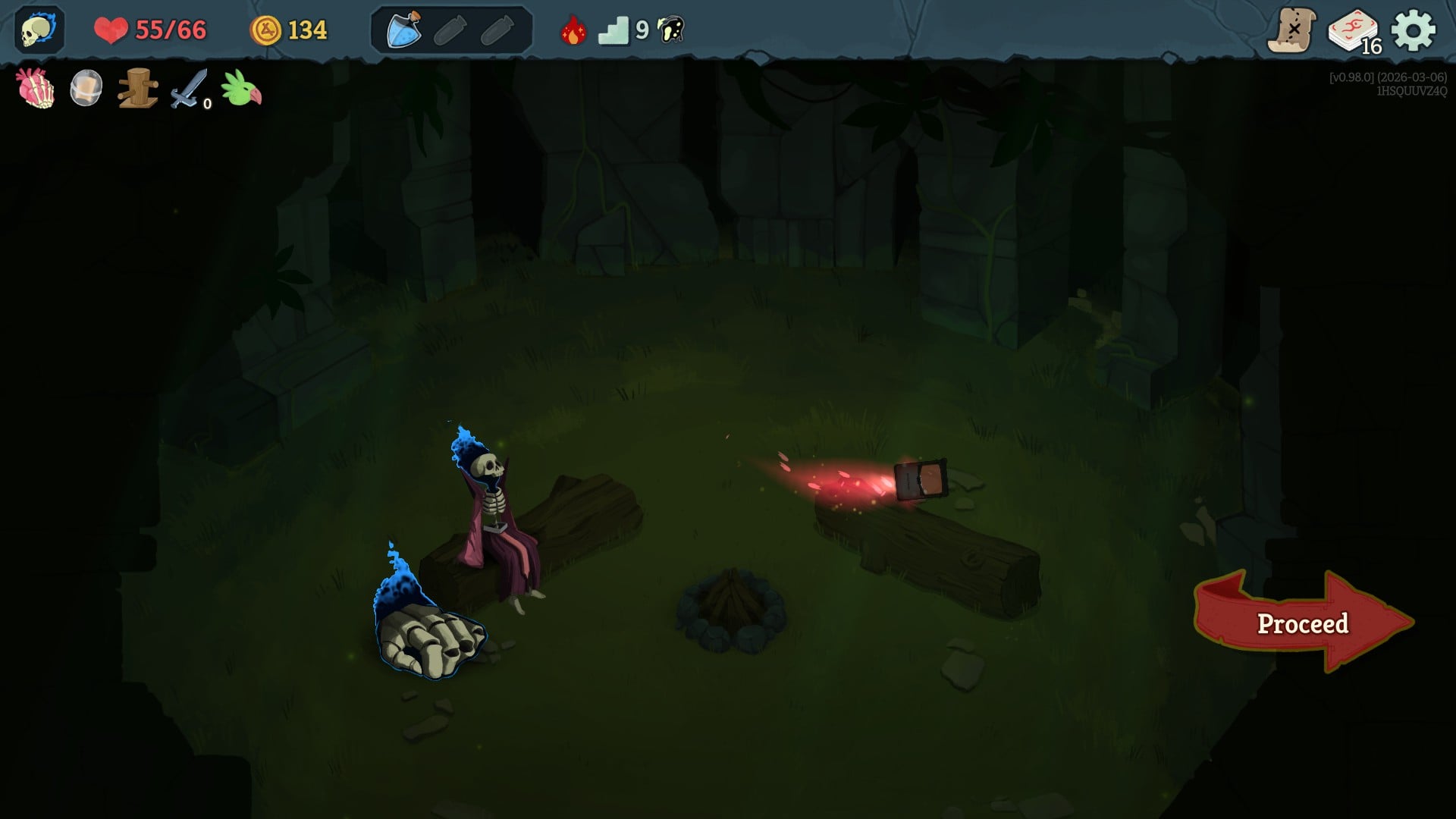
One of the biggest additions to Slay the Spire 2 is optional co-op. Unlike the first game, you choose to have a shared adventure with your friends.
Already added to the game at its early access launch, allows you to play with up to three friends and have a shared journey. If you’ve been confused about how to play co-op, this guide will help you out./yoast
Table of contents
How to co-op with friends in Slay the Spire 2
For starters, you and your buddies will need to own Slay the Spire 2 since there’s no system of friends pass or anything similar. All of you must be added to Steam as friends. To play co-op, you’ll need to invite your friends.
- Load the game.
- From the main menu, choose multiplayer.
- You have two options: you can either host a game or join one that’s hosted by your buddy.
- Let’s assume you want to host a game.
- Select the type of game you want to host.

- Next, pick the save file to create the session. You can use one that you used to play solo, or create a new save. In-game progression, like unlocked characters, doesn’t carry across different saves.
- Now, you have to invite your friends from the Steam list.
Once your friend accepts your request, they will join your shared session. For co-op, the host must stay connected to the game at all times.
Does Slay the Spire 2 have matchmaking
While Slay the Spire 2 has co-op, there’s no matchmaking. You can’t host open sessions and play with strangers. However, you can add them as a friend on Steam and then send them the invite. This is a smart way to play with others if none of your friends are on Slay the Spire 2.


