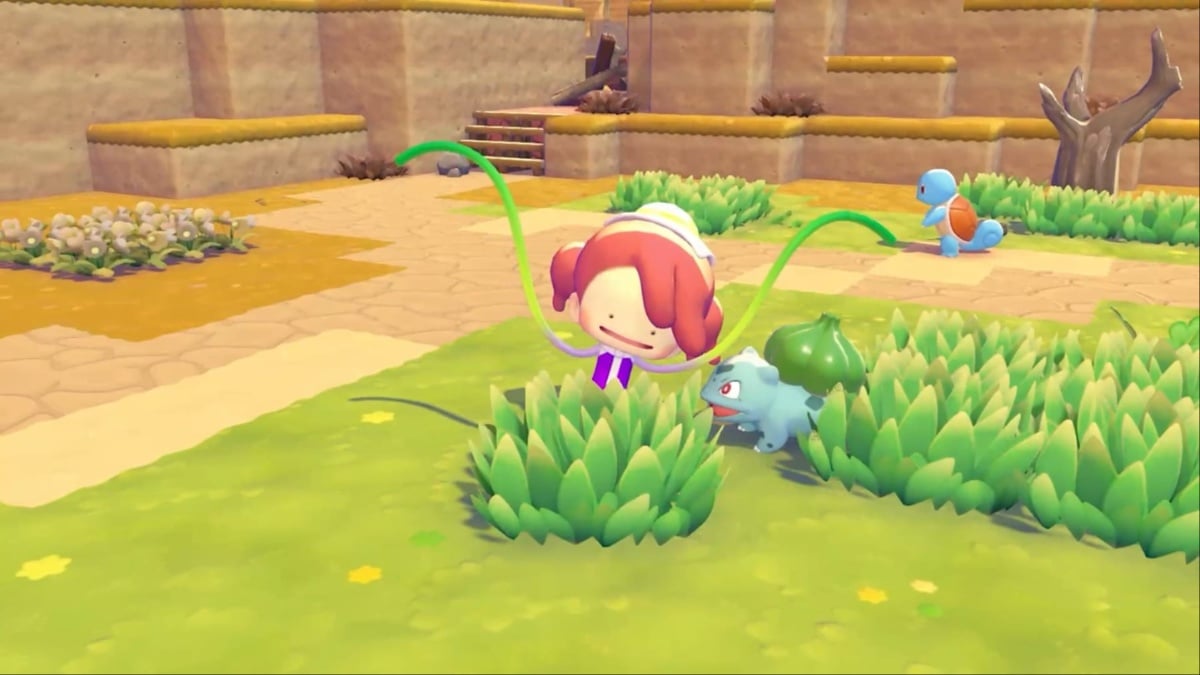
Pokémon Pokopia is now out on the Nintendo Switch 2 consoles all around the globe, and you can join the party with your buddies from the comforts of your home.
While Pokémon Pokopia can be completely enjoyed on your own, joining your friends provides a different kind of fun experience. Let’s look at how the multiplayer system works and how you can invite your buddies.
How to play online in Pokémon Pokopia
There are different types of multiplayer modes available in Pokémon Pokopia. To access them, you’ll need to head to the Pokémon Center and open a PC. Select Link Play from the menu. This will open and show all the available multiplayer modes.

How to invite your friends to Pokémon Pokopia
Once you can access the multiplayer modes, you can invite your buddies. You can invite up to three of them to play together. Together, you can create your own Palette Town, with all of you doing your individual tasks. While you can visit other places together, you can’t construct anything outside Palette Town.
You can do the same by visiting a friend’s island. The same rules as mentioned above apply. If you or a friend finds a Pokémon, you can give it a Star Piece. It will then appear back in your version of the world (or in your friend’s if they do the same).
Finally, there’s the Cloud Island option as well. In simple words, this is a shared world that you and your friends own. The Cloud Island doesn’t require a host to be active for you to play on it. Naturally, you can’t bring items found on a Cloud Island to your main save. However, certain in-game progression like recipes, will carry over to your own game.
While the multiplayer system is pretty comprehensive, you have to complete the story all on your own. There’s no co-op feature enabled for the main campaign.