

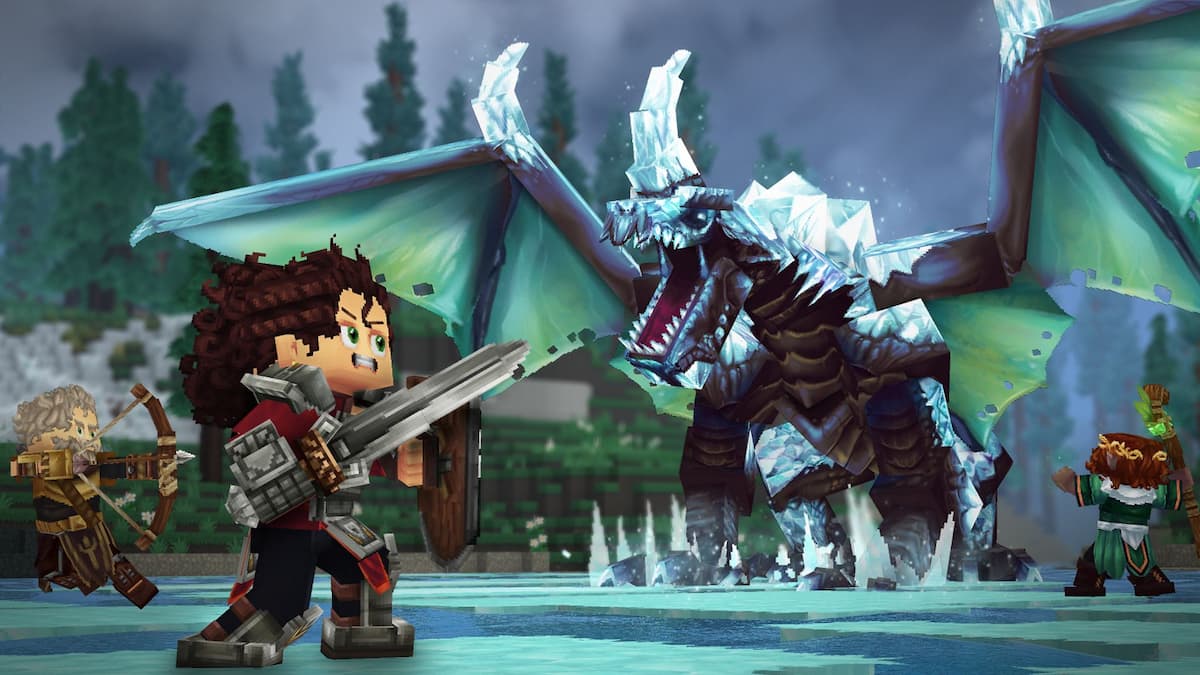
Ready for another adventure? Hytale is here in early access for PC, and the survival crafting game is a ton of fun.
Like Minecraft before it, Hytale is a first-person adventure, but you can also play it in third-person by switching things up in the menus. Unlike Minecraft, though, it’s not a simple button switch to change your camera angle.
Here’s how to swap your camera angle and play Hytale in third person.
How to play Hytale in third person
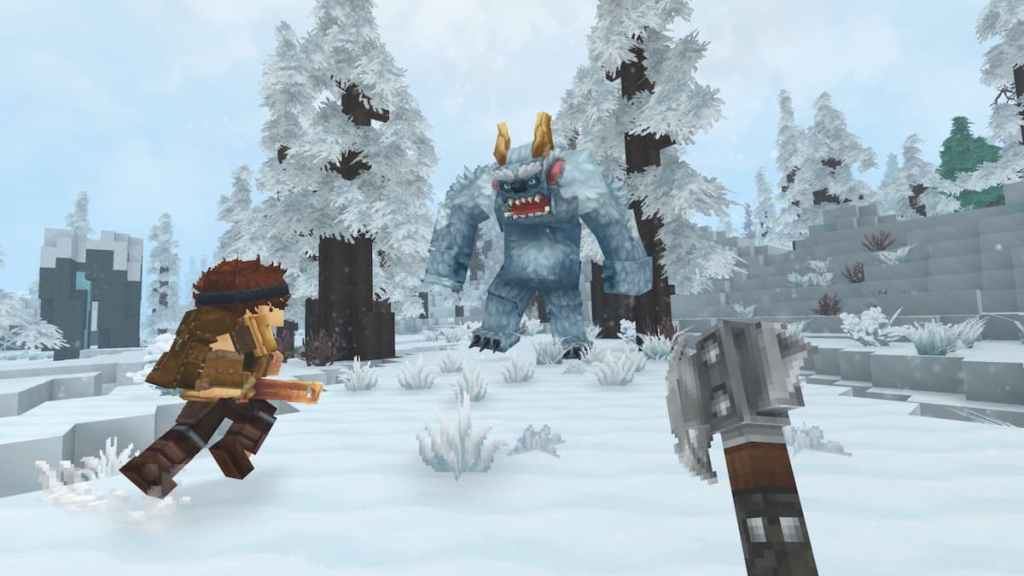
Hytale, by default, is played in first-person perspective. But you can swap to third-person perspective in-game so that you can see your character and all the awesome gear you worked hard for.
To change perspective:
- Press ESC and open up Settings.
- Navigate to Gameplay.
- Scroll down to Camera, and select Camera Preference (On Spawn).
- This will allow you to swap between First Person or Third Person (with an option to Remember Last Used), which will take effect when you respawn.
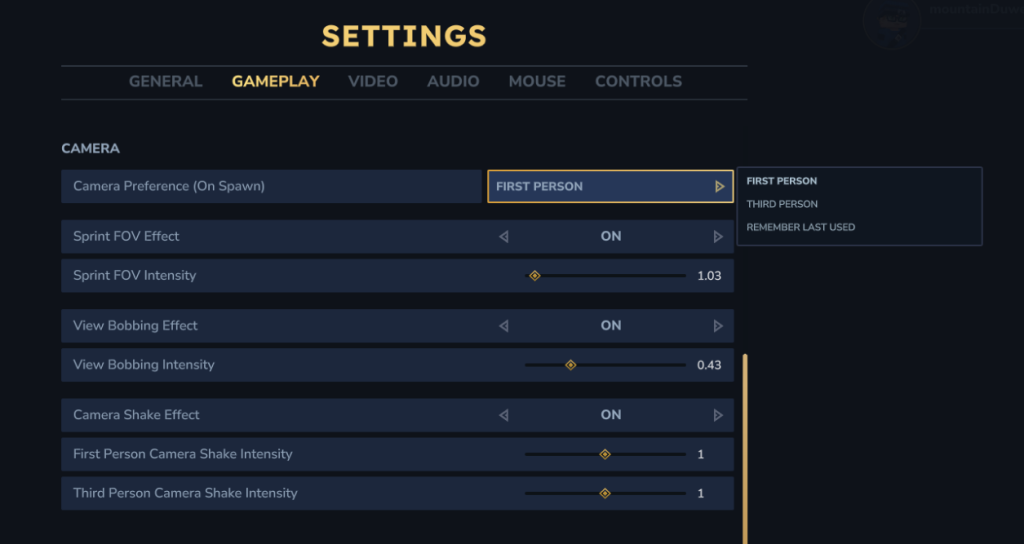
In order for the change to take place, you need to save your settings and either log out of the game and log back in or respawn at your bed. Once done, you should be able to see your new perspective in-game. Have fun!


