

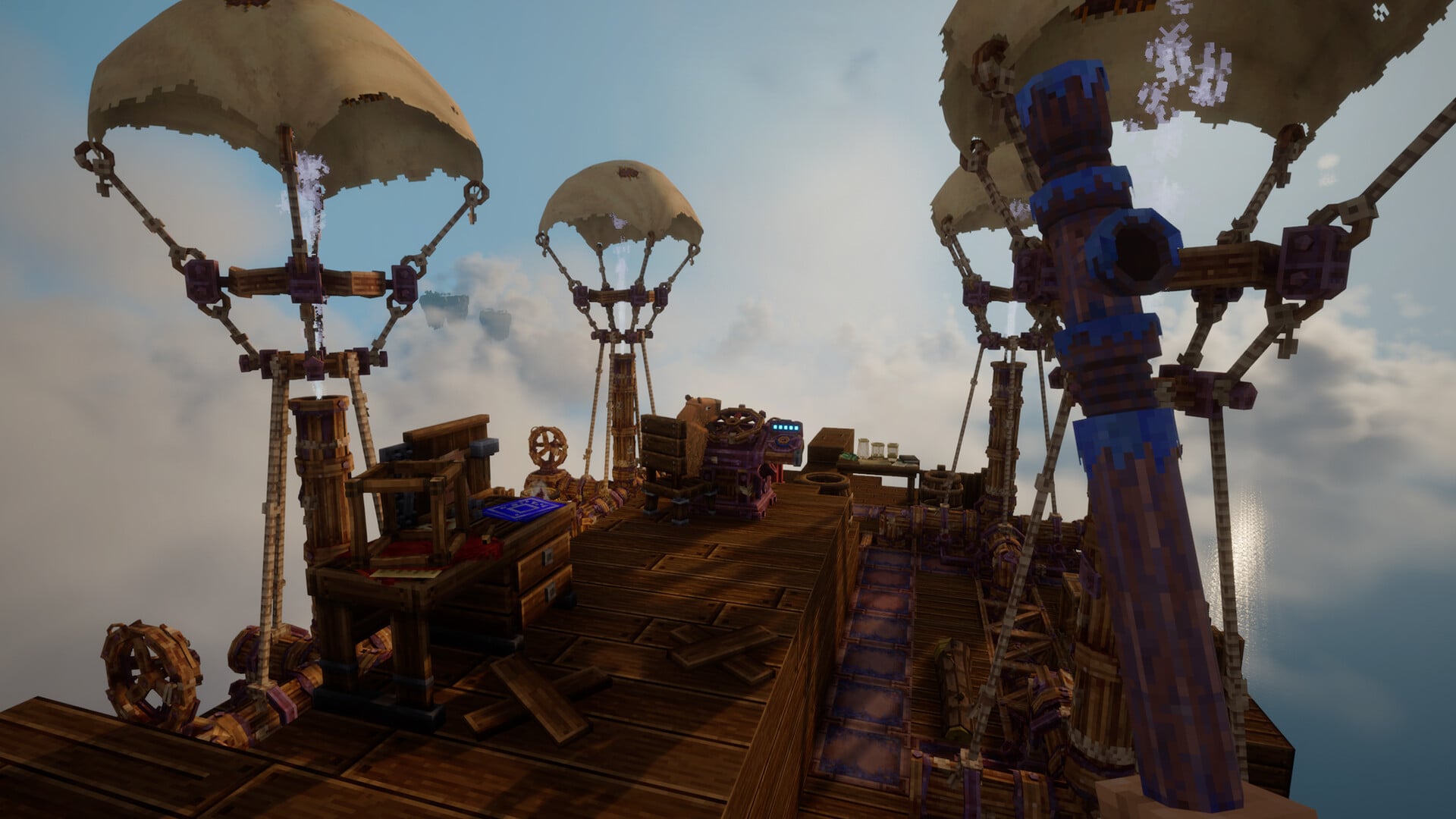
Sandbox-RPG hybrid Everwind is now available on early access for PC players worldwide, and it already offers you a chance to play with your buddies.
While the game can be completely enjoyed on your own, you can play co-op with your buddies. While online gameplay has its fair share of limitations as of writing, it enables you to enjoy progression with your friends.
This guide will help you set up a co-op lobby to play Everwind.
Table of contents
How to invite your friends in Everwind
For starters, you’ll all need to own a copy of Everwind. Being friends on Steam is recommended, but it’s not necessary at all. In Everwind, the co-op gameplay works in an old-school setup. You get to share a world with your buddies, but the game will be hosted on your end. Hence, it’s important that the person with the best internet gets to host a shared session.

Assuming that’s you, here’s how you can invite your buddies to play with you. Create a world if you haven’t done it already. If you already have a world, you can load it into your save. You can use the same save for offline and online play.
Press the Esc button, and select the “Go Online” option. The game will now switch to an open lobby, and you’ll be able to get your code. Share this code with your buddies. They will then need to log in to the game and join using the code.
How to join co-op in Everwind

Whether it’s you hosting a save or your friend, you/your friend will need to use the code to play together. From the main menu, pick the Join Game option. Enter the code, and you’ll be able to join your friend’s world. Similarly, they can use your code to join the shared world and play together.
You can also use the official Discord and other social media communities to share your code and play together with strangers from around the globe.


