


Escape from Duckov has steamrolled through its launch, selling over a million copies in just a few days.
Though we’ve given it a 7 in our own review, Duckov remains a fun and weird and altogether unique experience that takes inspiration from existing games and puts its own little spin on it. Unfortunately, though, the game is locked to single player, which is strange considering its genre. But there might be a way out of that prison yet.
Here’s all you need to know about playing Escape from Duckov with your friends.
Escape from Duckov co-op, explained
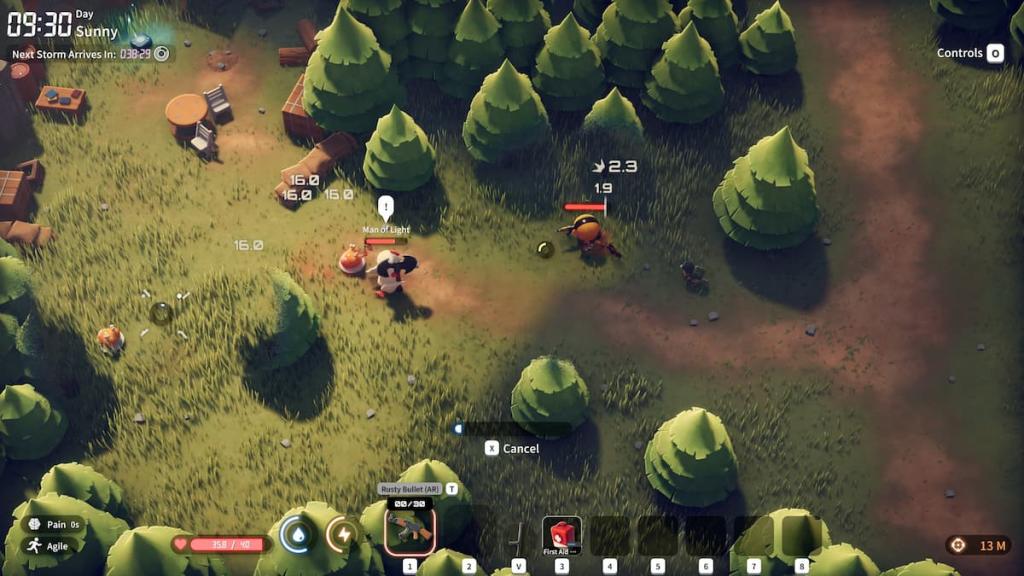
To play Duckov in multiplayer, you’re gonna need a few mods installed first. Thankfully, the devs have added full mod support and integrated the game with Steam Workshop, allowing you to use just a few clicks to get all the work done.
So, first thing’s first: go to this Steam Workshop link and subscribe to the mod. When prompted, press “Subscribe to All” to add the pre-requisites, too.
Next, follow these instructions:
- In the game, go to Mods, and arrange the load order as the following: HarmonyLib, LiteNetLib, Debug CMD Mod, Co-Op Mod.
- Then, restart the game, and start a new save. All co-op and online commands can be accessed via the Home key.
- Exit out and download Radmin VPN. Via Radmin, host a new network, then invite your friend to it. Be sure to set a secure password.
- If you’ve hosted, go back to the bunker in Duckov, and then start a server session via the Home key. The one joining should go to their own bunker and use Home to open up the online options and input the host’s IP address. The IP address is the IPV4 one from Radmin VPN, which you can just copy from the client.
- Then, connect via the IP.
- You should now be with your friend in a joint session.
The mod is very much experimental and introduces a functionality to a game that does not originally support it. It’s thus gonna face a lot of bugs and issues, which you can report in the mod’s Steam discussions. Mind you, a lot of the comments and posts are in Chinese so finding English-speaking support can be difficult, but given the size of the community, it’s probably going to net you some results.
The mod also supports local LAN connections, removing the necessity of Radmin VPN. Simply join the same network as the host and connect via your local IP address, it should work just the same.
Like our content? Set Destructoid as a Preferred Source on Google in just one step to ensure you see us more frequently in your Google searches!


