

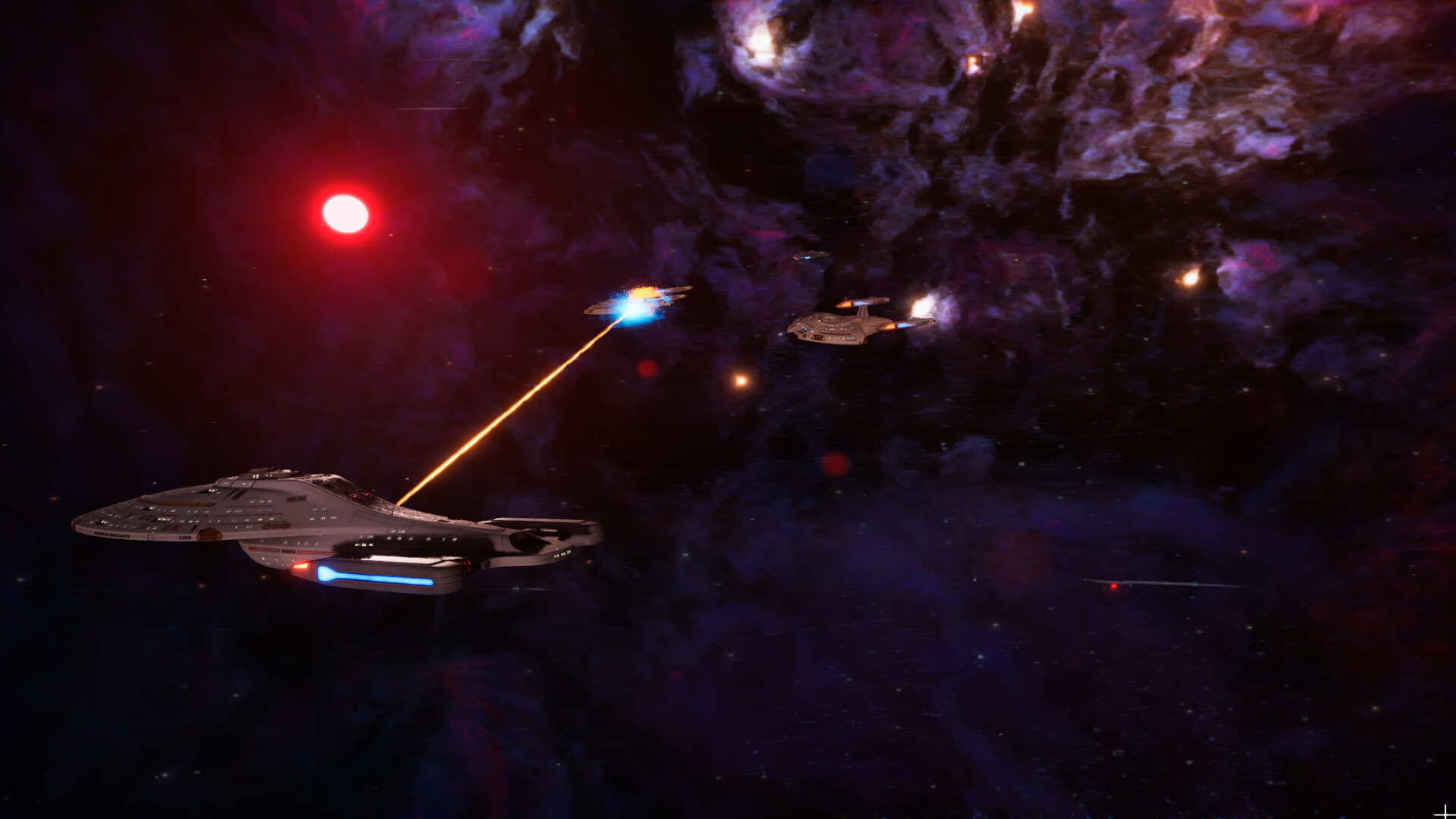
Star Trek Voyager: Across the Unknown puts you in charge of the ship, and you have to make difficult decisions on your journey.
You can make some mistakes (believe me, it’s pretty easy), and there’s no way to come back from that. There’s no official support for manual saves, and the game auto-saves quite frequently. Thankfully, there’s a backdoor method that allows you to “savescum” your adventure if you make a poor choice.
Table of contents
How to create a manual save in Star Trek Voyager: Across the Unknown
It’s important for you to turn off cloud saves for Star Trek Voyager: Across the Unknown. The game uses this system by default. If cloud saves are turned on, your progress will automatically save and upload when you close the game.
Next, we will need to access the save folder where your progress is stored. Here’s what the full path will look like.
- C:\Users\username\AppData\Local\STVoyager\Saved\SaveGames\Random Number\
Here’s what the short path will look like.
- %LOCALAPPDATA%\STVoyager\Saved\SaveGames\
Once you open the folder, you have to locate the save files. Typically, you’ll want to find the following files.
- 00_GX_STV_SaveGame_(Random Number).sav
- GX_STV_SaveGame_(Random Number).sav
To copy the files, you’ll want to keep the game closed. You can be in the main menu and complete the process as well, but I prefer keeping the client shut.

Copy the files, and save them in a secured folder. You’ve now created your manual save.
How to load the manual save in Star Trek Voyager: Across the Unknown
Copy the manual files that we copied to the secured folder in the previous step. Paste them in the game’s save folder. Choose to overwrite the saved files, and you’re good to go. When you load your last save in Star Trek Voyager: Across the Unknown, it will resume from where you had created the manual save. Any undesired outcome that might have happened on your adventure will be deleted.
Since there’s no official way to create a manual save, you’ll need to repeat the process multiple times.


