

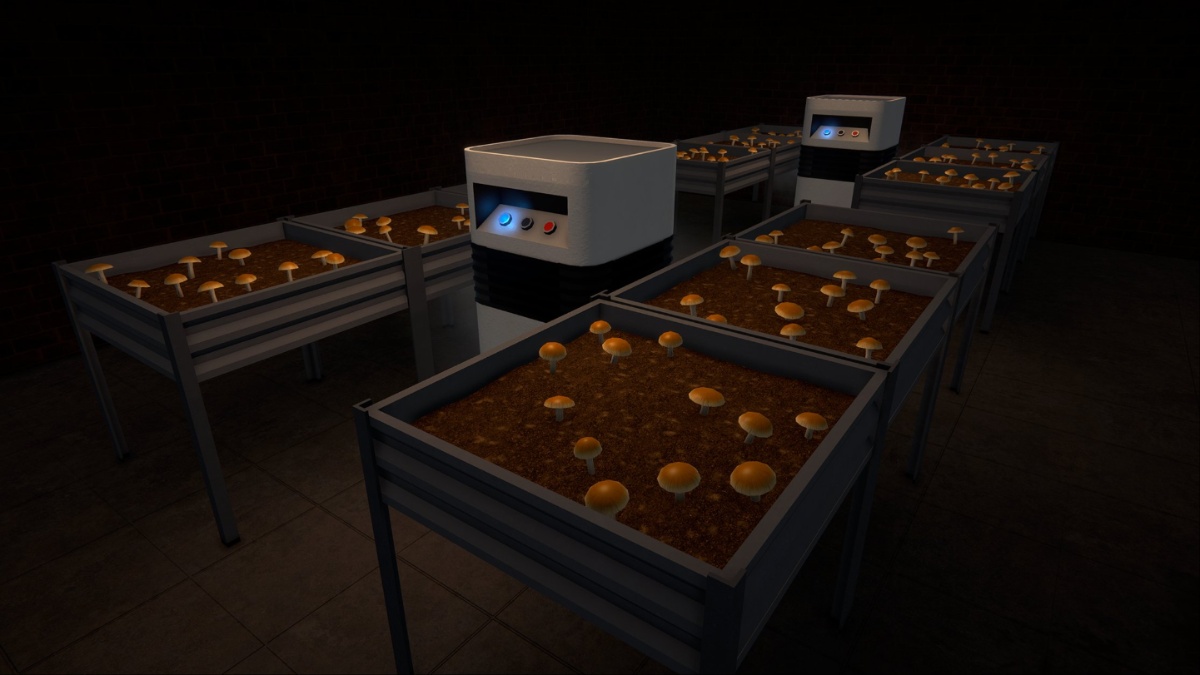
Mushrooms have arrived in Schedule 1, and you can grow them to get a new product to sell.
Mushrooms were voted earlier by the community to be part of the next major update. Expectations were for it to arrive in November, but it has taken Tyler a little longer. This guide will update you on all the steps required to grow your own batch.
How to get Mushrooms in Schedule 1
Obtaining your first batch of Mushrooms will take some time if you’re just a beginner. It’s tied with a quest called ‘Vibin’ on the ‘Cybin’. While this isn’t a full-fledged mission guide, I will briefly explain what needs to be done.
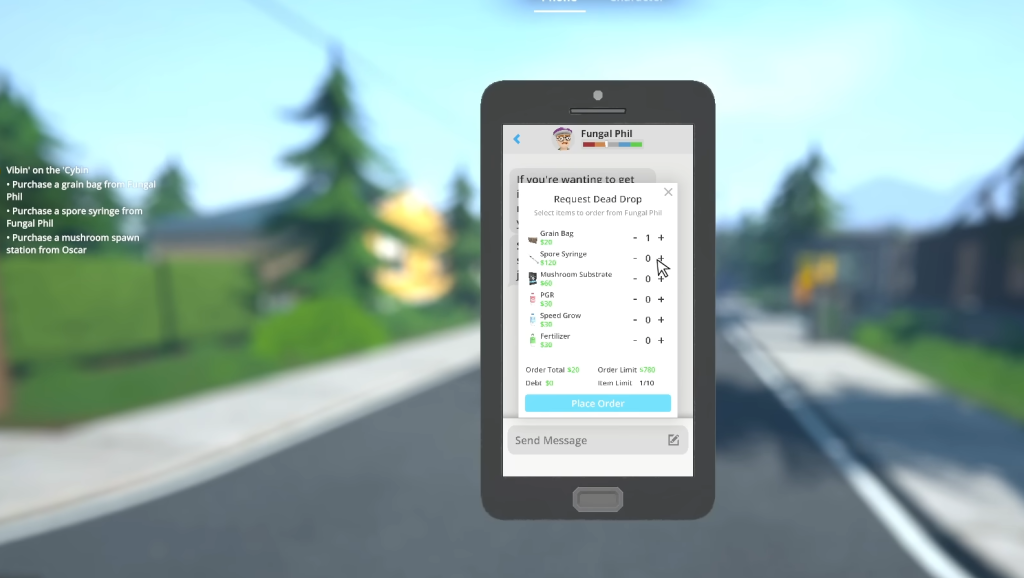
- Open your mobile, and you’ll get a text from Fungal Phil.
- Next, purchase Spores, grain bags, and substrate.
- You can order these items as a dead drop.
- Go to the Hardware Store and get a spray bottle and an AC unit.
- Get the items you ordered as a dead drop, and then go to Oscar after sunset.
- You’ll need a Mushroom Spawner and a Mushroom Bed.
Go to a property of your choice and place the Mushroom Spawner. The Spawner has two slots where you put the Grain Bag and the Syringe. Remove the Syringe’s cap and push it into the bag. Lay down the Mushroom Bed, and take the output out of the Spawner.
Take the substrate and dump it on the Mushroom Bed. Put down the Mushroom Spawn (or Shroom spawn) on the substrate and put the soil over them for the growth phase. Place the AC, and lower the room temperature.
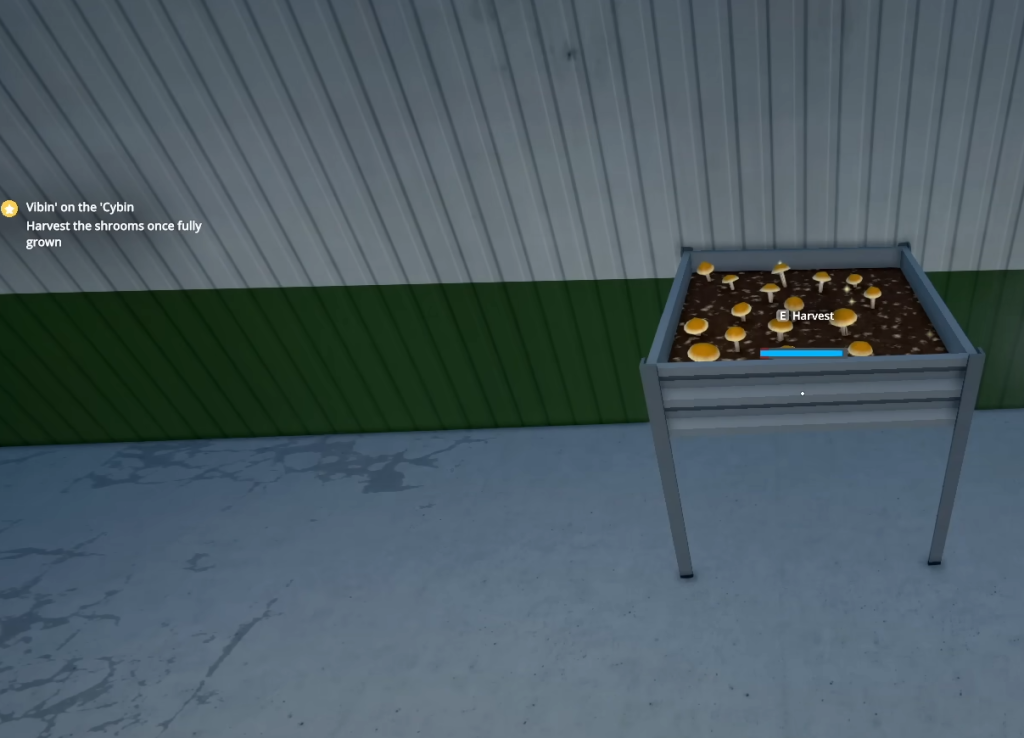
Next, take the Water Sprayer and spray in five different spots. You’re now all done, so just wait. Once the Mushrooms have grown, you have to pick them up and package them before selling.
If you want better quality Shrooms, you can add Fertilizers to the growth process. You can also use a Drying Rack to get customized quality products. That’s how easy it is to unlock the Shrooms and grow them. Do note that this is only available in the beta track as of writing.


