

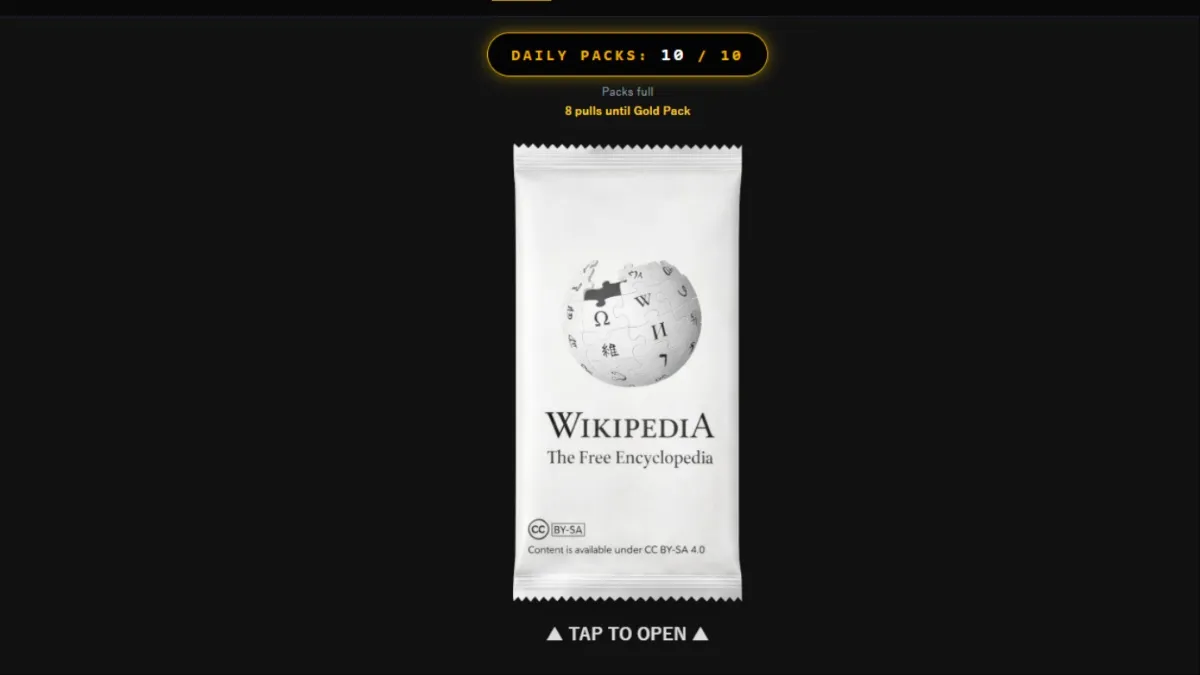
Wikigacha has turned Wikipedia into a card-collecting game, and at its core lies the packs.
Just like any good TCG and CCG, you can open packs to increase your collection. As you might have imagined, Wikigacha has one of the largest card collections I have ever seen in a video game. Every Wikipedia page is a card for you to collect.
Let’s find out how you can get more packs.
Best way to open more packs in Wikigacha
Unlike microtransaction-infested games of today, Wikigacha is completely free. Every pack you open can be earned without spending and there’s no way for you to spend any money to get extra packs.

This is how the pack system works inside the game.
- At any given time, you can hold at most 10 packs.
- Once the number of packs in your collection goes down below 10, a timer will start. You’ll gain a pack every minute for free. You’ll get your pack even if you close the game.
- However, you can have at most 10 packs by this method. Once you’ve received the 10th pack, the timer will stop. It will resume when you open at least one of your packs.
If you want to min-max your collection, you’ll need to log in to the game every eight minutes or so and open as many packs as you can. If you open all the packs, you’ll have 10 minutes before your storage is full.
There are additional ways to get more packs daily. The ones you earn from the daily tasks can bypass the 10-pack limit.
- Open five packs
- Pull at least one SR+ card
- Open Wikipedia once
- Share your result
- Watch one ad
You’ll get two extra packs for every task that you complete. If you complete all the tasks, you’ll receive ten additional packs. Hence, you’ll rarely run out of packs to open in Wikigacha, and the best part is that you don’t have to spend a dime.
While you get to open many packs, you’ll also need to get plenty of cards to complete your collection and build competitive decks.


