

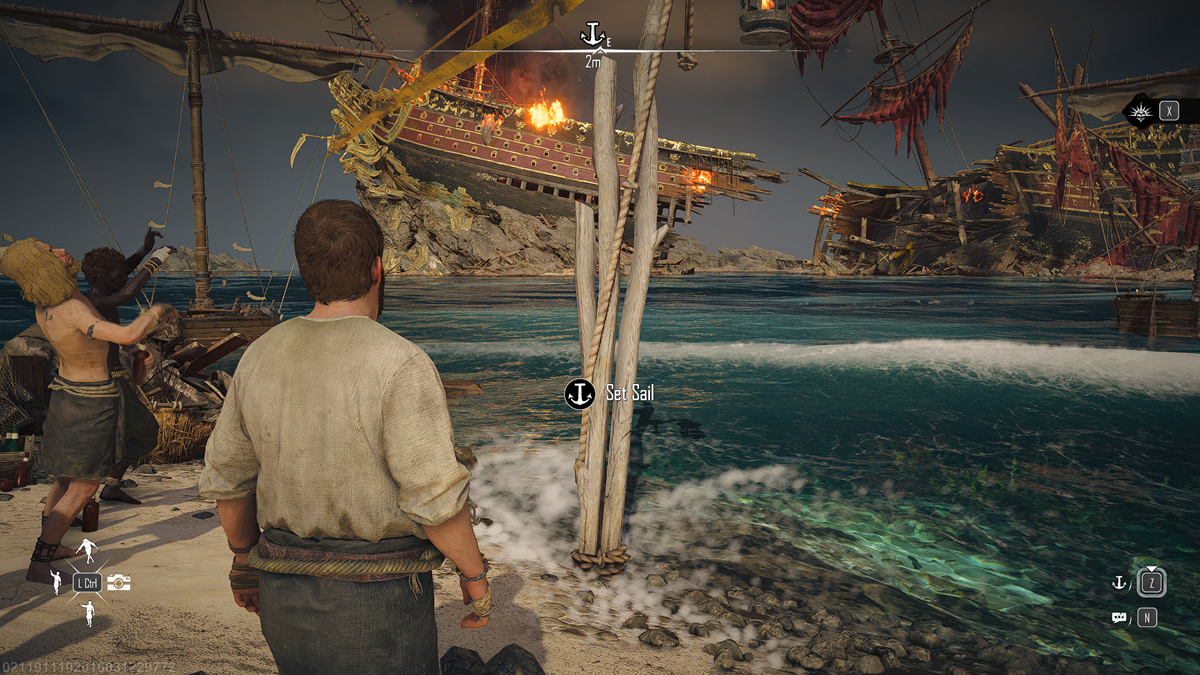
Skull and Bones is here, and as is expected for an open-world multiplayer game, there are some bugs. One of the more annoying bugs that you can encounter early on restricts your ability to progress. If you find yourself unable to Set Sail, here is how to fix Set Sail not working bug on Skull and Bones.
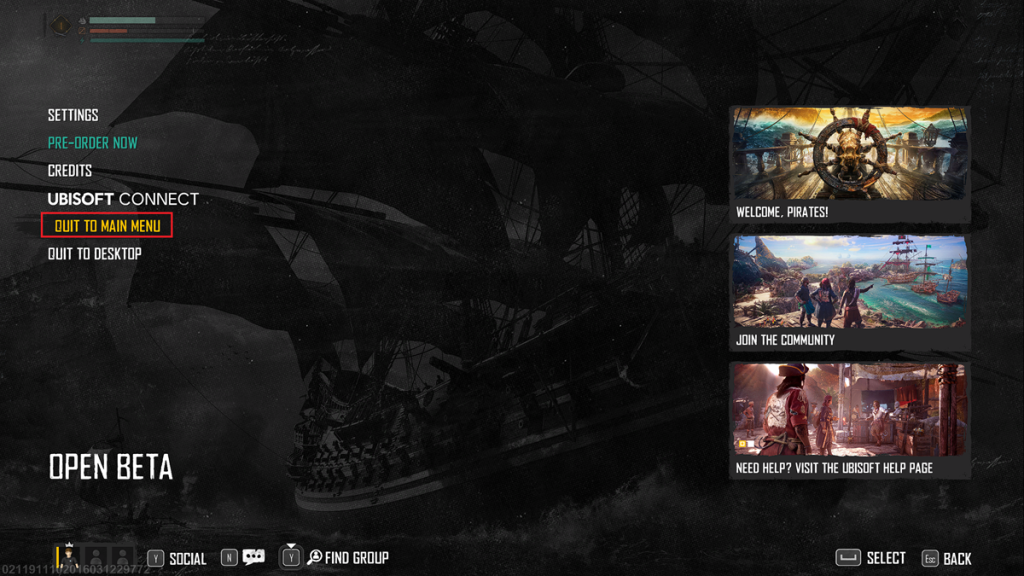
How to fix the Set Sail button not working in Skull and Bones
The only way you can fix the Set Sail button not working in Skull and Bones is to restart your game. It appears this happens when the Skull and Bones servers are overloaded and congested. Sometimes you can get desynched from the server. So, when you try to Set Sail and leave an island, it cannot connect to the matchmaking server to spawn you out on the open sea.
Thankfully, Skull and Bones saves your data in real-time, so you should not lose any progress. Just open your menu and go to Quit to Main menu, then immediately resume your game. This should put you right where you were and now allow you to Set Sail and continue progressing.
If you find yourself having this issue frequently, you may be having connection issues. Heres some things to check to make sure this isn’t a quick fix:
- Make sure Skull and Bones isn’t experiencing downtime. Check the Skull and Bones Twitter to make sure there isn’t server downtime or maintenance going on.
- Check your Internet Connection. Make sure your internet isn’t experiencing issues of its own. You can always run a Speed Test to make sure it’s not connection issues on your end.
- Try a Wired Connection. If you are on Wireless, you can often create a more stable connection via a hardwired solution. Try using a cable connection and see if that fixes the issue.
That’s how to fix the Set Sail not working bug on Skull and Bones. More than likely a simple relog or restart of the game will fix this bug.


