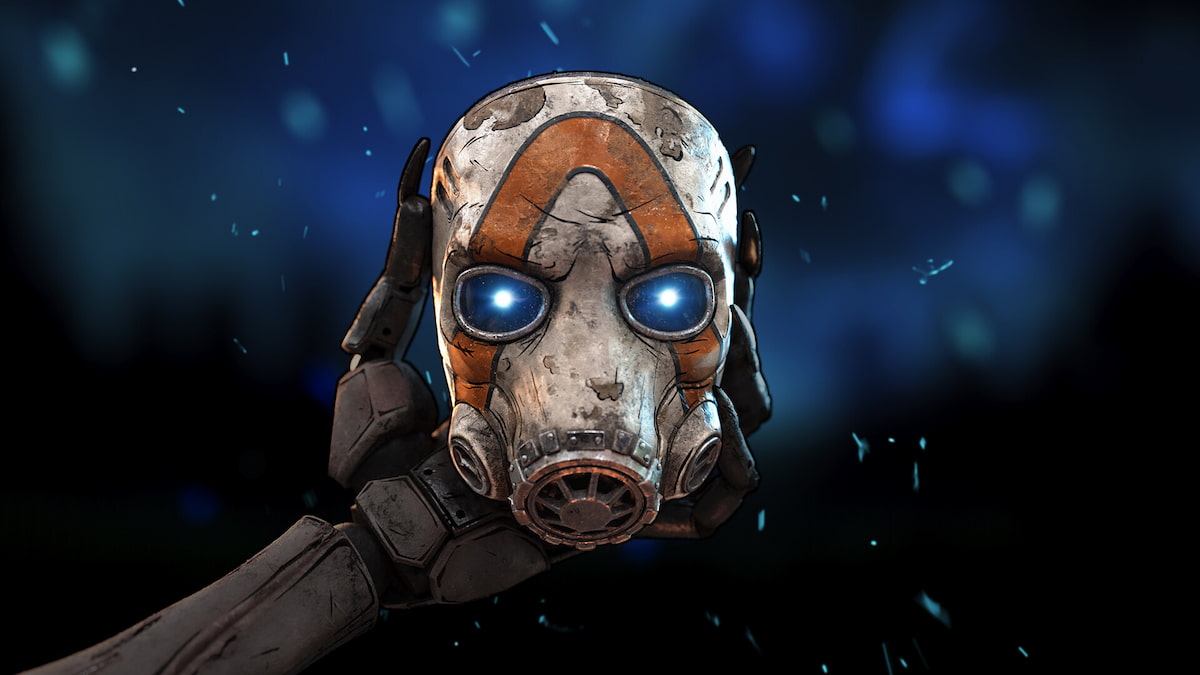
Borderlands 4 ups the ante in the looter shooter franchise with countless weapons, new Vault Hunters, and a new location to explore.
But it also ups the ante with some PC performance issues and bugs, unfortunately. On day one, players are encountering a specific error that is annoying those who paid to play as soon as possible, and it’s giving gamers fits.
Here’s what we know so far about the “FAILED TO SAVE” error in Borderlands 4.
Borderlands 4 FAILED TO SAVE error fix
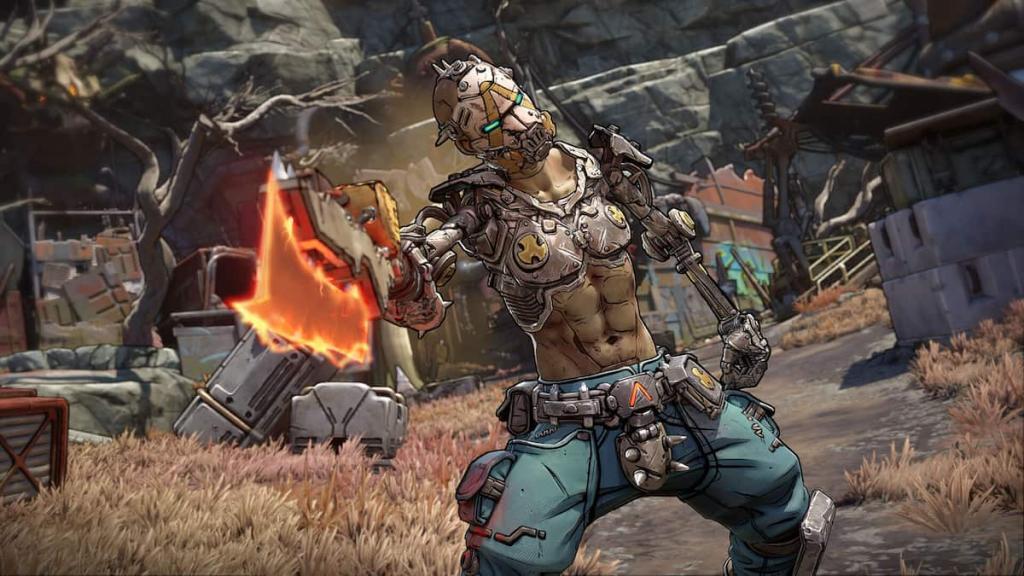
I’ve only personally gotten the FAILED TO SAVE error once in my dozens of hours with the game, and a quick restart of the game fixed the issue for me. It appears that this may be an underlying issue with the game that needs to be fixed by Gearbox.
If restarting the game doesn’t work, try repairing the game’s files on Steam or reinstalling the game entirely. Reload Steam to see if there’s a new update for Borderlands 4, and try again. If the error still persists, it’s likely out of your hands until there’s some sort of patch or update to the game.
Unfortunately, this is the norm for PC game launches in 2025 when it comes to bugs and performance. The day one patch fixed some of the errors I was experiencing in the pre-release build of the game, but when it comes to getting the game to perform and play well across a multitude of PC builds and hardware, there’s always going to be problems.
For now, if you’re unable to get past the FAILED TO SAVE error by restarting, repairing, or reinstalling, there may need to be an update to fix the problem. While you wait, make sure to check out our guide for the best PC graphics settings to make Borderlands 4 run as well as you can get it to.
Also, make sure that your computer is up to the minimum or recommended specifications for the game:
- Minimum requirements
- Requires a 64-bit processor and operating system
- OS: Windows 10 / Windows 11
- Processor: Intel Core i7-9700 / AMD Ryzen 7 2700X
- Memory: 16 GB RAM
- Graphics: NVIDIA GeForce RTX 2070 / AMD Radeon RX 5700 XT / Intel Arc A580
- Storage: 100 GB available space
- Additional Notes: Requires a 64-bit processor and operating system. Requires 8 CPU Cores for processor. Requires 8 GB VRAM for graphics. SSD storage required
- Recommended requirements
- Requires a 64-bit processor and operating system
- OS: Windows 10 / Windows 11
- Processor: Intel Core i7-12700 / AMD Ryzen 7 5800X
- Memory: 32 GB RAM
- Graphics: NVIDIA GeForce RTX 3080 / AMD Radeon RX 6800 XT / Intel Arc B580
- Storage: 100 GB available space
- Additional Notes: Requires a 64-bit processor and operating system. SSD storage required
Like our content? Set Destructoid as a Preferred Source on Google in just one step to ensure you see us more frequently in your Google searches!