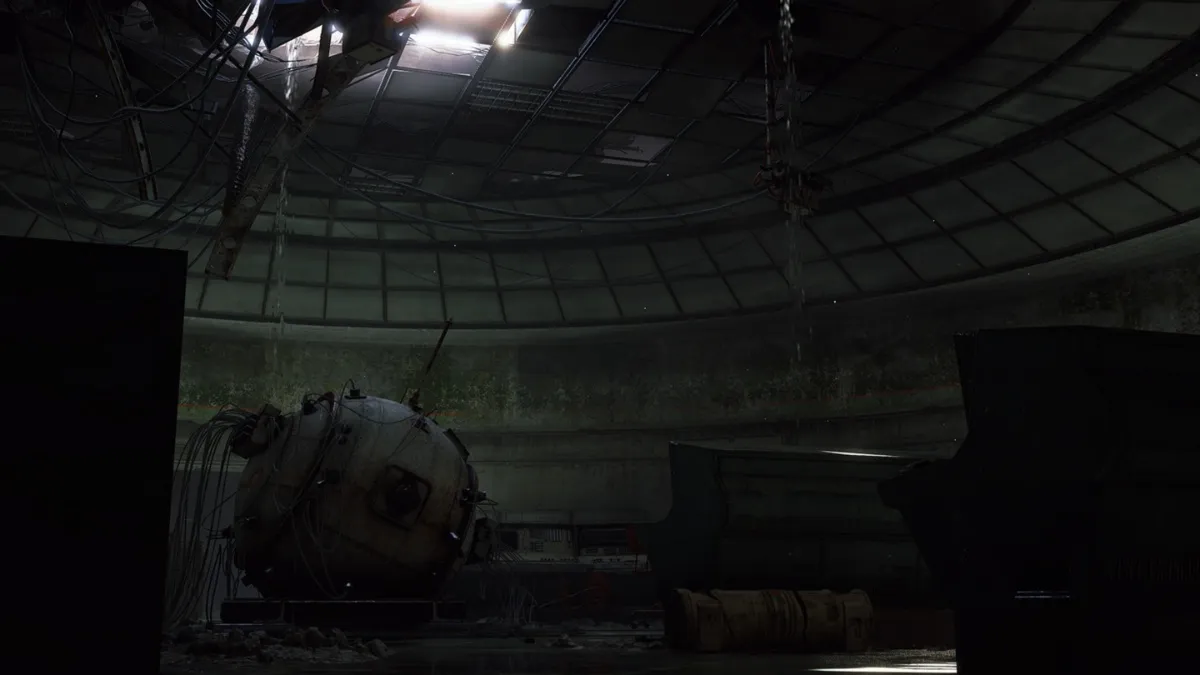
Week 12 trials in ARC Raiders have raised the demand for a visit to the Hidden Bunker on Spaceport, and for good reason.
The Hidden Bunker map condition activates a special location on Spaceport. The bunker, usually closed, opens up when the map condition is active and allows you to interact with different terminals. To complete the trials and obtain three stars, you’ll need to download data from a fair number of terminals.
This guide will explain the complete process.
Table of contents
How to open the Hidden Bunker in ARC Raiders
To access the terminals, you’ll need to open the Hidden Bunker. The marked location on the image below is where you’ll find the Hidden Bunker’s door. However, you’ll first need to activate four antennas spread all around Spaceport. When the Hidden Bunker map condition is active on Spaceport, you’ll find four white-colored radar symbols on the screen.
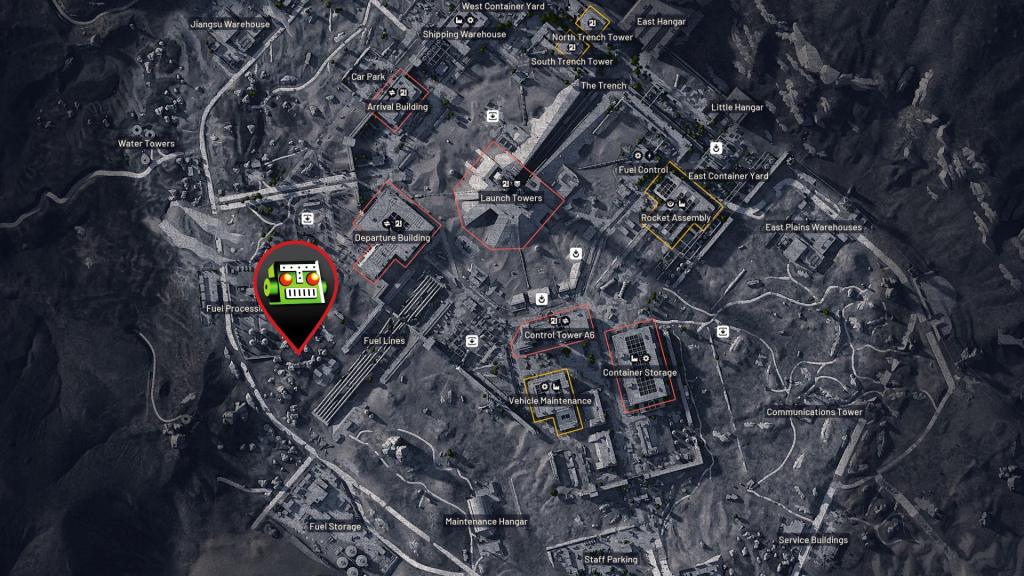
While you can complete the task solo, it’s better to play in a three-person team. The bunker requires the four antennas to be active. It doesn’t matter if you or your squad activated all four. Once the door is open, a message will inform the entire lobby.
How to download information in the Hidden Bunker
Inside the Hidden Bunker, you’ll find multiple terminals spread around. To start the download, find a terminal that hasn’t been activated. Interact with it, and the download will commence. You’ll have to wait near the terminal for a few seconds until the process is complete.
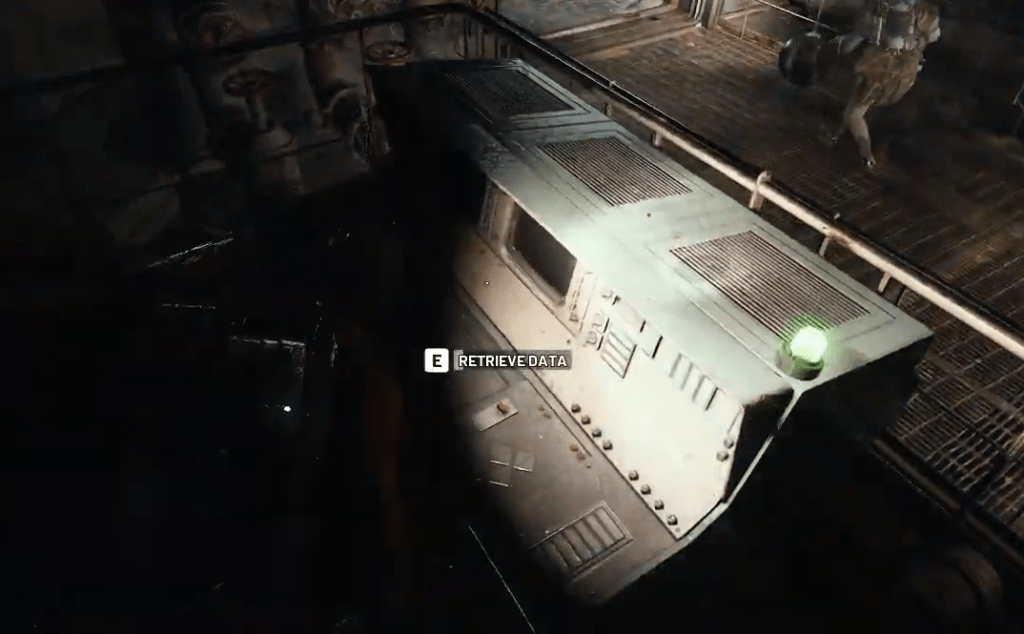
Rinse and repeat the process to secure all three stars on this particular task. A note of caution: you’ll find several ARCs in the Hidden Bunker, along with enemy players. It’s best to take care of the ARCs first, while maintaining a no-shoot policy with other players if at all possible.