

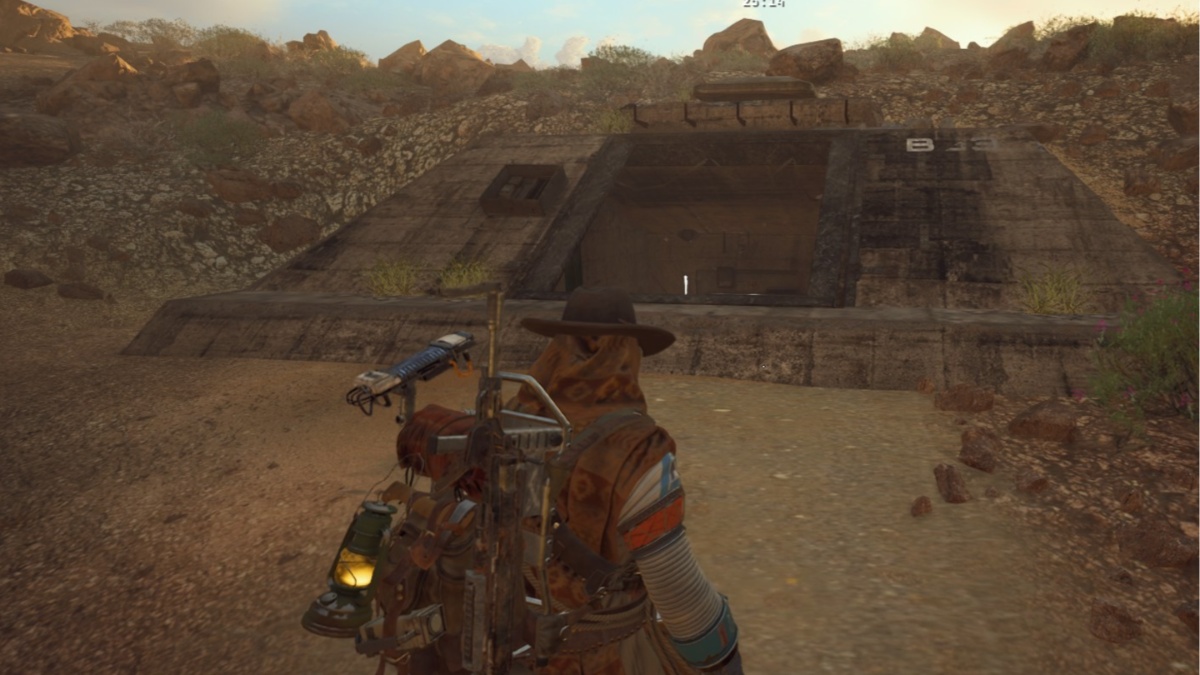
The Clean Dream is one of the several new quests in ARC Raiders as part of the Cold Snap update, and this one can be tricky if you don’t know where to look.
The Clean Dream quest can be activated by unlocking it from Apollo. This guide will list all the steps to complete the quest and unlock all the available rewards.
Table of contents
ARC Raiders The Clean Dream quest walkthrough
The Clean Dream quest can be broken down into the following parts.
- On Spaceport, search four containers in the underground tunnels
- Find and monitor any Filtration system in the tunnels
- On the Blue Gate, visit the Maintenance Bunker
- Monitor the Purification System in the bunker
- Find and photograph the blueprints in the bunker
We begin our adventure on the Spaceport map, where we will have to search for four containers. These containers are in the Tunnels region, and I have marked the location on the screenshot below. You’ll find plenty of containers, and you’ll have to examine any four to complete the task.
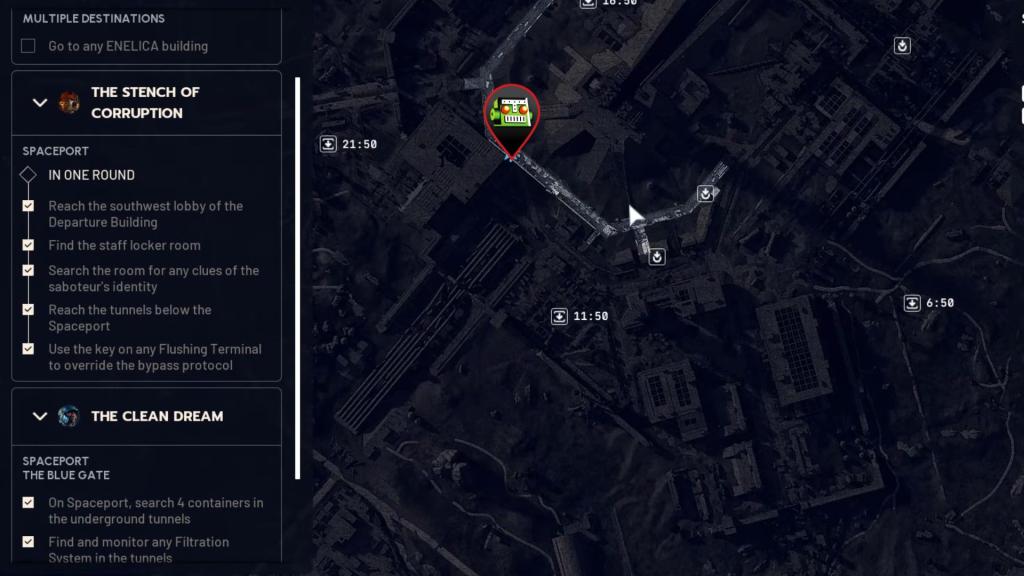
Find and monitor any Filtration system in the tunnels
The Filtration System can be found inside the tunnels, and all you have to do is just scan for it. Once you find them, get close and interact. This will complete the second part of the quest.
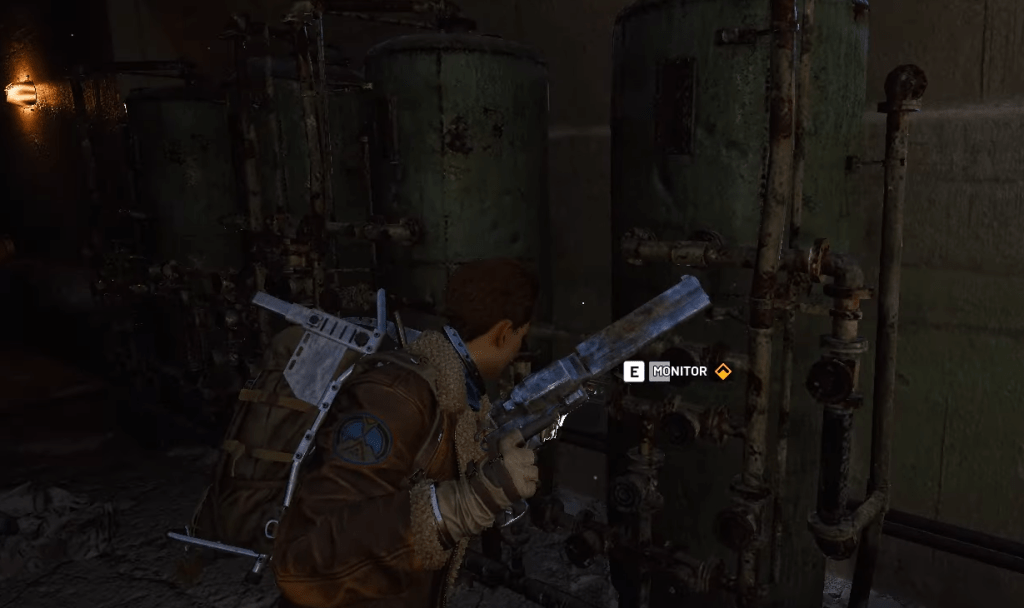
On the Blue Gate, visit the Maintenance Bunker
Our next set of tasks will require us to travel to The Blue Gate location. The bunker is located between the Ancient Fort and Warehouse Complex, and I have marked its location below. Descend the main stairs, and you’ll come across a bigger Purification System. Monitor the system to finish the third task of the quest.
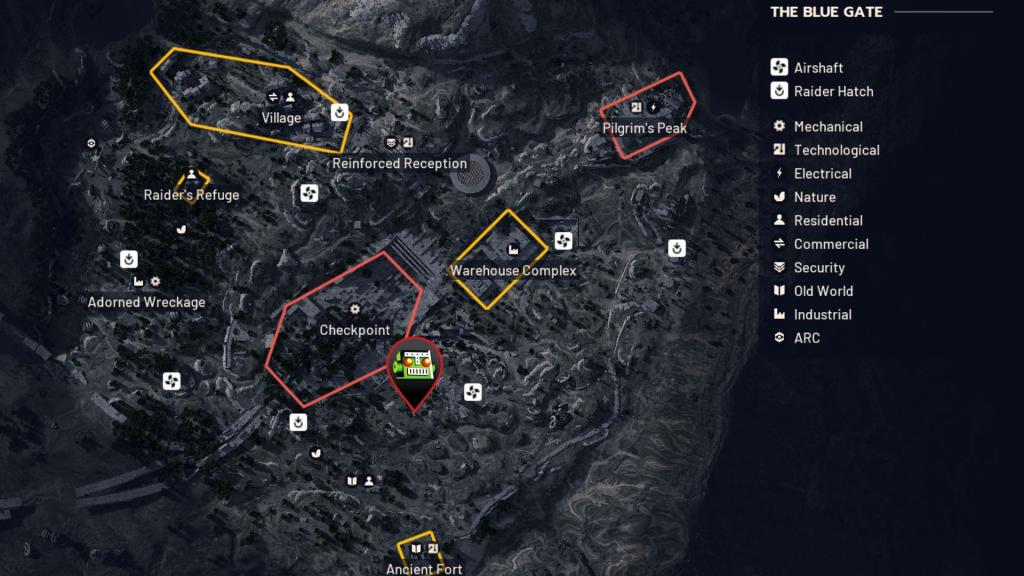
The Purification room also has a blue metal staircase. Climb up and then turn left to head to the first room on your right. You’ll find the blueprints at this location. Photograph the blueprints to complete the final piece of the puzzle and the Clean Dream quest.
If you’re looking to complete more quests in the Cold Snap update, check out our guides on A Toxic Trail and the Stench of Corruption.


