The Selection Pressures 2 contract is a priority task you can complete for the NuCaloric faction in Marathon.
Broken into two parts, the contract is easy to complete as long as you know what needs to be done. Let’s quickly look at how to complete the contract so that you can access the two remaining quests in the same series.
Table of contents
Marathon Selection Pressures 2 contract walkthrough
The contract can be broken down into two parts.
- Request and install T-Scan Protocols south of Overflow
- Scan tick infestations across Perimeter
How to request and install T-Scan Protocols south of Overflow
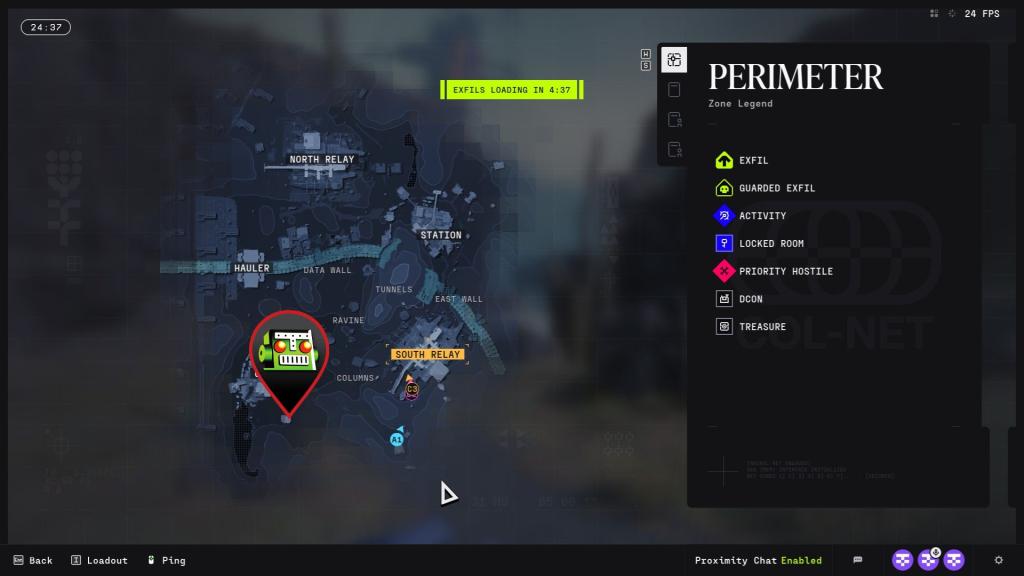
First, head to the Overflow POI on the Perimeter map. If you move south from the POI (marked on the spot above), you’ll find an isolated building. Use the container in front of it to go to the upper floor. Once you jump on the balcony, a quest marker will reveal the location of a terminal.
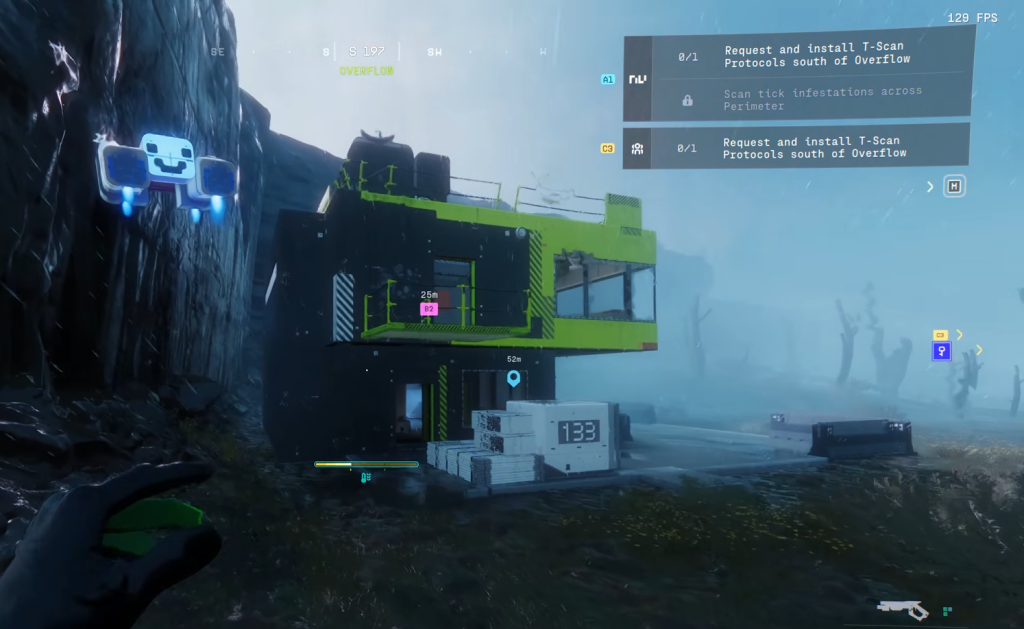
Interact with the terminal, and it will request and install T-Scan Protocols. Once done, you can proceed to finish the second and final task of the contract.
How to scan tick infestations across Perimeter
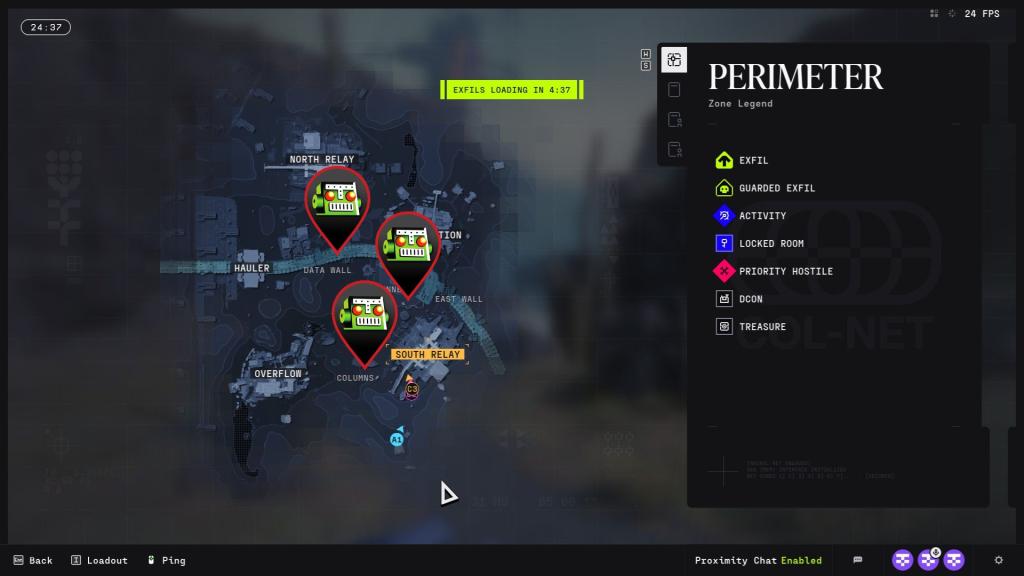
Head to the marked spot on the Columns POI, and you’ll find a single room filled with Tick infestations. Head to the roof of the room/building, and you’ll come across the first of three Tick Infestations.
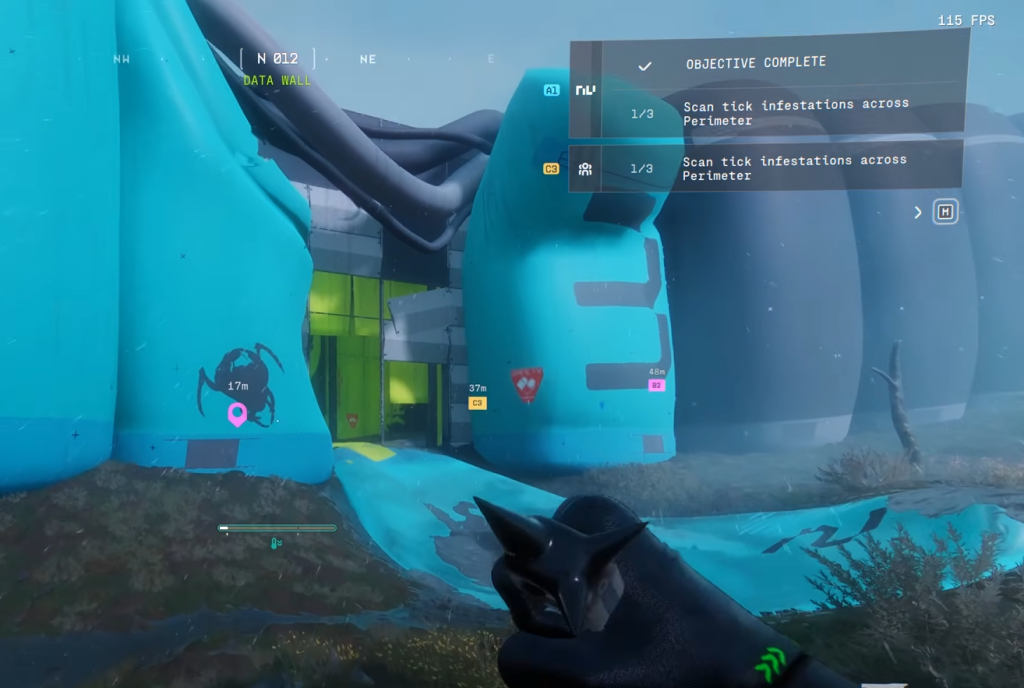
Next, head to the Data Wall POI and enter from the first entrance you find when you arrive here from the Columns POI. Turn right, and keep heading straight to find the second Tick infestation.
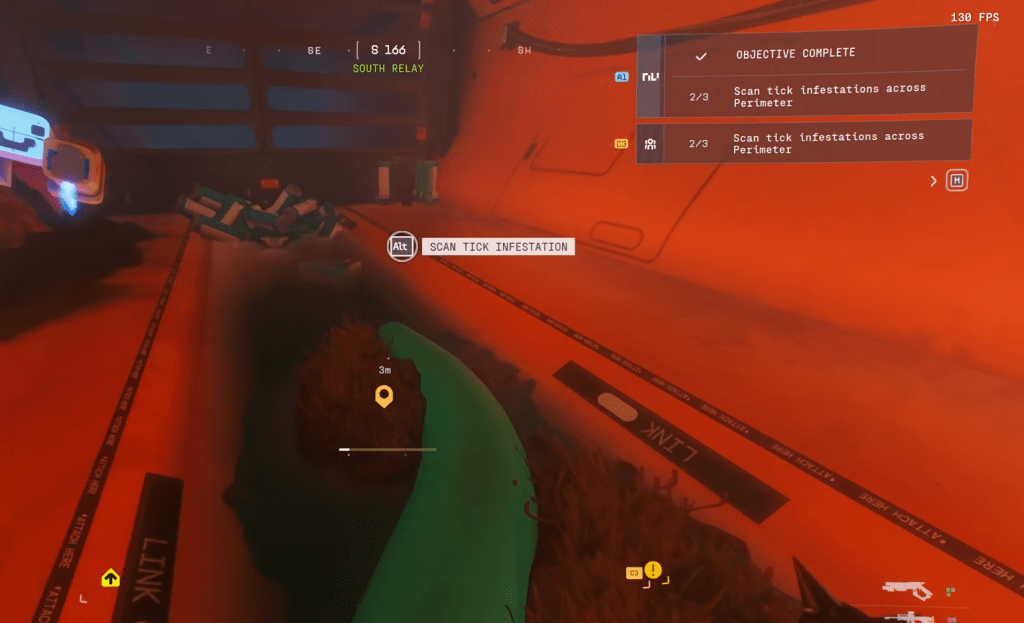
The final one can be found in the northwest part of the South Relay location. Go inside the tunnels at the spot I have marked on the image above (map), and you’ll find your final infestation to scan.
To make matters easier, you can complete the two tasks of this contract separately across different runs.