

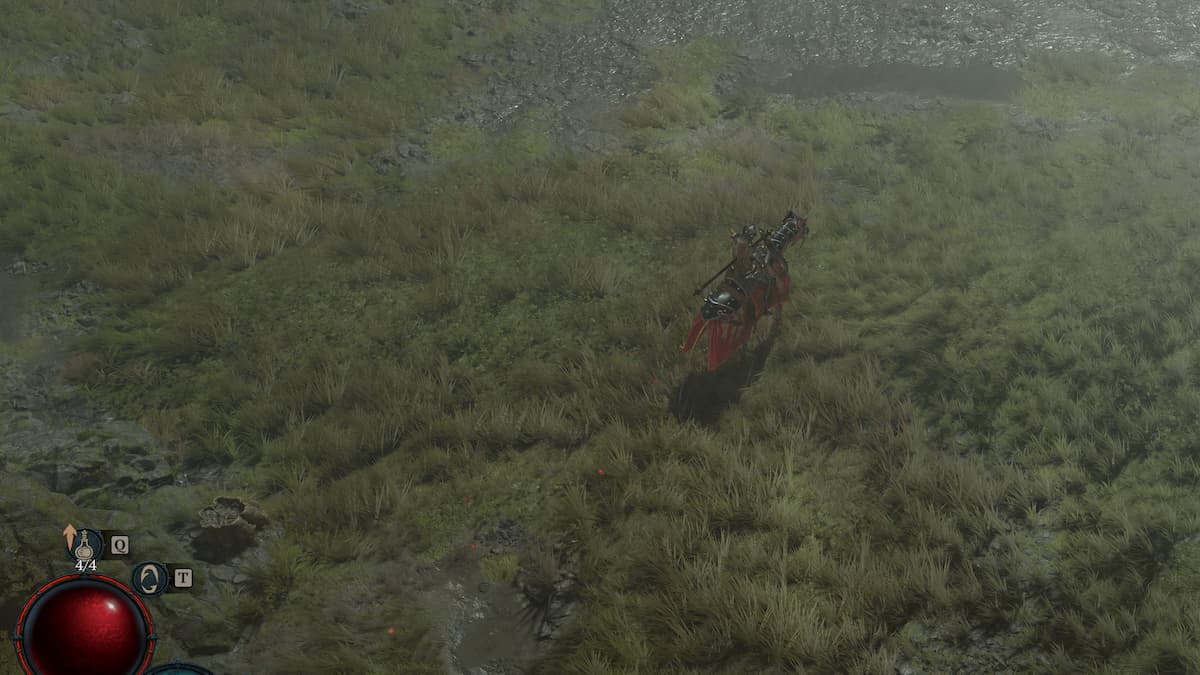
If you’re on PC, you’ll want to make a note of your mouse cursor positioning
While Diablo 3 had some discrepancies between the PC and console versions of the game, Diablo 4 attempts to bring everything full circle with near-complete mechanical parity. That means dodging is a go on consoles and PC (including PC with a controller scheme), so it’s fairly easy to swap between platforms and pick things up (especially with cross-play!). That said, there are a few snafus to be aware of when playing on PC, one of which deals with how to control your horse.
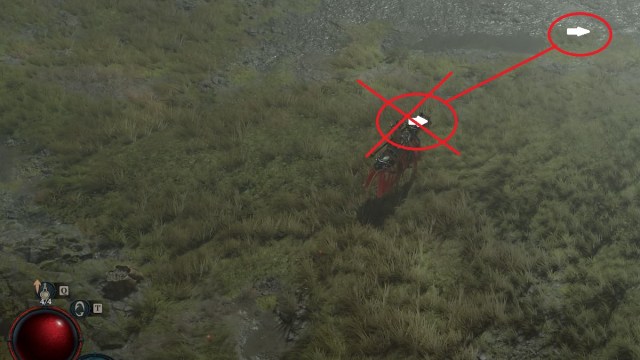
The further away your cursor is from your horse, the faster it’ll run
By default, moving on your horse is linked to left-click on the mouse. On PC, your mouse cursor positioning is directly related to how fast your horse moves. In other words, holding the cursor close to your horse and clicking to move will cause it to slowly trot, but holding your cursor along the edges of the screen will allow it to gallop at a faster pace.
This also applies to the dash ability for your horse, which is defaulted to the spacebar key on PC. If your cursor is on the horse itself (or close to it), pressing dash may not even move your mount at all. But if you position your cursor in the outer limits of the screen, you’ll be able to dash away at full speed!
Keep this in mind if you’re ever finding yourself running a little slower than usual!


