

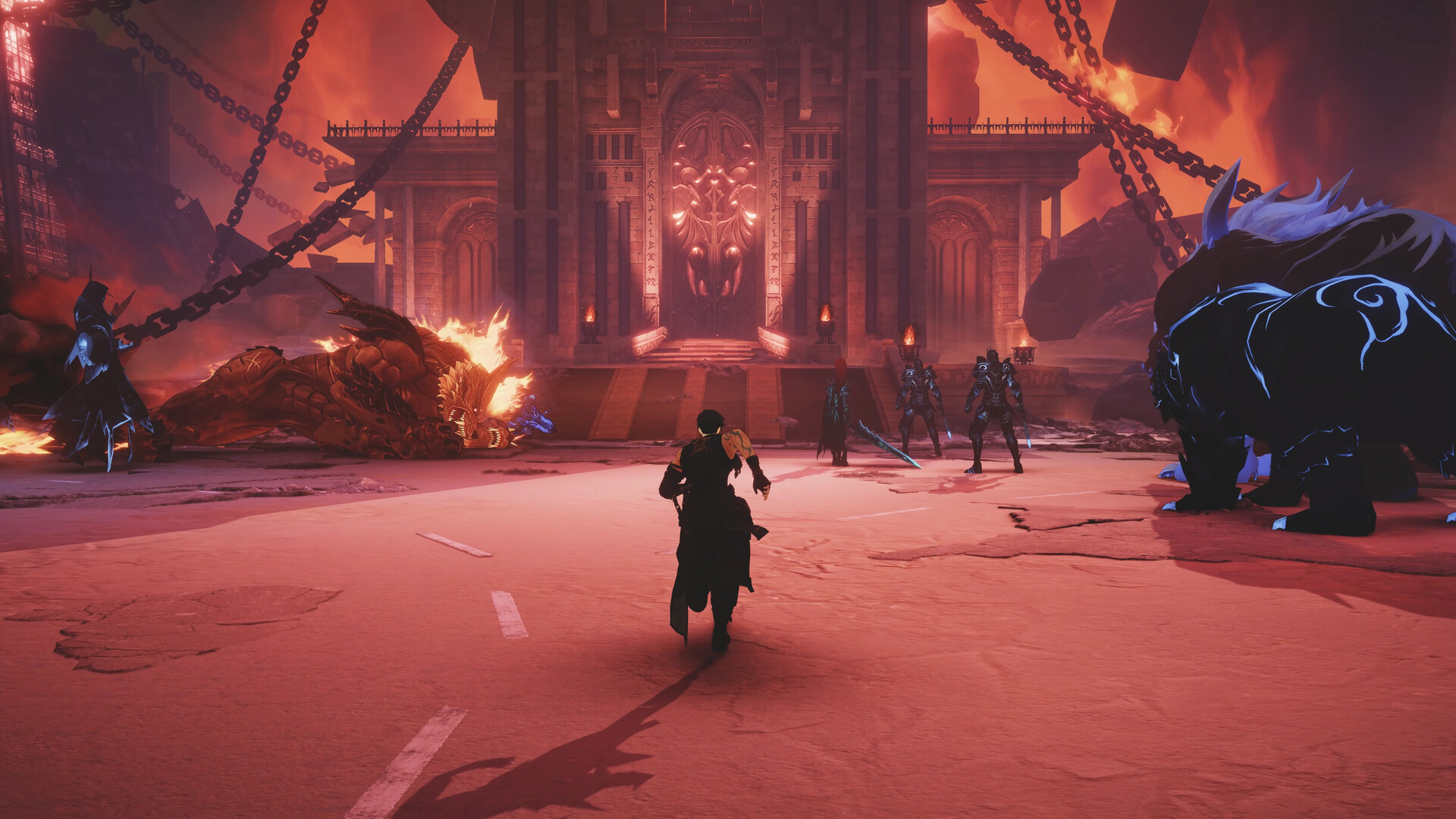
Solo Leveling Arise Overdrive is now available in advanced access, and there’s a fair amount of controls to master.
If you’re playing on PC, you can either use a keyboard/mouse combo or a controller. If you’re on a console, you’re restricted to a controller. Let’s look at the default control settings over in Solo Leveling Arise Overdrive.
Table of contents
Complete Solo Leveling Arise Overdrive PC controls
Here are the default control settings as applicable for those who will use a keyboard/mouse combo to play. You can change the controls by clicking on an input and adding a new one.
| Control | Input |
|---|---|
| Move Left | A |
| Move Forward | W |
| Move Backward | S |
| Move Right | D |
| Evade | Space |
| Menu | Esc |
| Block | Right Mouse Button |
| Switch Weapon/Heavy Attack | C |
| Overdrive | V |
| Basic Attacks | Left Mouse Button |
| Basic Skill | Q and E |
| Weapon Skills | F |
| QTE Skill | Left Shift |
| Ultimate Skill | R |
| Interactions | G |
| Monarch’s Awakening/Synchro Chain | T |
| Potion | Z |
| Tagging in Hunters | 1, 2, and 3 |
| Summon Shadow | 1 |
| Lock On | Middle Mouse Button |
| Change Lock on Target | Scroll Mouse Wheel |
Complete Solo Leveling Arise Overdrive controller controls
While I have been playing the game on a PC, using a controller feels easier to manage. The controls are more streamlined, making it easier to execute skills. If you’re on PC, you can use any functional gamepad that’s compatible with Steam.
| Control | Input |
|---|---|
| Move Left | LS left |
| Move Forward | LS up |
| Move Backward | LS down |
| Move Right | LS right |
| Evade | X |
| Menu | Menu button |
| Block | L1 |
| Switch Weapon/Heavy Attack | R2 |
| Overdrive | Triangle + Circle |
| Basic Attacks | Square |
| Basic Skill | Triangle and Circle |
| Weapon Skills | R1 |
| QTE Skill | L2 |
| Ultimate Skill | L2 + R2 |
| Interactions | Square |
| Monarch’s Awakening/Synchro Chain | L1 + R1 |
| Potion | D-pad down |
| Tagging in Hunters | D-pad |
| Summon Shadow | D-pad up |
| Lock On | R3 |
| Change Lock on Target | RS |


