


Instead of a Pokedex, we have all the Brainrots in place on a Trello. Luckily, there’s even more info on there from areas to mechanics and even all moves. Here are the Catch a Brainrot Trello, Wiki and Discord.
Catch a Brainrot Trello, Wiki and Discord Links
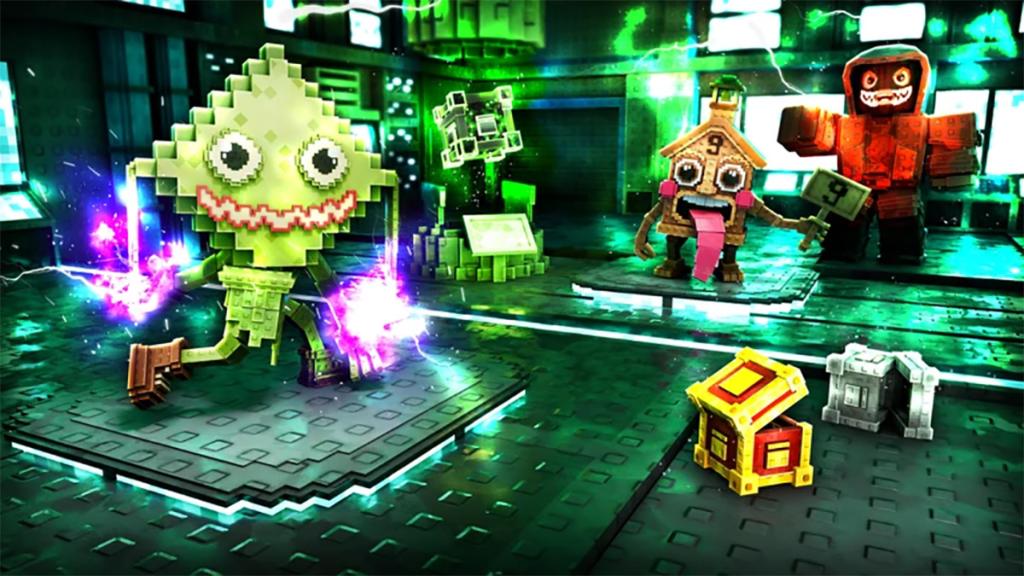
Here’s every official and community link you need to play and get informed on Catch a Brainrot:
- Catch a Brainrot Trello Board
- Catch a Brainrot Wiki (Official)
- Catch a Brainrot Wiki (Community – BloxInformer)
- Catch a Brainrot Main Discord
- Cach a Brainrot Secondary Discord
- Catch a Brainrot Tier List
- Catch a Brainrot Game Page
- Catch a Brainrot Roblox Community
There’s a bunch of links here but if you’re looking for an archive of all Brainrots or some other factual data, then the Trello and Wikis are the best places to start. They’ve got info on:
- All basic mechanics and progression
- All controls
- All areas and locations
- All Brainrots and Brainrot moves
- All Eggs
- All Items
- Upcoming content
- A full FAQ
For all community and developer interaction, the latest announcements, updates and more, check out the two official Discord channels. There you’ll be able to catch up on the latest additions and changes to the game. You can also make suggestions for future updates in the “game-suggestions” channel and ask about anything in the “questions” channel.
Of course, the Discord is also where you can keep track of all the latest codes for free goodies. Indieun also hosts giveaways and special events sometimes.
Last but not least, our tier list above will guide you through the best Brainrot moves and move loadouts. That’s it for my guide on the Catch a Brainrot Trello board, Wiki page and Discord server. Check out our Catch a Brainrot codes article for a full overview of all the latest redeemable rewards.


