

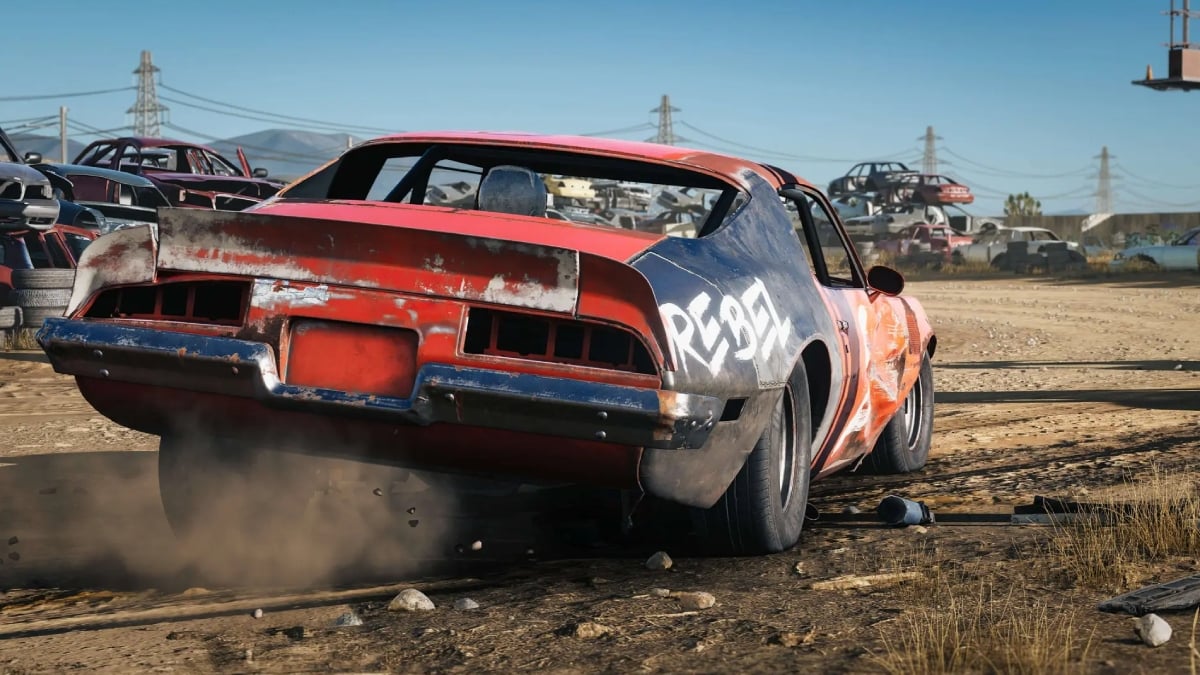
Wreckfest 2 has finally been released, and the sequel packs a ton of improvements when it comes to wreaking havoc with those old and rusty cars.
Like with any other game, though, you’ll want to make sure you have the most optimal settings to get the best experience. These settings can vary based on the PC specs you have at your disposal and whether your prefer settings focused on performance or ones on graphics. But we have a list of suggested settings for you to strike a balance between frames per second and quality.
Best graphics settings for Wreckfest 2
You can access the graphics settings by heading over to the Options menu first. Then click on Adjust Settings and select the Graphics tab.
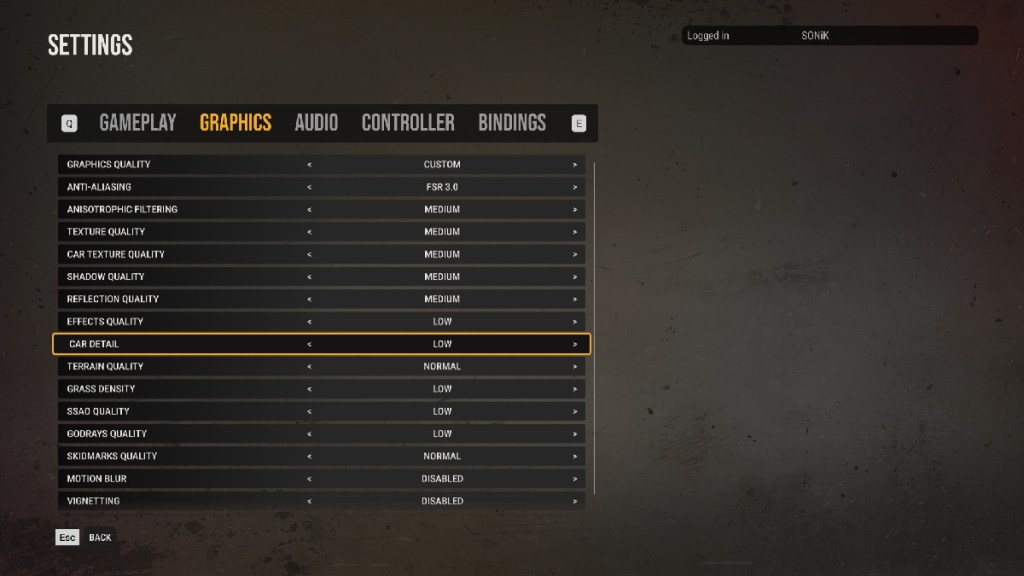
After that, here are the settings we recommend you select below:
| Graphics Quality | Custom |
|---|---|
| Anti-Aliasing | FSR 3.0 |
| Anisotrophic Filtering | Medium |
| Texture Quality | Medium |
| Car Texture Quality | Medium |
| Shadow Quality | Medium |
| Reflection Quality | Medium |
| Effects Quality | Low |
| Car Detail | Low |
| Terrain Quality | Normal |
| Grass Density | Low |
| SSAO Quality | Low |
| Godrays Quality | Low |
| Skidmarks Quality | Normal |
| Motion Blur | Disabled |
| Vignetting | Disabled |
| Sharpening | Disabled |
My system has a Ryzen 5 3600 and RTX 3060Ti, and with these settings applied, I get between 30 and 75 frames per second. Wreckfest 2 is still in early access, so I’m hoping the performance will improve once the game is launched in full.
Wreckfest 2 minimum and recommended system requirements
Before you go about trying to play the game, though, you should make sure your PC meets its system requirements. If you’ve tried playing the game but you’ve experienced stuttering or crashes, it may be because your PC lacks the required specs. Here are the minimum and recommended system requirements for Wreckfest 2, per the developer’s suggestions.
Minimum
- Requires a 64-bit processor and operating system
- OS: Windows 10 or 11
- CPU: Core i5 8600 / Ryzen 5 3500 or equivalent 6-core CPU
- RAM: 8GB RAM
- GPU: GeForce GTX 1060 / AMD RX 580
- DirectX version 12
- Storage: 15GB
Recommended
- Requires a 64-bit processor and operating system
- OS: Windows 10 or 11
- CPU: Core i7 9700 / Ryzen 5 3600X or equivalent 6-core CPU
- RAM: 16GB RAM
- GPU: RTX 3070 / 6800 XT
- DirectX version 12
- Storage: 15GB


