

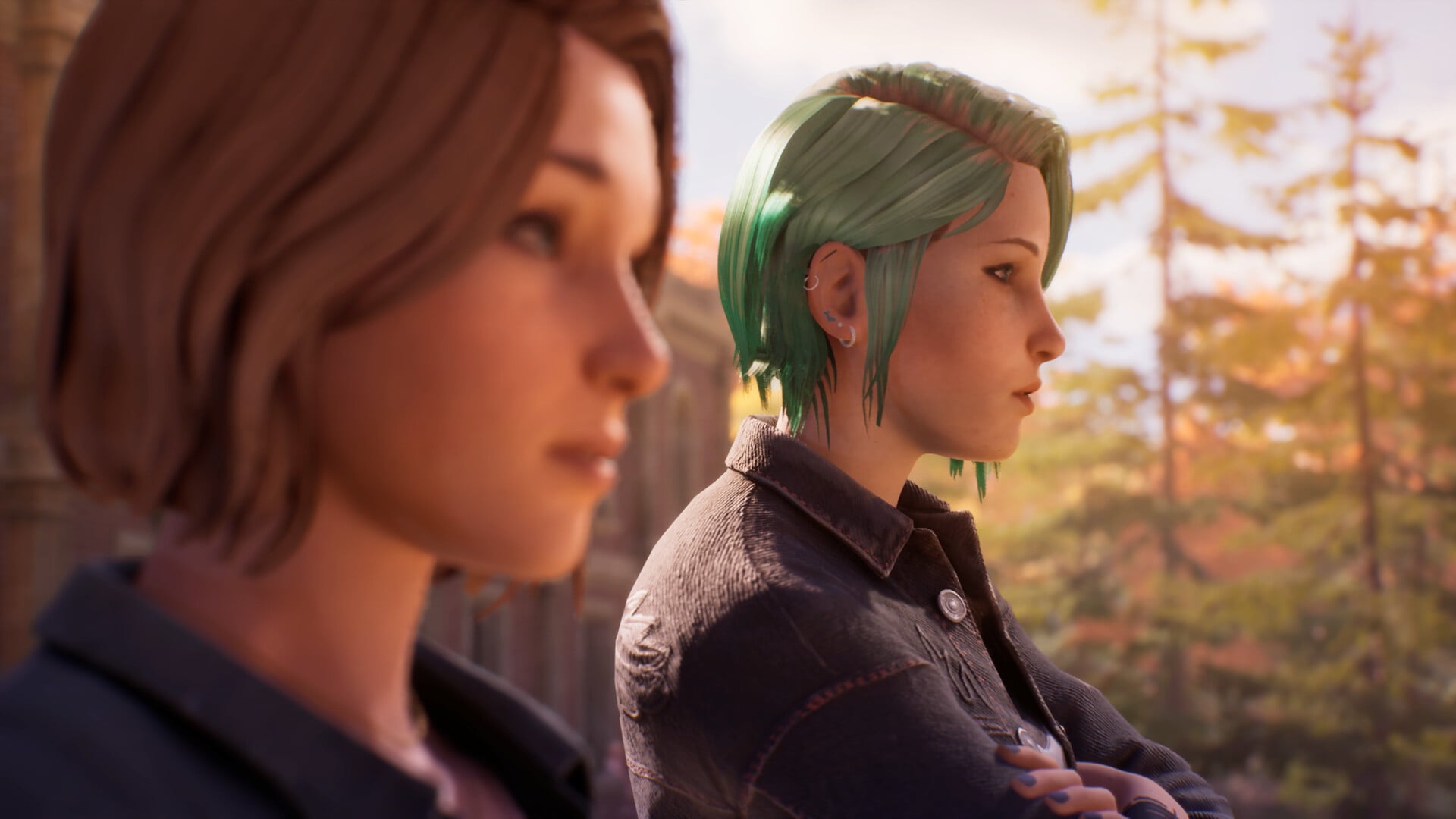
Life is Strange Reunion is now available on PC and consoles, and there are plenty of graphics settings to tweak if you want the best performance. The general performance in the first couple of hours has been pretty smooth. However, I have encountered some minor stutters on my system, and these settings should help you to fix any issues that might occur.
Best Life is Strange Reunion Graphics settings
Before I deep dive into the settings, here’s my current setup.
- Ryzen 5600G
- NVIDIA RTX 3060 12 GB
- 16 GB of DDR5 RAM
Here’s another pointer: the settings mentioned below are mostly meant for systems that are on the lower end when it comes to your rig capacity. If you already own a setup that’s overpowered by current times, you don’t need to bother much. Things should be fine on the default settings.
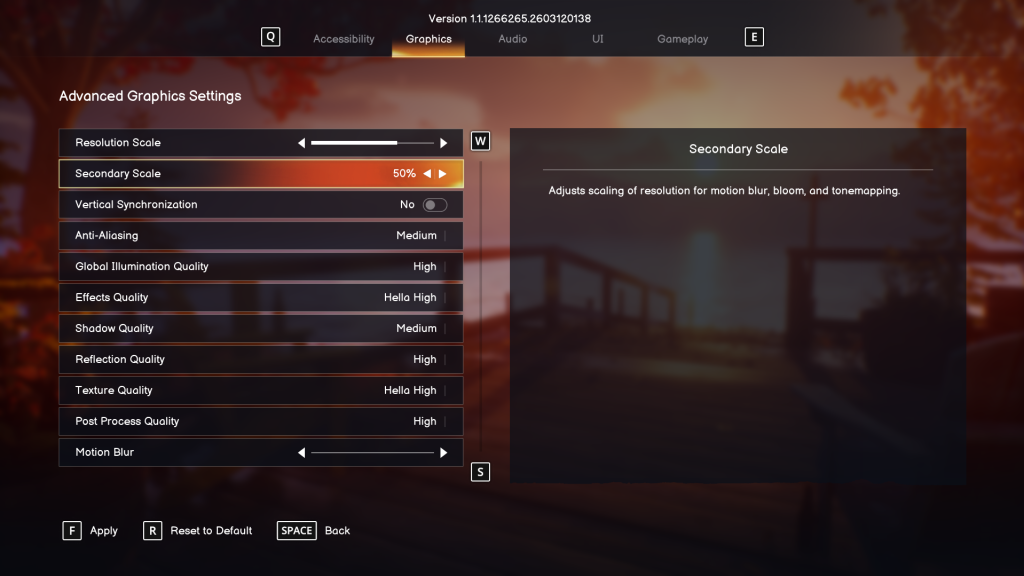
- Resolution: Your personal preference. I use 1920×1080
- Window Mode: Borderless (if you have a multi-monitor setup).
- Max Frame Rate: 60 FPS
- Resolution Scale: 3/4th bar
- Secondary Scale: 50%
- VSync: No
- Anti-Aliasing: Medium
- Global Illumination Quality: High
- Effects: Medium
- Shadow Quality: Medium
- Reflection Quality: Medium
- Texture Quality: Medium
- Post Process Quality: Medium/High (try out High if it works because the graphics improve immensely to look at).
For now, I have kept the FPS capped at 60 to ensure smooth overall performance. I tried uncapped, but there were a few stutters. VSync is turned off by default, and there doesn’t seem to be a point in turning it on. You gain very little in my experience, and keeping it turned off will ease the load on your hardware.
Overall, the general performance of Life is Strange Reunion is pretty consistent, and the few issues should be sorted out over the next few patches.


