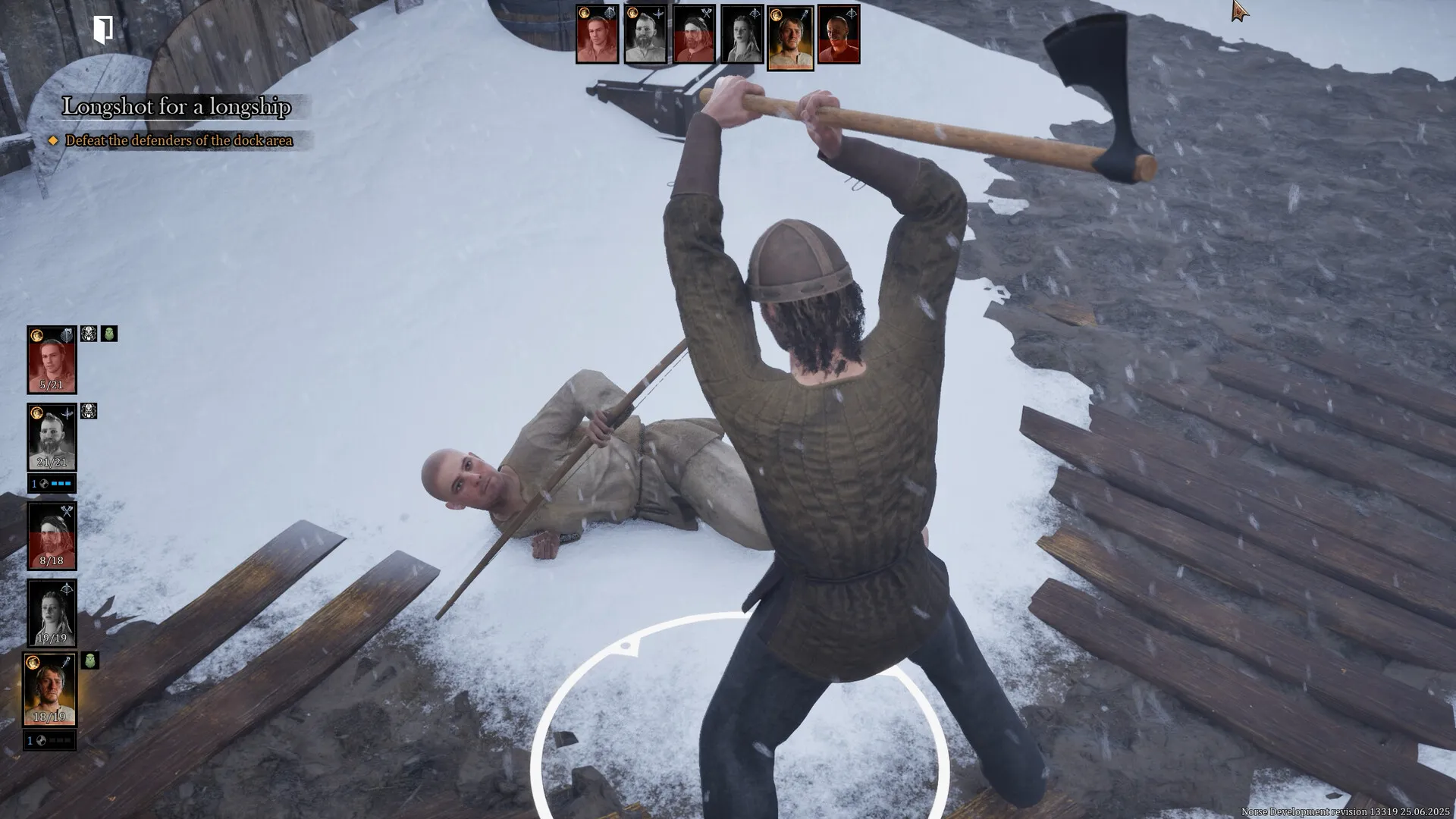
NORSE Oath of Blood is now out on early access on PC, and the performance has plenty of room for improvement.
Much of the early reviews on Steam cites performance issues on PC. So far, I have felt that there’s definitely room for post-launch optimization. However, I have managed to make the game run smoothly (in a relative sense) by changing the graphics settings.
Best video settings in NORSE Oath of Blood
While I don’t recommend this usually, you’ll want to change the video settings in NORSE Oath of Blood before doing anything else. The in-game performance seems to be pretty rough on opening night. Before I dive into the settings, here’s what I am using as my hardware.
- AMD Ryzen 5600G
- 12 GB of Nvidia RTX 3060
- 16 GB of DDR5 RAM
Here’s the set of settings I am currently using. Do note that the settings are focused on getting the best performance.
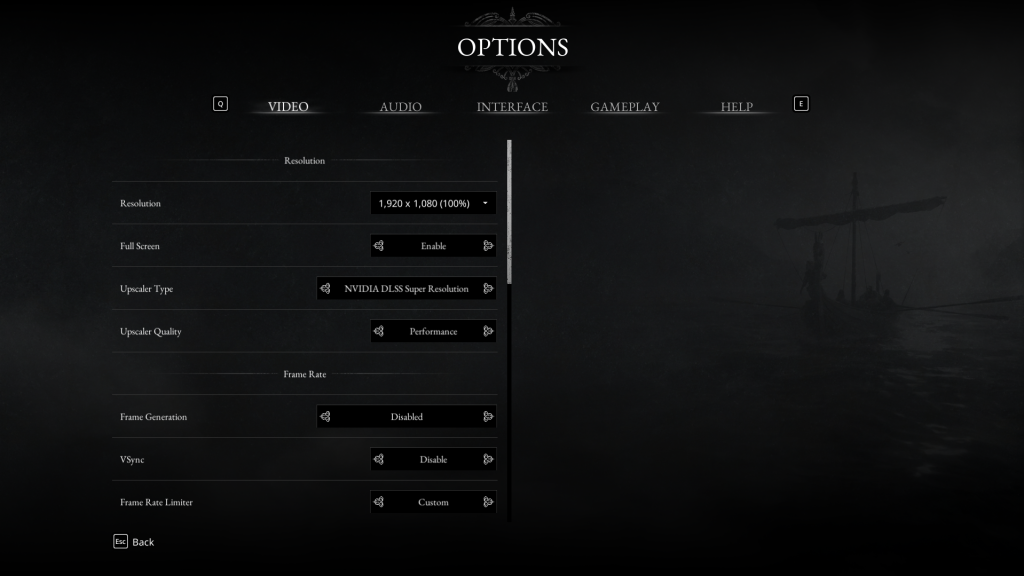
- Resolution: 1920×1080 (varies with your setup)
- Full Screen: Enable
- Upscaler Type: DLSS
- Upscaler Quality: Performance
- Frame Generation: Disabled
- VSync: Disabled
- Frame Rate Limiter: Custom
- Limit: 60 (if you’re still getting stutters, bring it down to 40)
- Motion Blur: Disabled
- Ray Tracing: Hardware
- Overall Quality: Custom
- Post Processing: Medium
- Effects: Medium
- Shading: Medium
- Global Illumination: Low
- Reflections: Low
- Shadows: Medium
- Drawing Distance: Medium
- Foliage: Medium
- Textures: Medium
You can tone down all the settings above by one marker if you’re still struggling.
- Keeping the FPS capped to 60 is almost mandatory in the current state of things. While your system could support higher FPS, you’ll likely get stutters, which can be frustrating. Given the general gameplay of NORSE Oath of Blood, playing at 60 FPS cap shouldn’t be a problem.
- I have also encountered occasional stutters with VSync, so you should keep it turned off.
- Ray Tracing should always be Hardware. If your card can’t support Ray Tracing, the game will automatically turn it off by default.