

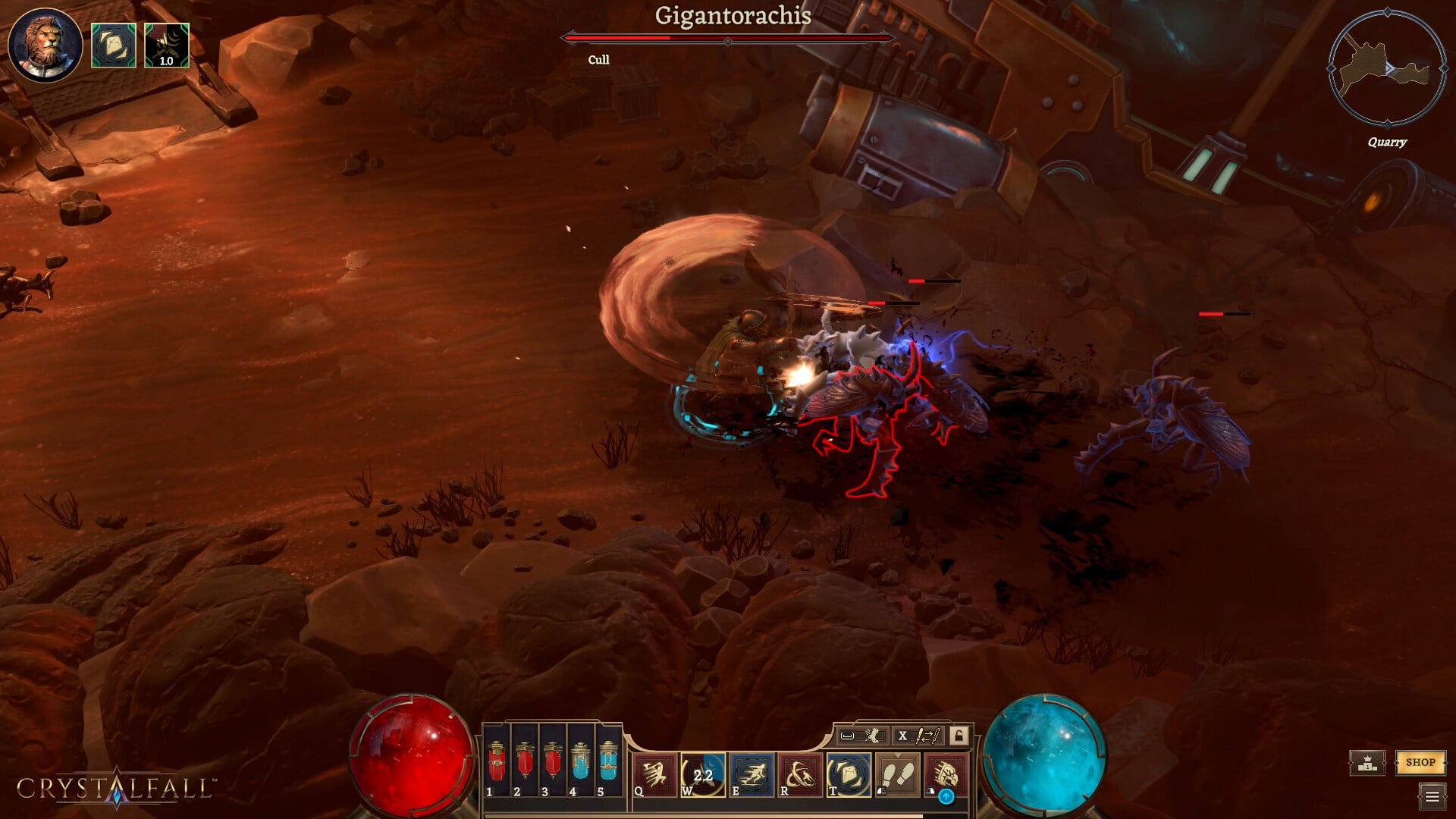
Free-to-play title Crystallfall has landed in a soup at launch, which largely has to do with the servers and their performance. While the graphics settings are rather limited, I endured plenty of stutters and performance issues.
I believe that a part of those problems was due to the conditions of the servers, but I also had to make some changes to the graphics and UI to smoothen the things out.
Best Crystalfall graphics settings
Before I deep dive into the settings, here’s my current setup.
- AMD Ryzen 5600G
- 16 GB of DDR5 RAM
- NVIDIA RTX 3060 12 GB
Here are the current graphics settings that I am using. Once again, there are not many options to tweak.
- Display mode: Fullscreen/Borderless Window
- Resolution: 1920×1080
- Vsync: Off
- Target Frame Rate: 60 FPS
- Anti-Aliasing: FXAA
While most of the settings in UI are on default, I changed the following two components.
- Damage Numbers: Off
- Healing Numbers: Off
Here’s why I have made these changes.
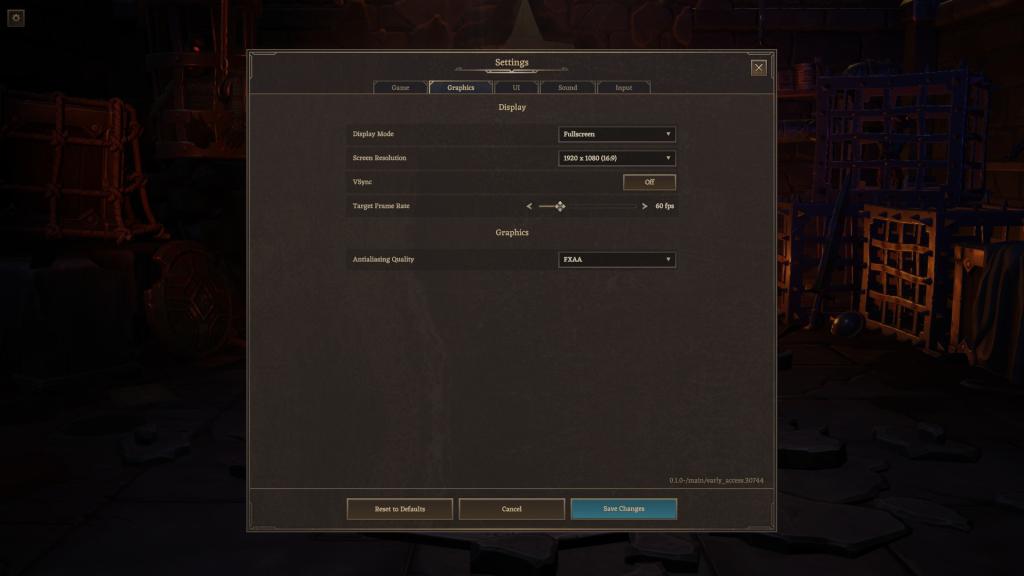
- VSync: Like all new launches, I have gone with VSync turned off. I haven’t found much use for it in Crystallfall anyway, and disabling it solved the stutters that I was encountering.
- FPS: While having more FPS is better, it doesn’t make sense if you encounter lag in the process. Hence, I went with a smooth 60 FPS cap, which is more than enough to enjoy the gameplay.
- Having Damage Numbers and Healing Numbers seems to cause problems when you encounter large herds on the map. Turning them off won’t matter much since you still have the enemies’ health bars active.
I firmly believe that much of the graphical issues stems from lags caused by server issues. Hopefully, things will have settled by now, which will allow you to have a smoother performance.


