

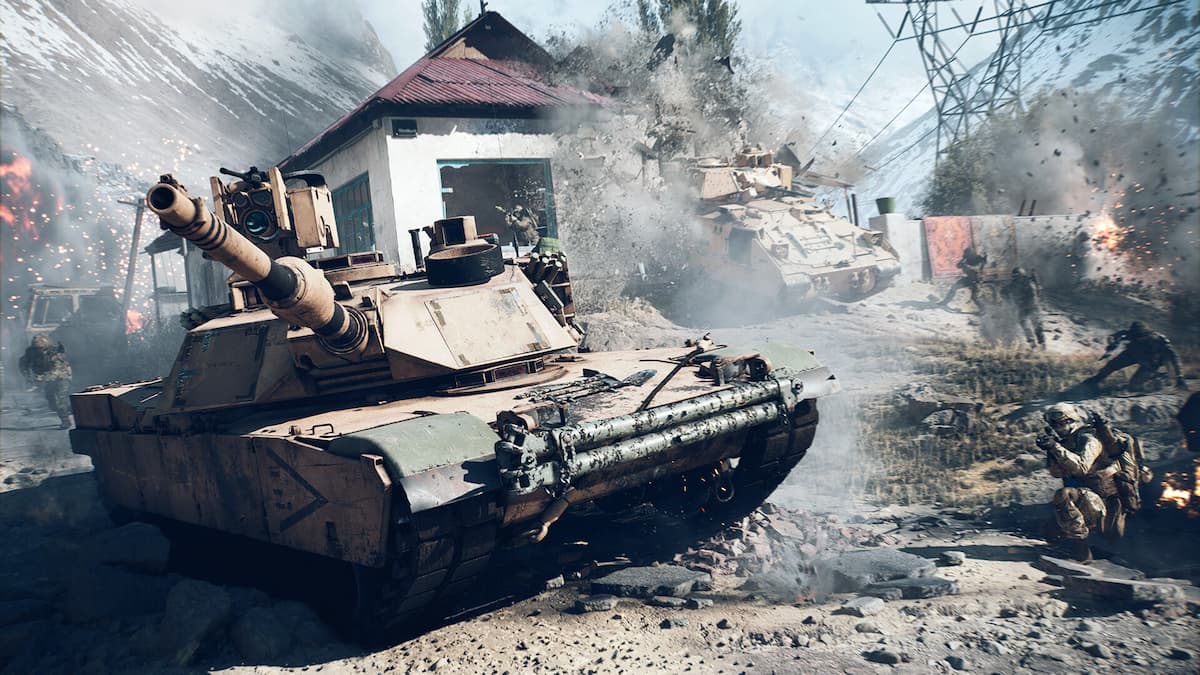
Battlefield 6 is now available on PC and consoles, and you can play easily with your buddies.
While there are dedicated servers that allow you to matchmake, you can also form a lobby with your friends. The full version, just like the open beta, offers crossplay that will enable you to co-op with your friends and try out the available game modes.
This guide will help you to matchmake with your friends.
How to play Battlefield 6 with friends
The exact process of forming a lobby in Battlefield 6 depends on whether all of you are on the same platform. For simplicity’s sake, let’s assume that all of you’re on different platforms. If that’s the case, crossplay must be turned on for all of you. There are a few additional steps to complete along with that.
- Go to your EA account.
- Go to “Connected Accounts.”
- Make sure to link all possible platforms you have with your EA account.
- Once you authorize, all the accounts will be linked and connected. This allows you to play with your friends on different platforms.

The next step is to invite your friends to your lobby and play together. Once the home screen, you’ll find the Lobby option on the left side of your screen. Click on it to invite your friends. If you’ve linked your accounts properly, you can do so on the same platform or cross-play as long as they’re online.

Like our content? Set Destructoid as a Preferred Source on Google in just one step to ensure you see us more frequently in your Google searches!


