

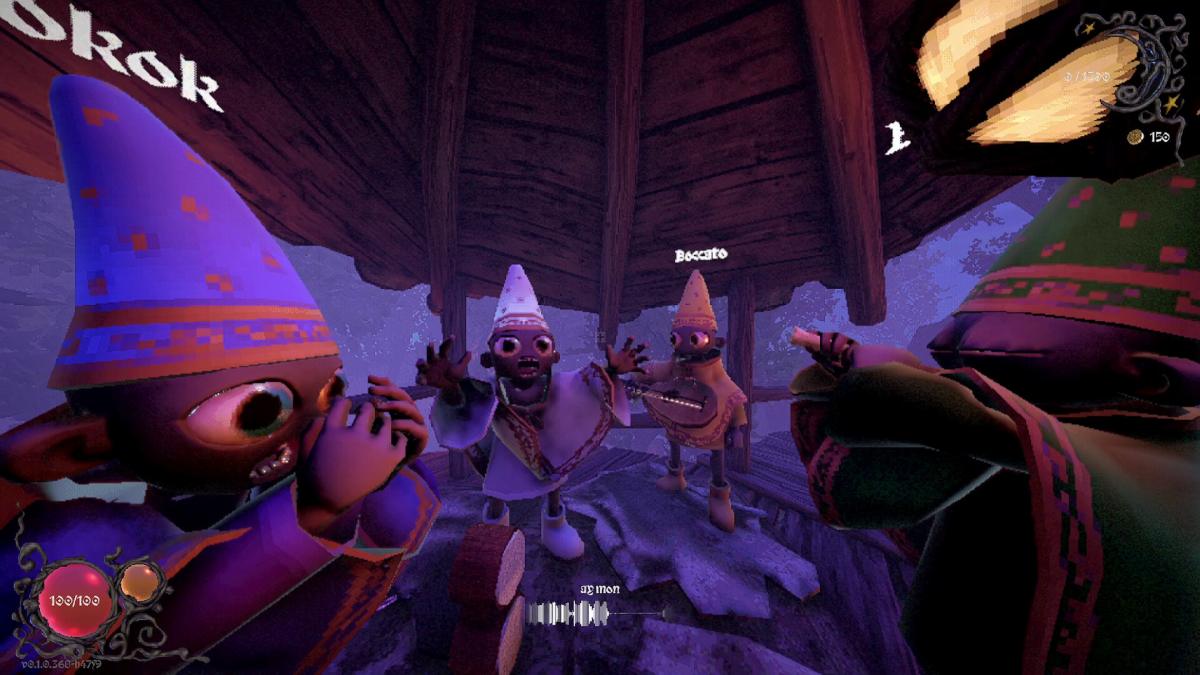
YAPYAP is now out for PC players via Steam, and there’s a decent bit of controls you’ll want to memorize.
YAPYAP‘s gameplay relies heavily on voice command, as you’ll need to ‘spell’ with your voice. However, not every action requires voice commands. Most of the ordinary tasks, including movement, will be carried out by using your keyboard and mouse.
Let’s look at all the default controls that you’ll need to master as you and your buddies vandalize things around you.
Table of contents
All YAPYAP default controls
The default controls for YAPYAP are all centred around the keyboard and mouse. There doesn’t appear to be controller support as of writing, but that could eventually arrive with an update. The following table has all the controls that you need to keep in mind.
| Action | Input |
|---|---|
| Move | W/S/A/D |
| Interact | E |
| Crouch | Control |
| Sprint | Left Shift |
| Jump | Space Bar |
| Emote | T |
| Ragdoll | V |
| Action | LMB |
| Use | RMB |
| Drop | Q |
| Slot 1 | 1 |
| Slot 2 | 2 |
| Slot 3 | 3 |
| Swap Hands | F |
| Task List | G |
| Camera Mode | MMB |
How to change controls in YAPYAP
Changing the controls is pretty simple.

- Load the game.
- Go to Options
- Choose Keyboard Controls
- Click on the control that you want to change. Enter the new input, and return to the main menu. The same changes can also be made from the pause menu.
The physical controls are only one aspect of YAPYAP, as you’ll need to use your mic to spell with your own words. That will require you to be precise, as a mispronounced spell won’t be considered. Thankfully, the game already supports different languages, so you don’t necessarily need to resort to English.


