

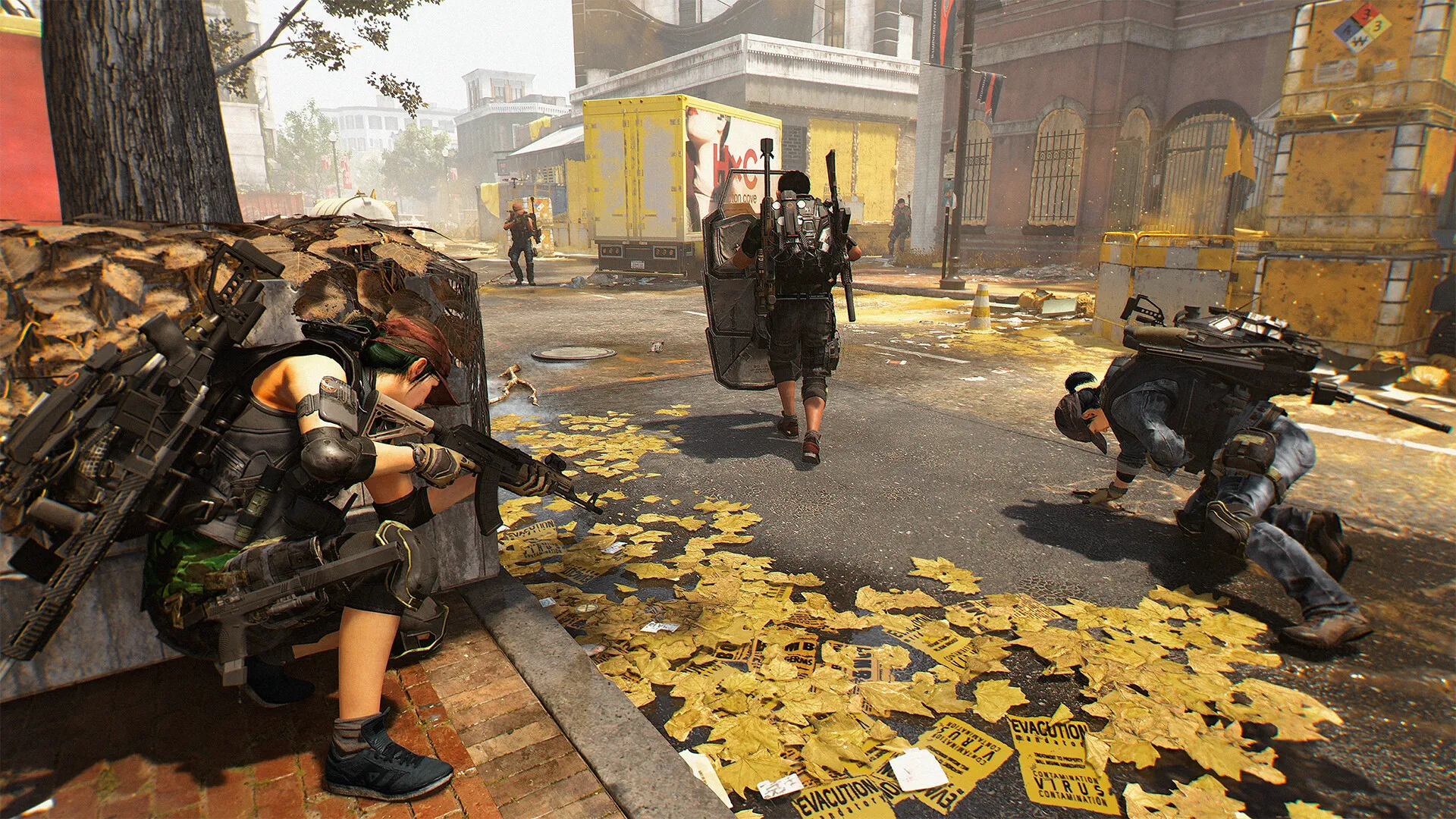
The Division 2 has a fresh set of Twitch Drops for all to get for free as part of the 10 year anniversary of the franchise, and there are some cool items to be earned.
While this is the latest round of Twitch drops you can get, the process remains the same. Let’s quickly look at all the items that you can get as part of the celebrations.
Table of contents
How to get all 10 Year Anniversary Twitch Drops in The Division 2
There are five different rewards to win as part of the latest Twitch Drops. Here’s a list of everything you can earn by simply watching partnered streams of The Division 2 on Twitch.
- Anniversary Cache: 30 minutes
- Decade Arm Patch: 1 hour
- Anniversary Cache: 2 hours
- Phoenix weapon skin: 3 hours
- Faye Lau Backpack trophy: 4 hours
To unlock the rewards, keep watching the streams until you hit the milestones. You can do so between now and March 10 (until 5am CT).
It’s not necessary to watch the complete duration in a single seating. You can also accrue up the hours across multiple streamers. Make sure that the drops are enabled for you to get the rewards.
How to redeem the 10 Year Anniversary Twitch Drops
To make yourself eligible, you’ll need to link your Twitch account with your Ubisoft Connect account. This is an one time process. Once done, you’re now eligible for the rewards. Next, just watch the streams for the required durations, and you’ll unlock the rewards as applicable for the milestone.
Then, redeem the rewards for them to appear in your in-game messages. You can then accept the rewards and add them to your inventory. With plenty of new content in the pipeline for this year, it might be a good decision to follow the streams to find out what’s new during the Anniversary season that will be live until Apr. 2.


