

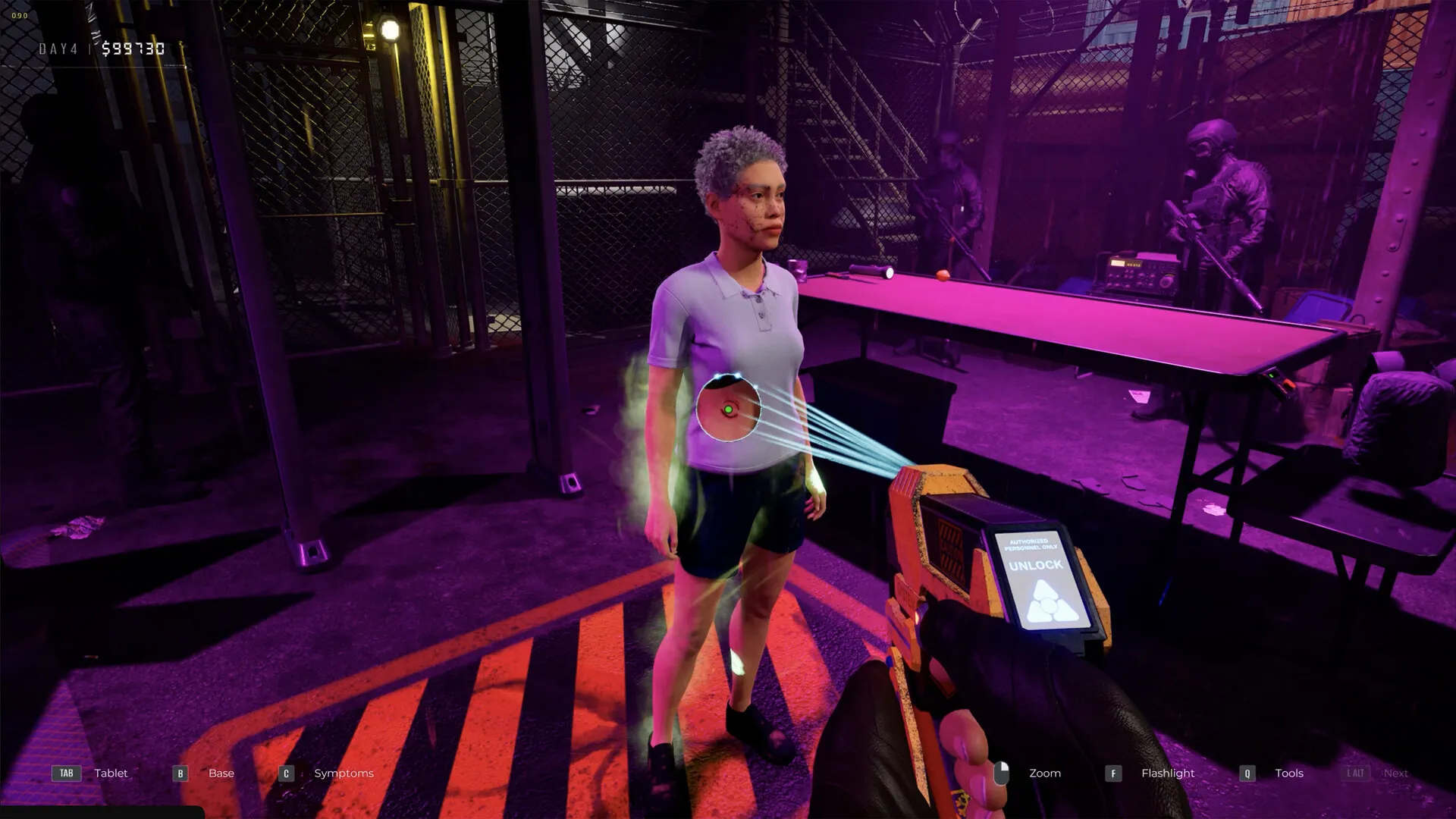
Quarantine Zone The Last Check is now available for players on PC, and there are plenty of controls to master.
Being in charge of an outpost amidst the zombie apocalypse isn’t easy. Your life is made harder by civilians who might be hiding their potential infection to enter your safe haven. Mastering the controls will allow you to perform your duties and keep your safehouse… well, safe.
Table of contents
Complete list of Quarantine Zone The Last Check PC controls
The following table has all the different controls available in Quarantine Zone The Last Check. These are the default settings, but you can make changes as necessary.
| Input | Action |
|---|---|
| Left | A |
| Right | D |
| Crouch | Left Ctrl |
| Backward | S |
| Jump | Space |
| Forward | W |
| Interact | E |
| Apply | J |
| Call Next in Line | Left Alt |
| Zoom Sensitivity | RMB |
| Syringe Analyzer | 0 |
| Themopulsometer | 1 |
| Reflex Hammer | 2 |
| Scanner | 3 |
| Stethoscope | 4 |
| X-Ray | 5 |
| Matioscope | 6 |
| Pistol | G |
| Flashlight | F |
| Next Tool | Mouse Wheel Up |
| Prev Tool | Mouse Wheel Down |
| Reload | R |
| Tools | Q |
| Base | B |
| Symptoms | C |
| Handbook | H |
| Tablet | Tab |
| Upgrades | U |
How to change controls in Quarantine Zone The Last Check
Changing the default controls is pretty easy. To make the changes, load the game and go to the main menu.
- Open Options.
- Go to Controls.
- Click on a setting that you want to change. Add the new input, and confirm the change to save it.
While Quarantine Zone The Last Check is only available on PC, you can use your Xbox controller as it’s supported. Unfortunately, I don’t have one to test, but it’s listed on the official Steam page.


