

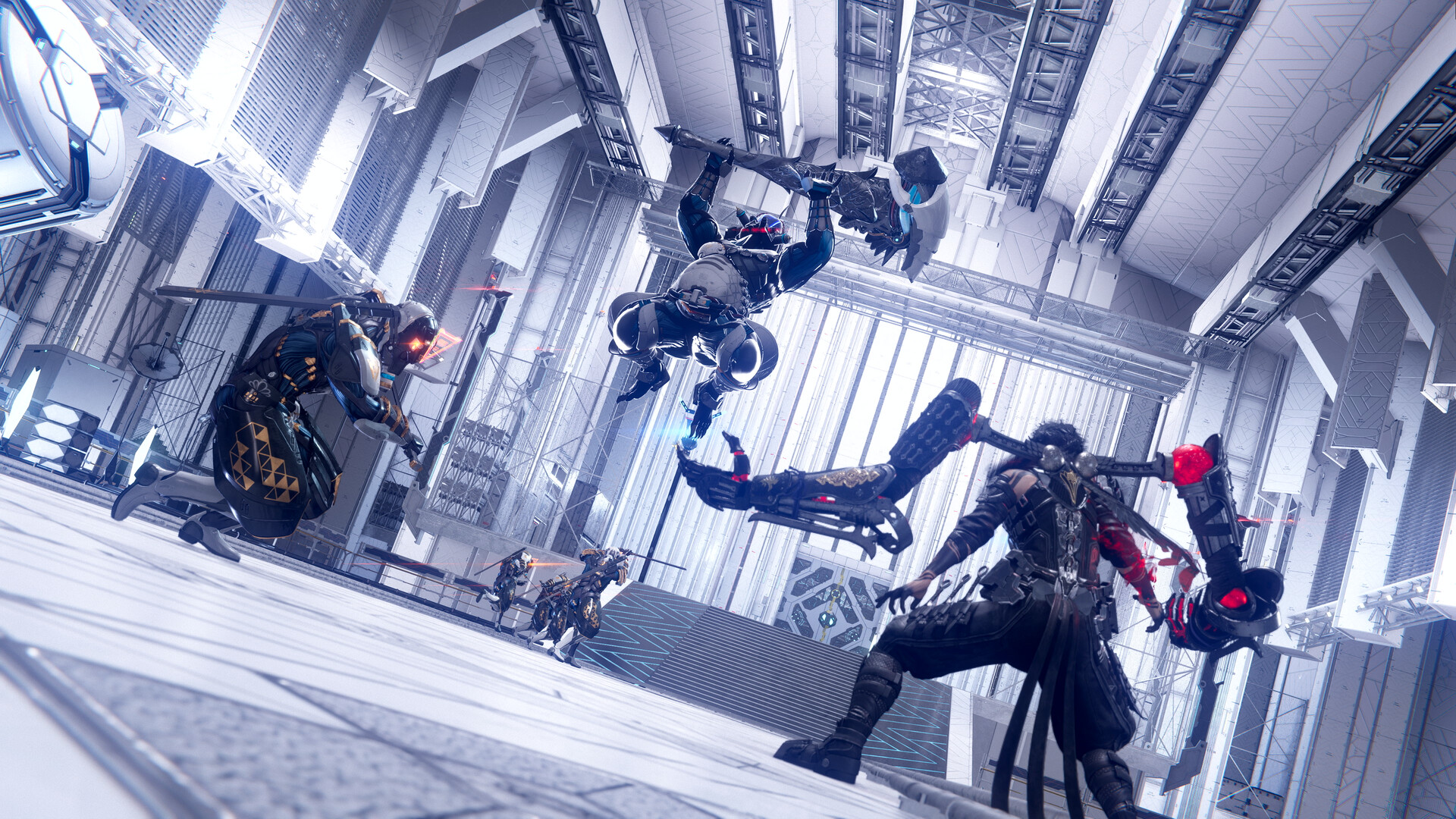
Ninja Gaiden 4 has a fair amount of controls to master, whether you’re using a keyboard and mouse or a controller.
Much of the advanced controls revolve around the combos that are often a combination of two buttons. Before you can master those, you’ll need to master the basic controls. They dictate how well you’re moving with Ryu/Yakumo and eliminating the enemies.
All Ninja Gaiden 4 keyboard/mouse controls
If you’re playing Ninja Gaiden 4 on a PC, the default setup involves the following controls that involve using a keyboard and a mouse.
| Control | Input |
|---|---|
| Move Forward | W |
| Move Backward | S |
| Move Left | A |
| Move Right | D |
| Full Circle | F |
| Light Attack | LMB |
| Heavy Attack | RMB |
| Jump | Space |
| Shuriken/Interact | R |
| Use Raven Gear | C |
| Block | Shift |
| Item Wheel | Alt |
| Enter Bloodraven Form | Ctrl |
| Dash | V |
| Reset Camera/Lock-on | Q |
| Switch Lock-on: Left | Tab |
| Switch Lock-on: Right | E |
| Shortcut | Y |
| Twin Blades | 1 |
| Open Menu | ESC |
While using a keyboard and mouse poses no issues, using a controller feels better. If you’re on PC, you can use any controller that works with Windows. If you’re on a console, you’re locked to the default setup.
| Control | PlayStation | Xbox |
|---|---|---|
| Move Forward | LS up | LS up |
| Move Backward | LS down | LS down |
| Move Left | LS left | LS left |
| Move Right | LS right | LS right |
| Light Attack | Square | X |
| Heavy Aattack | Triangle | Y |
| Jump | X | A |
| Shuriken/Interact | Circle | B |
| Use Raven Gear | R1 | RB |
| Pause | Options Button | Menu Button |
| Reset Camera/Lock-on | R3 | RS |
| Block | R2 | RT |
| Item Wheel | L1 | LB |
| Enter Bloodraven Form | L2 | LT |
| Dash | L3 | LS |
| Slide (while running) | L3 | LS |
| Camera | RS | RS |
| Shortcut | View button | View buttoon |
| Twin Blades | D-pad up | D-pad up |
How to change controls in Ninja Gaiden 4

If you’re unhappy with the default layout, you can change the controls for all input methods. Controllers have different presets available for you to choose from. If you want to change the controls for your keyboard/mouse, select an input method and press the new button you want to assign.
Like our content? Set Destructoid as a Preferred Source on Google in just one step to ensure you see us more frequently in your Google searches!


