

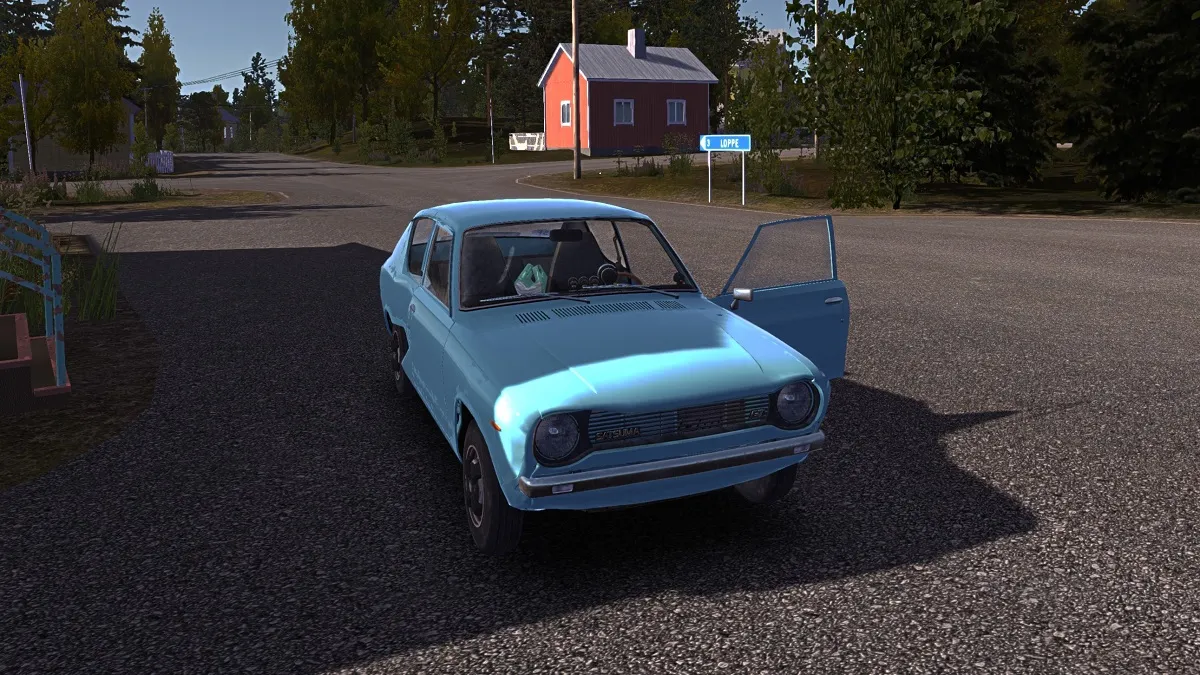
The use of console commands in My Summer Car allows you to enjoy plenty of extra functions exclusively available to the developers.
The console commands are quite easily available in the public version of the game. This guide will provide all the commands available to you, followed by the process of using them.
All My Summer Car console commands
There are 36 different commands currently available for players to use. Some of them might be unavailable with the current version of your game.
| Command | Effect |
|---|---|
| ARVO | Use the Arvo-Algoston combine harvester |
| COLL | Toggle extra tree colliders |
| CLIP | Toggle noclip mode |
| DATA* | Car debug |
| DATE <enter value> | Change day |
| DRAG | Teleport to Airfield |
| ENDI | Show the ending |
| FARM | Teleport to Farm |
| HEMO | Teleport to Home |
| JAIL | Teleport to Jail |
| KEKE | God Mode |
| KESA | Teleport to Theatre |
| KEYS | Get keys for every vehicle |
| KILL | Delete Satsuma |
| LEFA | Teleport to Fleetari Repair Shop |
| MANS | Teleport to Mansion |
| MOKK | Teleport to Cottage Island |
| MUMM | Teleport to Sirkka’s House |
| OCCL | Toggle Occlusion Culling |
| PASK | Teleport to Wastewater Treatment Plant |
| PIGG | Teleport to Ventti House |
| POOR* | Add Money |
| PORO | Adds power to Ferndale |
| RALL | Go the dirt road near Teimo’s house |
| RBED* | Go to sleep |
| RCAR* | Send Satsuma to Home |
| RTRA* | Send Tractor to Home |
| RVAN* | Send Van to Home |
| SALE | Go to Teimo’s Shop |
| SEIV* | Save the game |
| SHIT | Completely fill Gifu’s septic tank |
| SOBE | Get 0 drunkenness |
| TANS | Teleport to Dance Pavilion |
| TIME | Change the time |
| WEAR | Removes all wear on any part |
| WEAR | Change the weather |
The commands that have an asterisk behind them can only be used in older versions of the game. The commands related to time and day will also require you to add a value for them to work.
How to use console commands in My Summer Car?
The console commands are disabled by default for obvious reasons. However, you can enable it without the use of a mod by setting the last name to “Rauhijoketti” while creating a new game. Then, press the F1 or ESC button to access the options menu. (If you’re using mods, I will suggest looking up at Nexus Mods).
Type in the command you want to execute, and press the Enter key. If you enter it incorrectly, you’ll get the following display “UNKNOWN COMMAND :_(“.
That’s pretty much all when it comes to using console commands in My Summer Car.


